

Answered
Photoshop won't show complete Desktop (Mac)
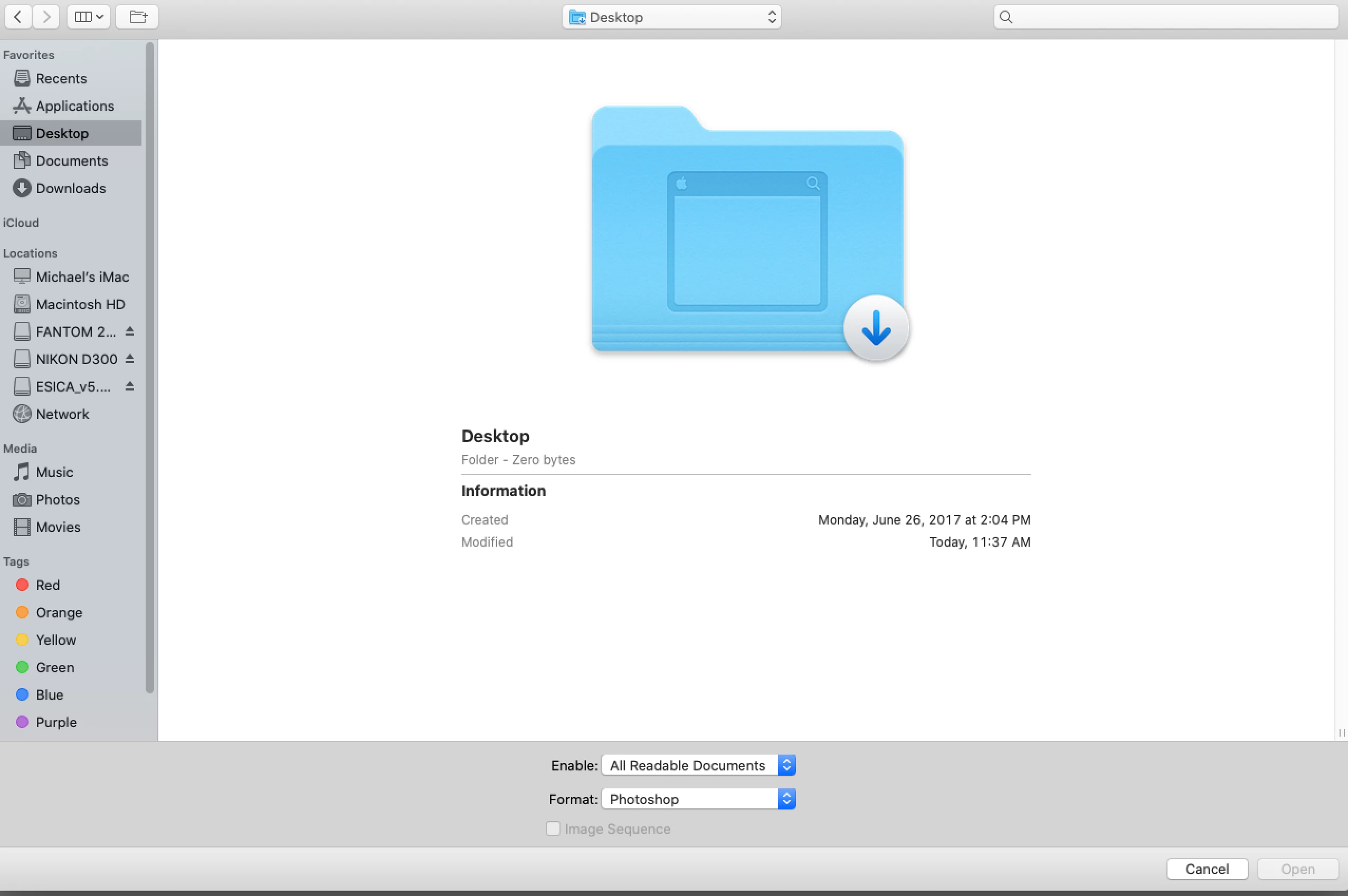 OK, I'm running a crippled CS6 under Catalina, its been working fine for months using Terminal to start it, but all of a sudden when I try to open a PSD file from my desktop, I get a giant blue folder with an arrow pointing down, and nothing else. I can access every folder on my mac but the desktop... recents, applications, documents, and downloads, and can access any new or ancient PSD files on my USB-connected HDD. And I can see all the files on the desktop in Finder. Can't quite figure out what I might've clicked on or off to shut down Photoshop access to the desktop. Anyone have a clue?
 AdChoices