
Pixelated Text - not common error
Good day 
I have been using this licensed version of photoshop cs5 for several years. This morning my text was pixelated. I have spent several hours searching threads for an error that I could correct, but everything I am seeing does not correlate.
-Aliasing is off - it is set to smooth.
-I reset my PSD preferences.
-I restarted the program.
-I restarted the computer.
-I checked for updates/upgrades.
-I am viewing the image at 60%.
-The text is pixelated in both my working PSD file and my saved file whether it is png or jpeg or psd.
-I have tested paint brushes, shapes and lines and as far as I can tell they are not pixelated.
-I have tried several stock fonts, all are pixelated.
-I'm working with 1180 X 720 pixels and 72 resolutions pixels/inch.
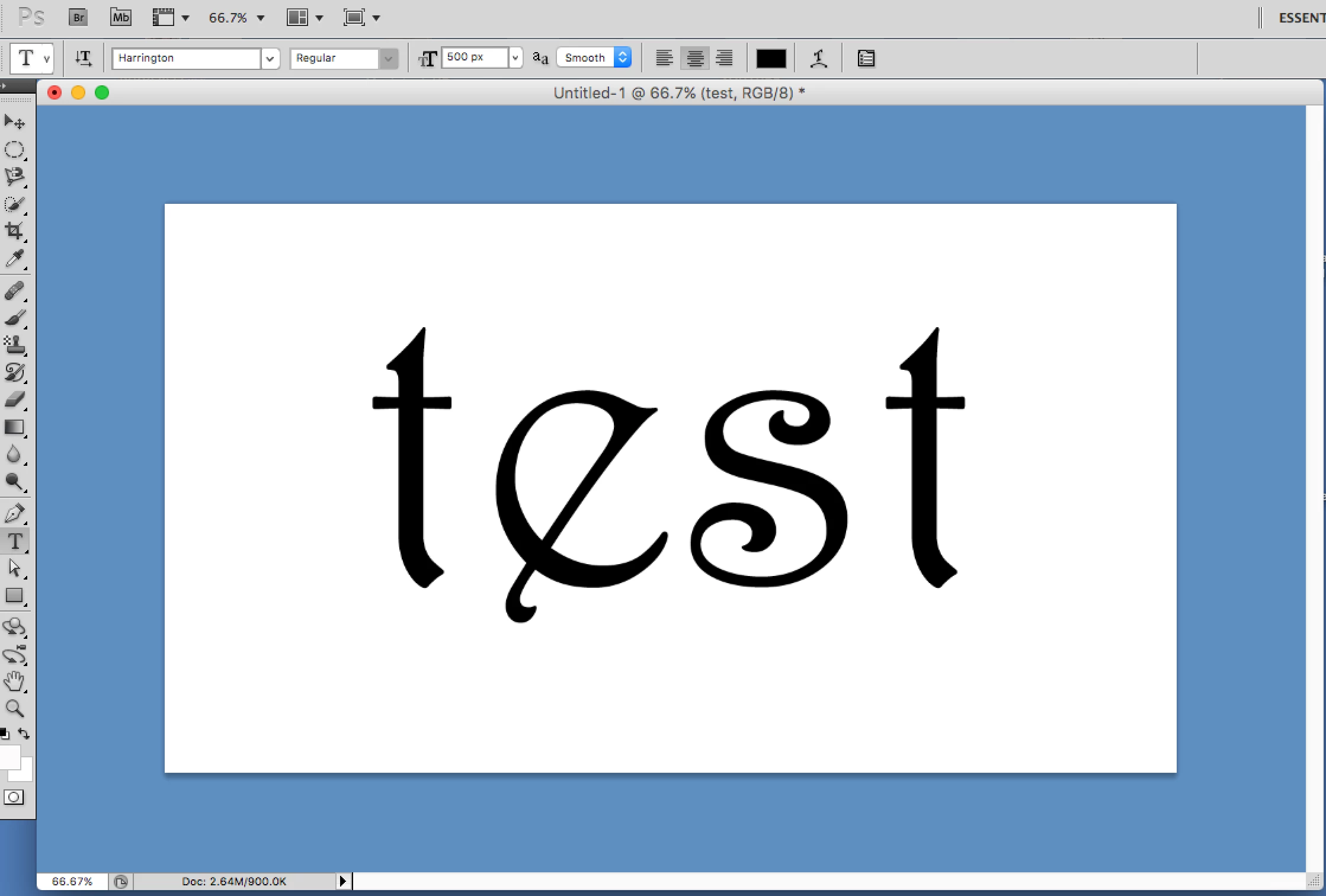
here is a screen shot. It doesn't look terrible but it is definitely not smooth.
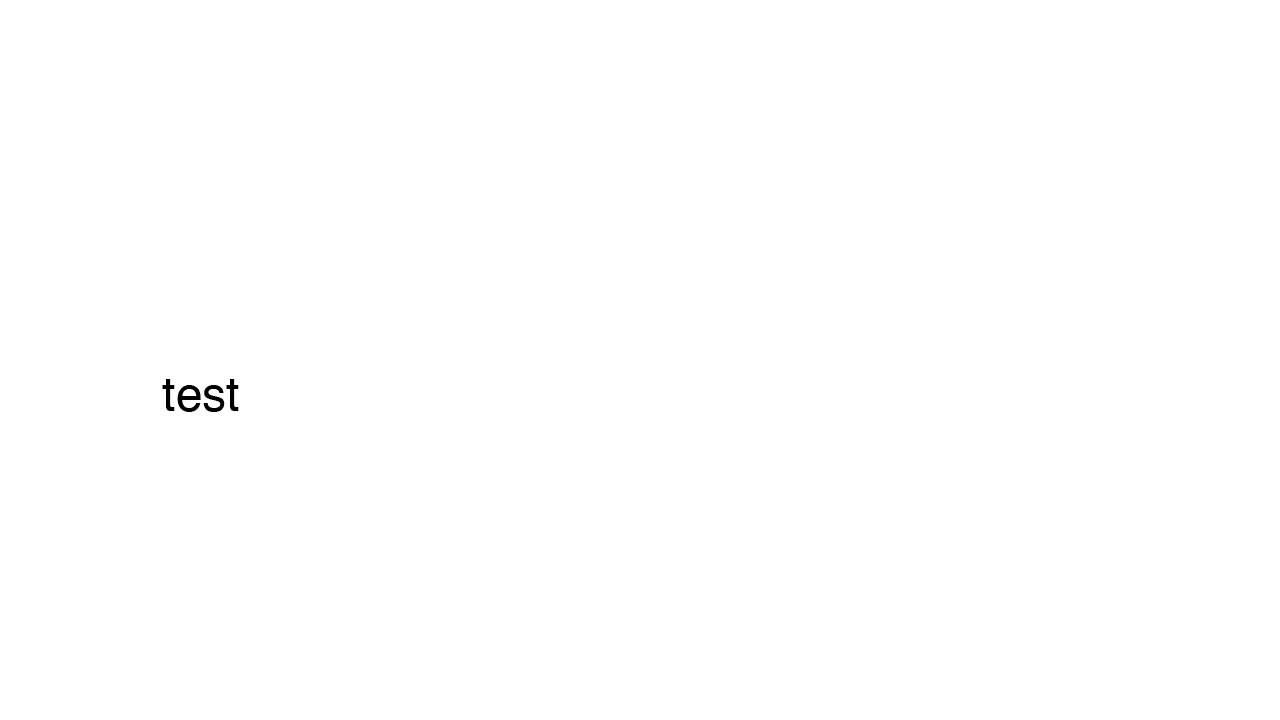
here is a jpg of a saved file. same size as above with smaller text in a different font. It looks smoother here but it really isn't. Get close and you can see the jagged edge.
Any help would be greatly appreciated. Thank you so much!
 AdChoices