
Question
pixelated text on a colored background
Hi!
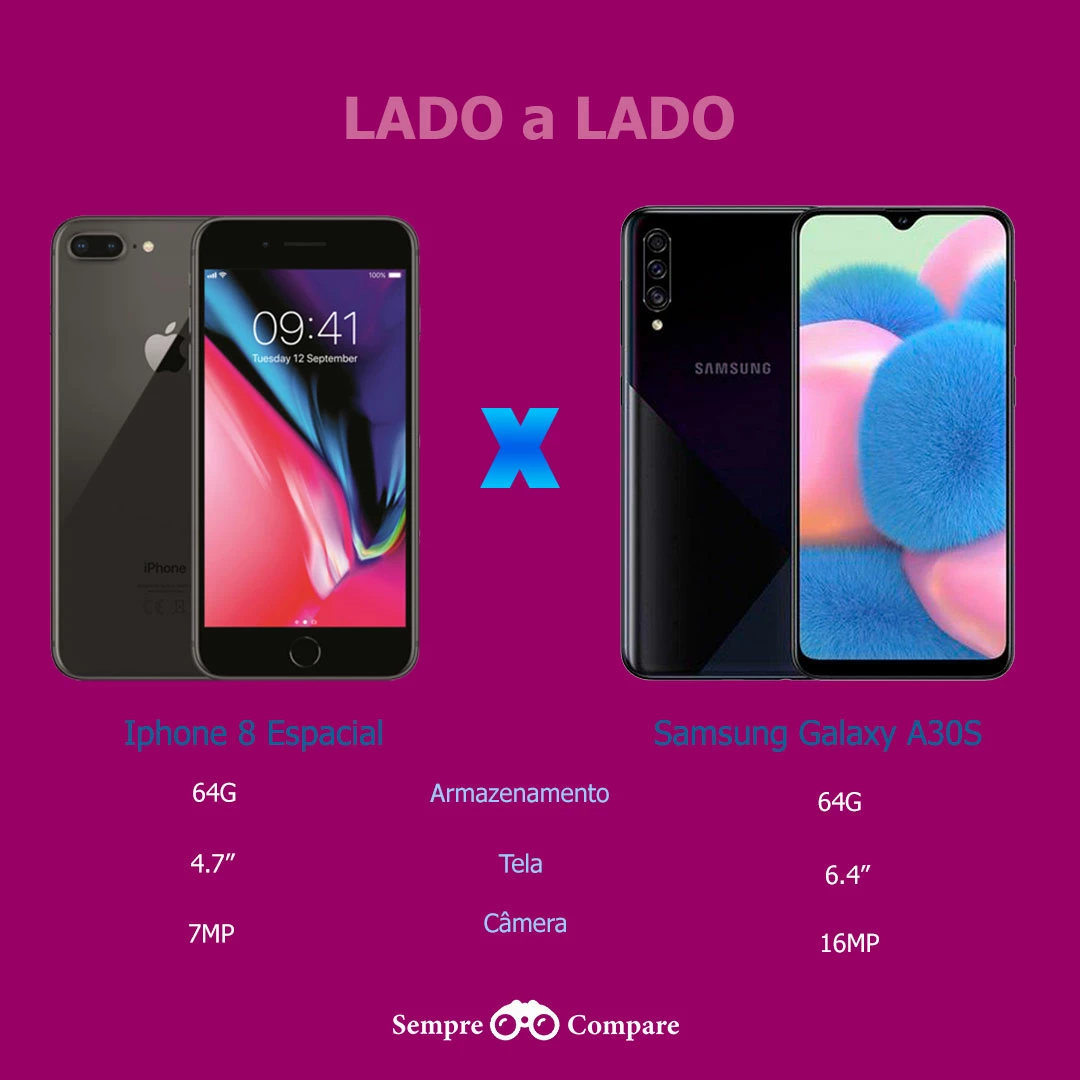
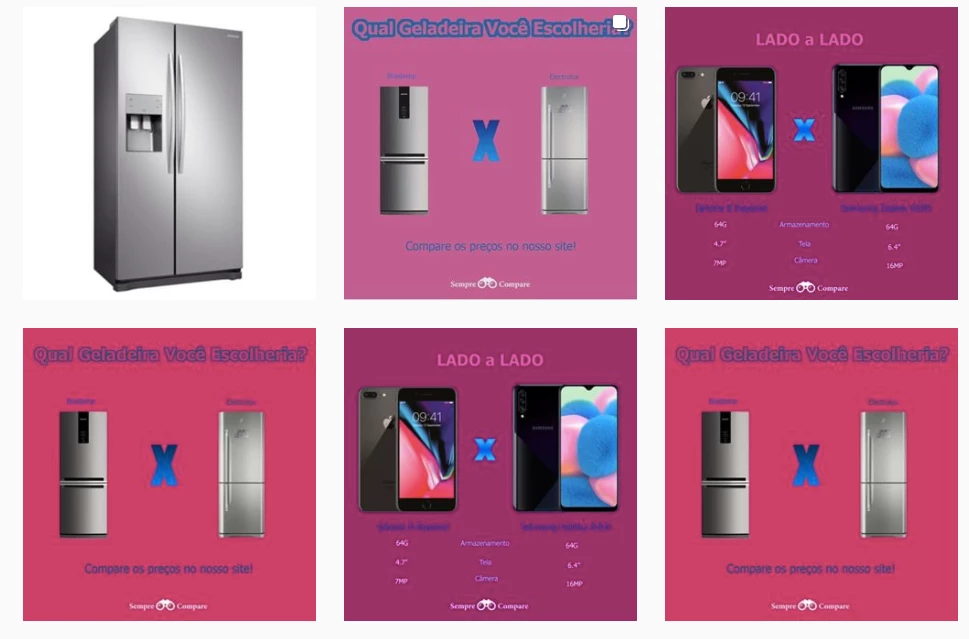
I created an image to be posted on Instsgram with a text on colored backgroud, but the image quality of the text on the colored background is pixelated/jagged/blurry. The image is created in Adobe Photoshop, and up sized quite few times, to fit a layout for instagram to see difrent results and all come burry after I posted on Instagram view from PC on mobile works ok. Before uploding to instagram on my pc and in photoshop the photo look not too bad. I have tried export with diffrent method and nothing helps.
No matter what... the text is jagged. Tried both crisp and sharp settings for the text in Photoshop.
Is there anything I can do to make the text on a colored background look good on Instagram PC view?
Thanks in advance
 . I
. I
 AdChoices