

Fletch45
Known Participant
February 14, 2019
Answered

Presets not appearing in Export Panel

  • February 14, 2019
  • 4 replies
  • 3640 views

Hello, a quick problem for you.

I just customized my workspace in CC 20.0.3 and saved it as a workspace name FletcherDurham2019. I'd like to apply those settings to my laptop as well.

So I went to Edit > Presets > Export/Import Presets...

When the panel pops up, my newly saved workspace does not show up.
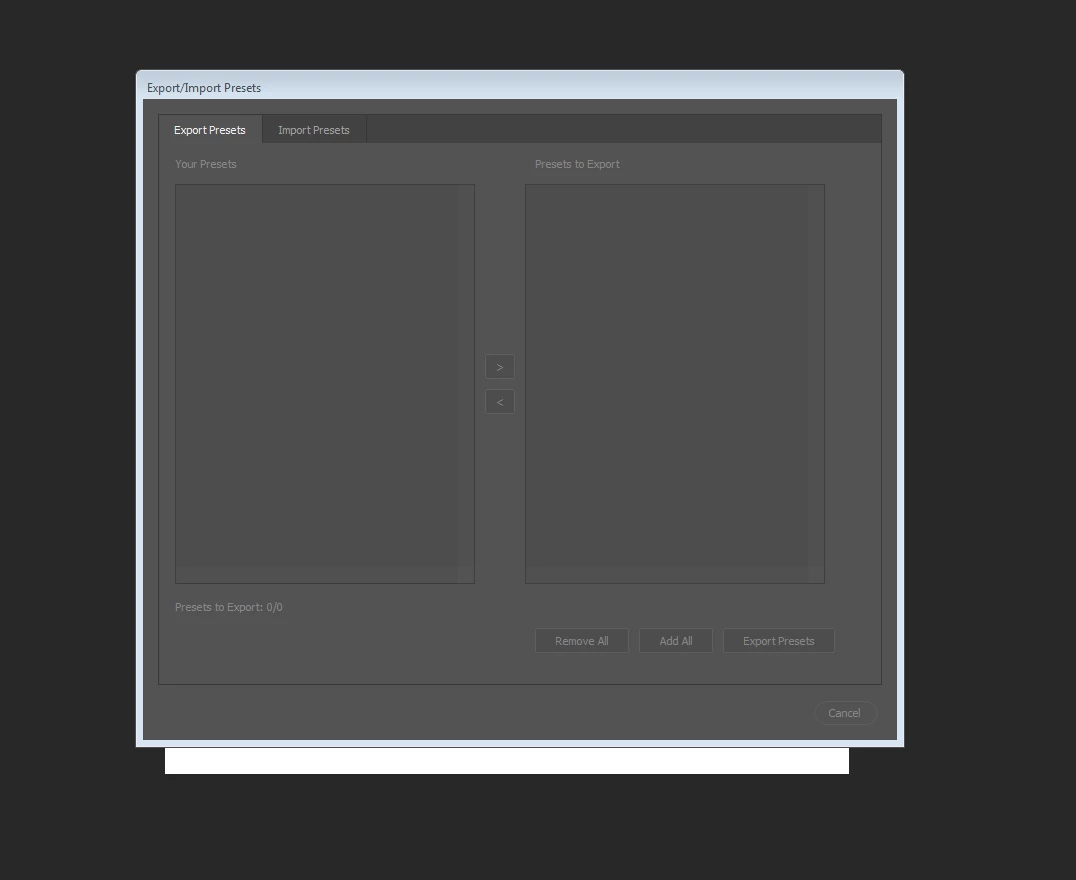
What am I missing?

Thanks,

Fletcher

This topic has been closed for replies.
Correct answer S_Gans

Workspaces aren't among the presets made for the Preset Export Manager. That's more for brushes, adjustments, actions, etc. (Migrate presets, actions, and settings)

There is a folder in your system that holds the workspace presets. With more information as regards your OS, perhaps we can help direct you to the correct location to find that folder.

4 replies

Inspiring
March 31, 2019

I am having a similar issue, except in my case the only preset that shows up is a workspace. My brushes, tools, patterns etc are not there. I definitely have them in Photoshop, but manually loaded each one from a saved copy I use to back things up. Would manually importing/exporting presets cause an issue with this system?

JJMack
Community Expert
Community Expert
February 14, 2019

It looks like you have an installtion problem there should some to select if you have any preset in your Photohops application data. If you do not have any it may bet empty. In that case use  the  Import  tab and see if you can import presets from any prior versione of photoshop. Select prior verion usere application data foldete for Priob Photoshop version and import the one you want imported.

JJMack
Legend
February 14, 2019

I don't know why your list is empty but a workspace is no preset. It won't appear there anyway.

Assuming Windows your workspaces are located at

c:\Users\YourName\AppData\Roaming\Adobe\Adobe Photoshop CC 2019\Adobe Photoshop CC 2019 Settings\WorkSpaces\

JJMack
Community Expert
Community Expert
February 14, 2019

For some reason workspaces do not seem to be listed in export  theyt are in import though.

JJMack
S_Gans
Community Expert
S_GansCommunity ExpertCorrect answer
Community Expert
February 14, 2019

Workspaces aren't among the presets made for the Preset Export Manager. That's more for brushes, adjustments, actions, etc. (Migrate presets, actions, and settings)

There is a folder in your system that holds the workspace presets. With more information as regards your OS, perhaps we can help direct you to the correct location to find that folder.

Adobe Community Expert / Adobe Certified Instructor
Participant
December 30, 2020

Hi S_Gans, I have a similar problem, It shows only a gradient on my presets panel and I like to export all my actions, what should I Do? how can I add all my actions to the panel to export them?

Looking forward to your kind response