Omar.Fathy • Community Expert, Feb 12, 2018Feb 12, 2018
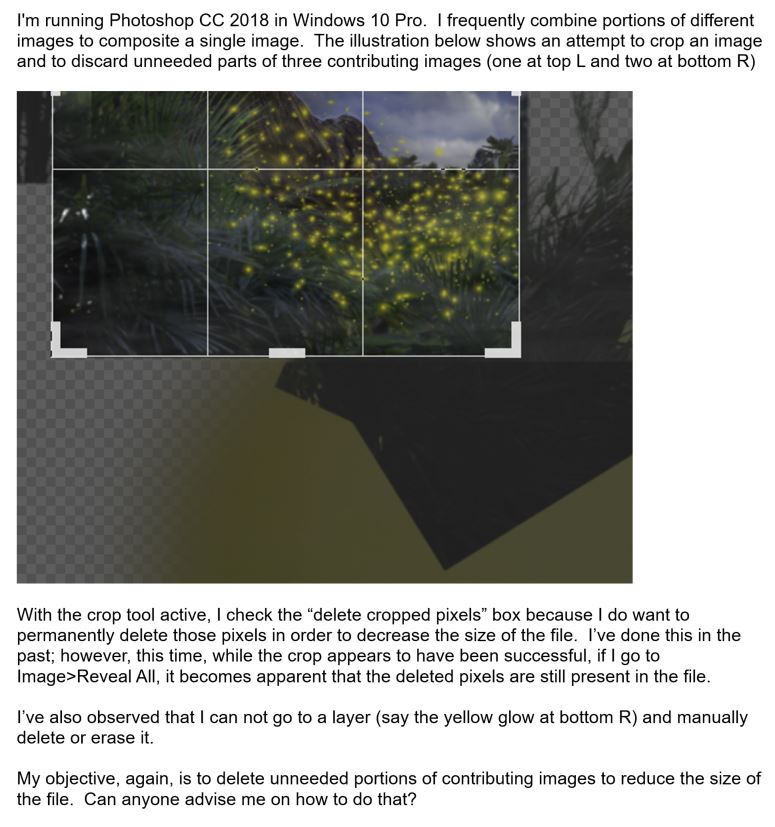
when you make a crop with using Delete Cropped Pixel, No Pixels will be deleted if the layer is Smart Object. You can convert your layer to Raster by right click on the layer from the layer panel and choose rasterize image then make crop and it will be deleted.
/t5/photoshop-ecosystem-discussions/problem-using-the-crop-tool/m-p/9703782#M152478Feb 12, 2018
Feb 12, 2018
Copy link to clipboard
Copied
LATEST
when you make a crop with using Delete Cropped Pixel, No Pixels will be deleted if the layer is Smart Object. You can convert your layer to Raster by right click on the layer from the layer panel and choose rasterize image then make crop and it will be deleted.







 1
Reply
1
Reply


 AdChoices