
Question
Problem with colors when exporting CMYK TIFF photos
So I converted a photo in Photoshop from RGB to CMYK because I have to print it and when I see the image in Photoshop the colors, contrast, saturation etc. looks the same as the original Jpeg (just a few minor tweaks), but when i export it as a Tiff file it looks completely desaturated, no contrast, no whites, no darks etc.. Then i tried opening the Tiff file in Photoshop and Illustrator and it looks fine. What am I missing here, which of these is gonna be the printed version? What should I do?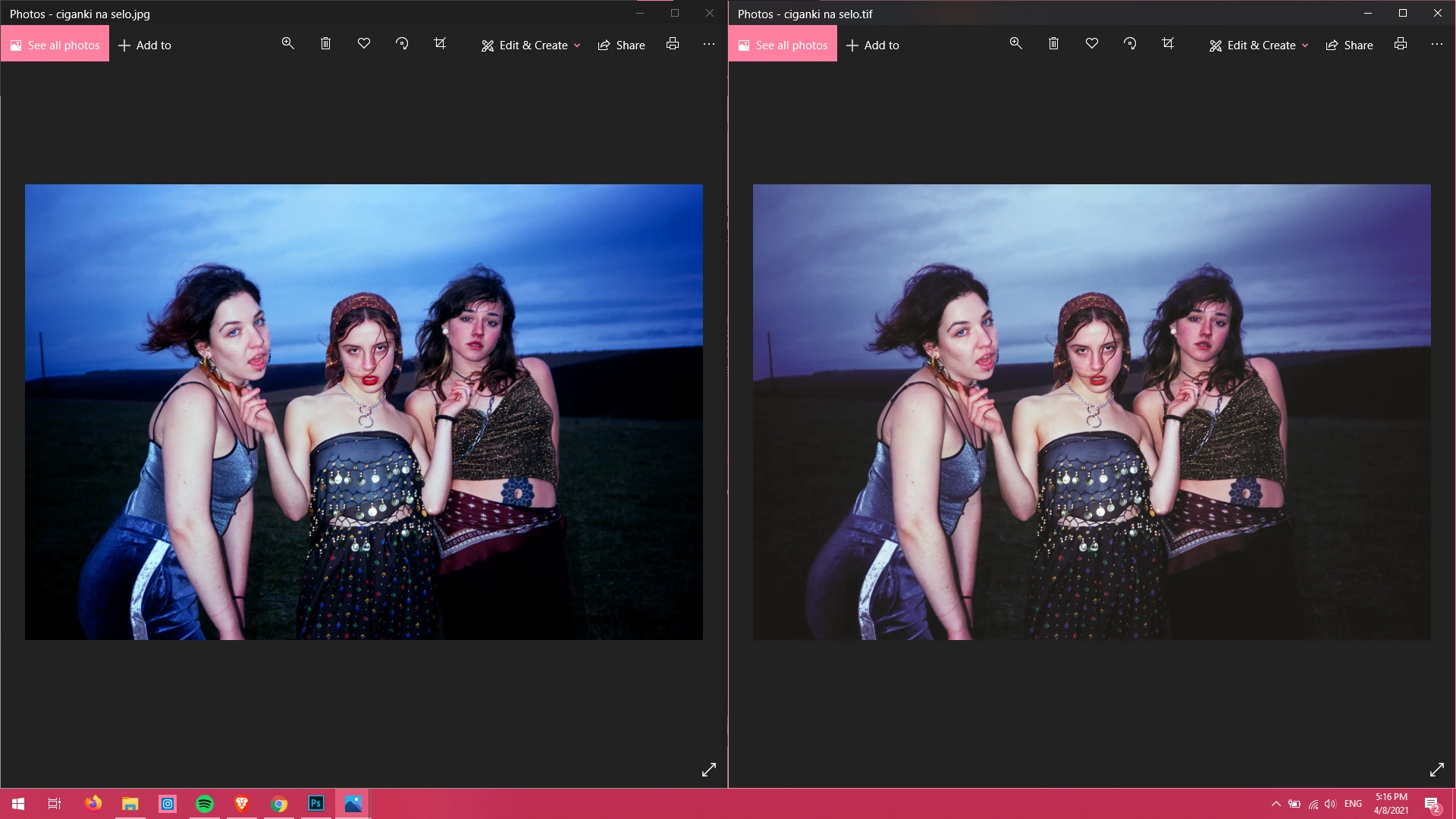
 AdChoices