
Participating Frequently
March 7, 2021
Question

Problem with Photoshop soft brush - Banding/Halos

  • March 7, 2021
  • 3 replies
  • 1976 views

Hi, I am having a problem with photoshop soft brushes, i hope you can help me with this. 

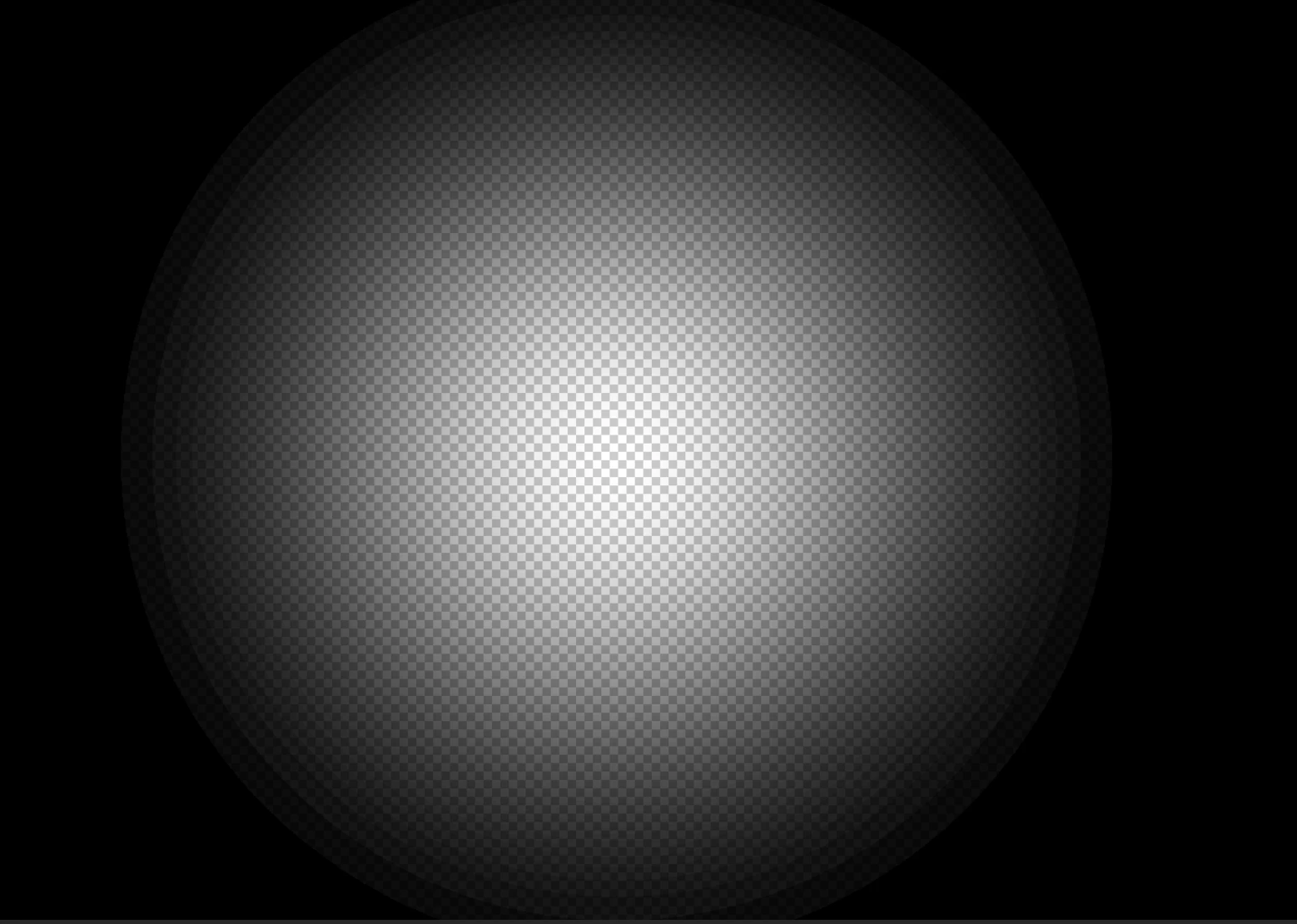
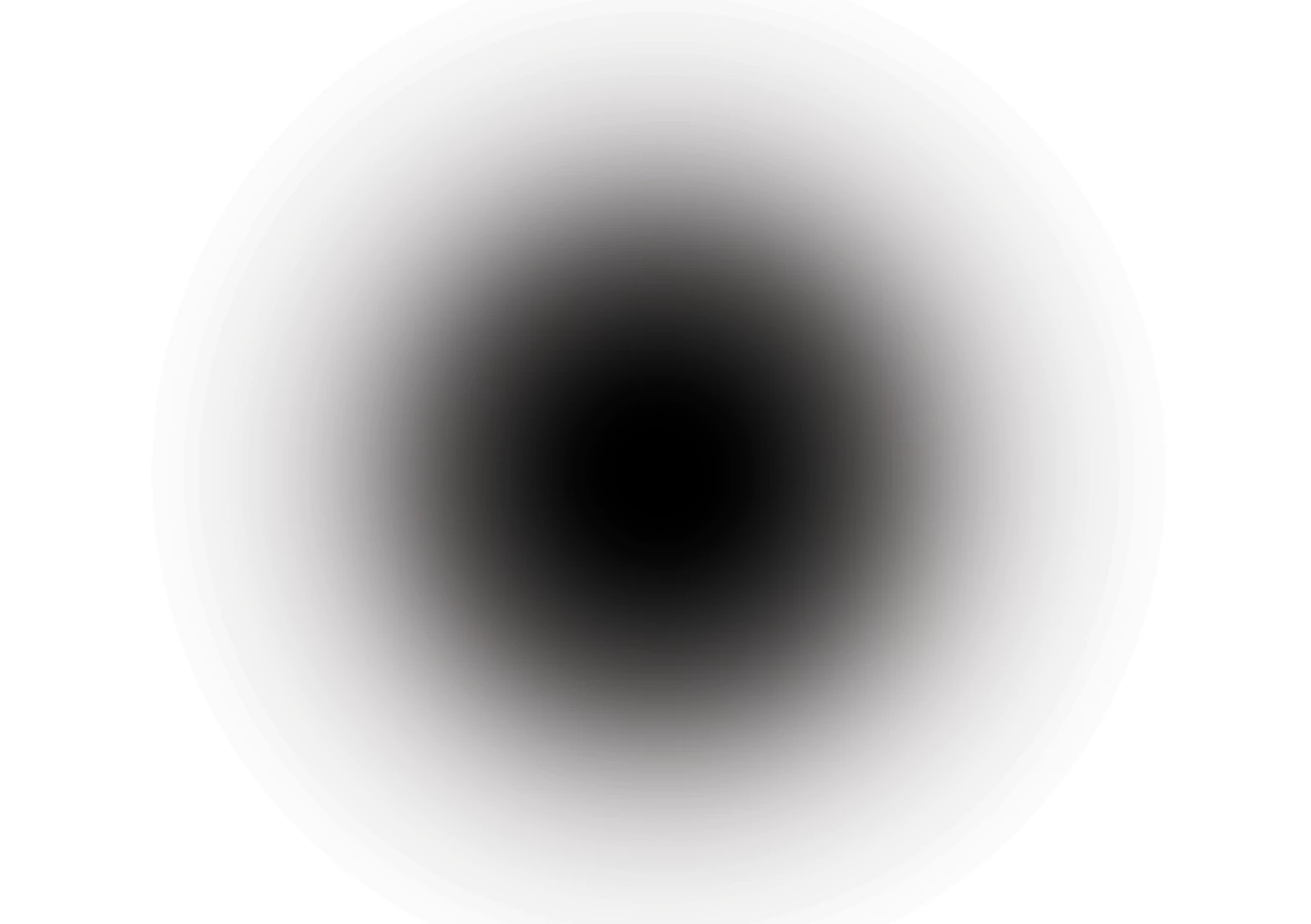
My situation is that I recently bought a new MacBook and installed the new photoshop (v 22.2). After that I tried out the brushes tool and it was acting strange and I don’t know why, when i use a soft brush , I see banding/halos happening specially when using layer masks (I will print screen so you can see what my problem is ) because of that I can’t blend images smoothly. I am already working on a 16 bit mode but still seeing banding/halos, and it is more evident when working with transparent background. I reseted the brush tool but this problem is still happening. Maybe this has something to do with the setting but I can’t find out where to change or why by myself. On my previous MacBook photoshop it runned smoothly, no problems at all. 

This is frustrating, I tried to search for solutions but I didn’t found any. 

Pleeeeeeaaaase help me!
This topic has been closed for replies.

3 replies

D Fosse
Community Expert
Community Expert
March 8, 2021

If you're working with 16 bit data, any banding you see is in your display system.


A standard display pipeline works at 8 bit depth, most laptop and office displays even 6 bit + dithering. The only way to avoid it completely is to get a 10 bit capable (and rather expensive) monitor.


Beyond the original 8 bit data from the video card, banding can happen in calibration tables, a bad monitor profile, or the panel itself. Banding is cumulative, so it can overlay from several sources and the result can be very irregular banding.


The good news is that it's not in the data. But if it bothers you, a tiny amount of noise will break it up. A photograph usually has just enough noise to conceal banding, so you mostly see it in synthetic gradients like here.

Participating Frequently
March 8, 2021

Hi, thank you for helping me out, by the way can you explain me why when i use a soft brush in a layer mask like in the image bellow it shows that weird halo? It is bothering me so much. 


Participating Frequently
March 8, 2021

I forgot to mention that when I export or save the image (jpg and png) it is still showing. 


Thank you.

Mohammad.Harb
Community Expert
Community Expert
March 8, 2021

Are you still getting the same result on 32 bit ?

Does that happen with radial gradient ?


Adding a little noise is the only solution to avoid banding in 8 bit

Participating Frequently
March 8, 2021

Hi, and thank you in advance. It is significantly better when i change for 32 bit as you can see on the screenshots bellow but that is  only when working with radial gradient. I am still having the problem with the soft brush. It seems to me that the transitions isn't smooth enough, doesnt't it?


c.pfaffenbichler
Community Expert
Community Expert
March 8, 2021

Could you please post a screenshot taken at View > 100% with the pertinent Panels (Toolbar, Layers, Brush Settings, Options Bar, …) visible? 

Participating Frequently
March 8, 2021

This is a project that I am currently working on, you can see the halos that I am talking about on the picture bellow. I'm working on a 16 bit mode and those brush dabs where made on a layer mask. I want to mask the bottom part of that picture but it is creating that hallo effect. I don't understand why this happens.


c.pfaffenbichler
Community Expert
Community Expert
March 8, 2021

Please check out @D Fosse ’s post.