Participating Frequently
November 25, 2019
Question

Problems with Photoshop 2020 start and interface - Windows OS
  • November 25, 2019
  • 2 replies
  • 1630 views

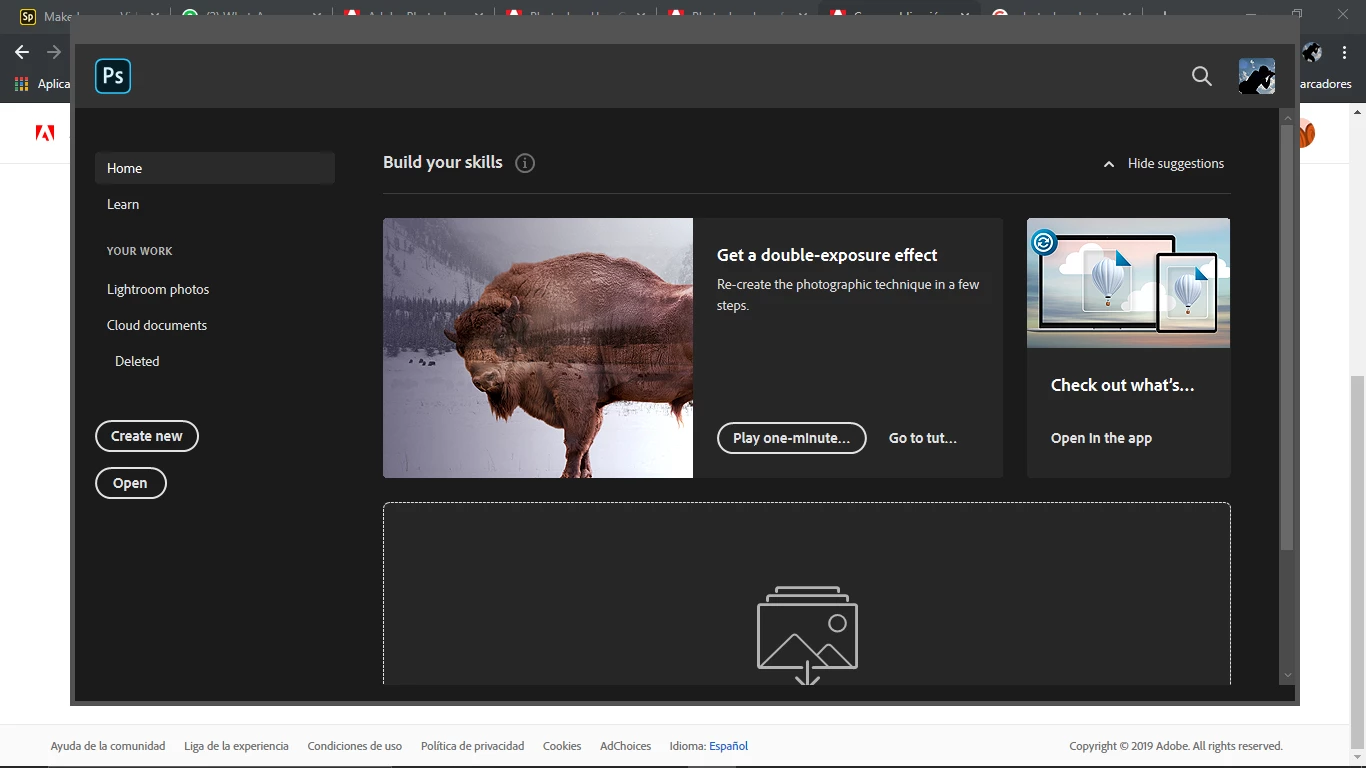
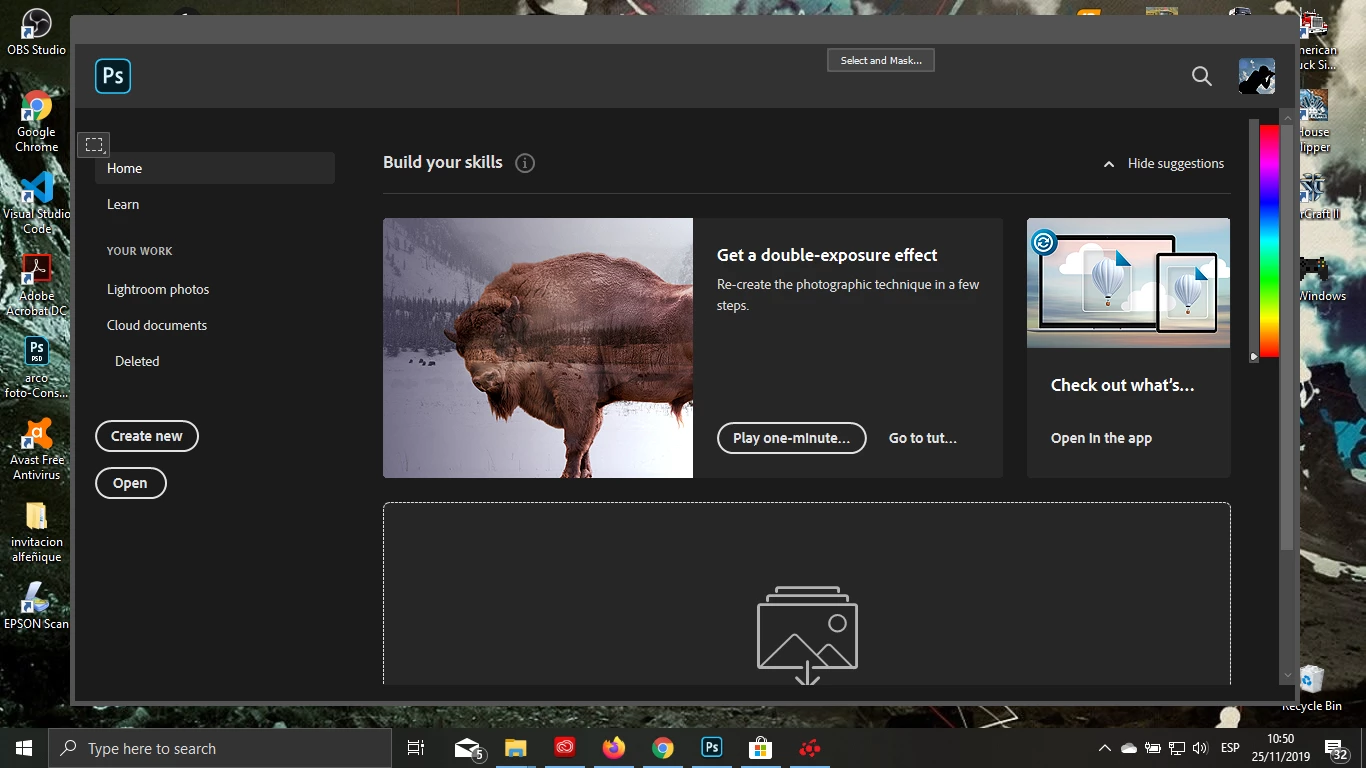
Hi. I have problems with the ps starts and the interface, whein it starts, it slow down and when ps is opne I can't see the menu bar oir the menu from the layer and tools, etc. And always i have the windos message Adobe Photoshop 2020 is not responding.


I hav eproblems with os since last update 2020.


I have an ASUS with full AMD, AMD A10 and AMD Radeon (TM) R6 M340DX

(I wish i can afford a better laptop)


{Thread renamed by moderator}

This topic has been closed for replies.

2 replies

JJMack
Community Expert
Community Expert
November 25, 2019

If your Asus laptop has an intel processor with HD Graphics make sure Photoshop is not seeing two PGU

JJMack
alcenom47500132
Participant
November 25, 2019

tenho mesmo problema menus invisiveis 


hp dv-7 intel 300hd e amd 7400m drives atualizados


Sahil.Chawla
Adobe Employee
Adobe Employee
November 25, 2019

Hi there,

That shouldn't be happening, could you try restoring Photoshop's preferences to default and let us know if it helps?


  • Press and hold Alt+Control+Shift (Windows) or Option+Command+Shift (Mac OS) as you start Photoshop. You are prompted to delete the current settings. The new preferences files are created the next time you start Photoshop.


Note: Using the keyboard shortcut, preference files for custom shortcuts, workspaces, and color settings will also be reset to default.


Make sure that you back up all your custom presets, brushes & actions before restoring Photoshop's preferences. Migrate presets, actions, and settings


Regards,

Sahil


Participating Frequently
November 25, 2019

No, I'm still with the same problem, now I can´t click in any button. 

I need to work in ps for my university I have the univeristy account