
Answered
PS 21.2.0 Library Problem - Second Ghost Version Pasted
If I drag a graphic from my Library into an image, it appears fine. I can resize it and move it around. I hit ENTER and it places the vector smart object.
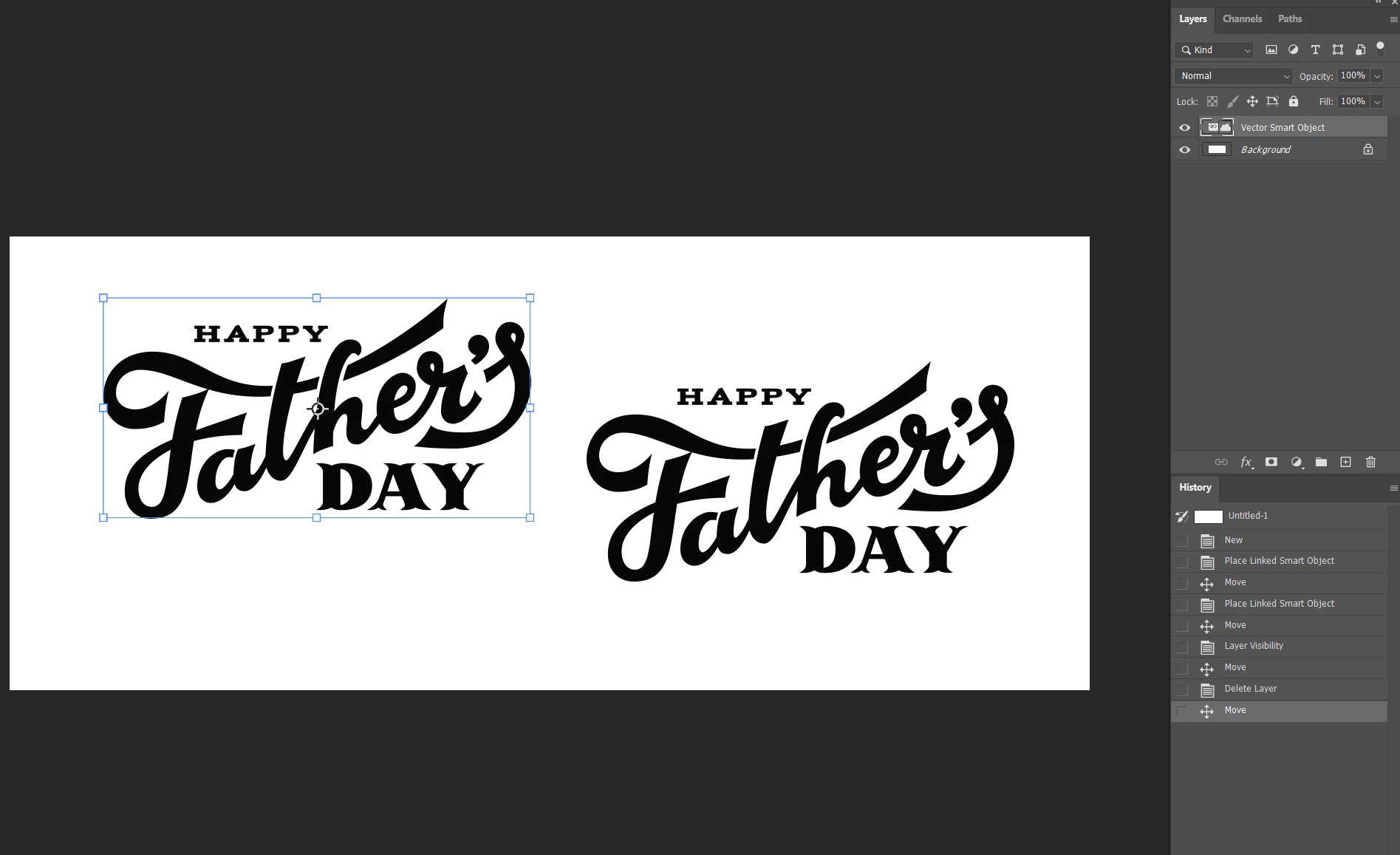
In the example below, I dragged the graphic in and then placed it. Then, I went to drag it aside and that worked normally, as you can see here, but it left a copy of it behind! It's not clickable or moveable.
If I then hide that layer, the selected one goes away, but the copy is still there. If I make the background hidden, the copy goes away. When I unhide the background, it's gone. But as soon as I unhide the vector smart object and try to move it - it makes another copy!
What the heck is going on? I also made a video. http://somup.com/cY1DbAQ3Uo
 AdChoices