trevorm34
Participant
April 27, 2017
Question

Remove outline from image?

  • April 27, 2017
  • 3 replies
  • 10612 views

I have this image that has a white background. If i try to remove the background or fill with black, I get this ugly grey/white outline.
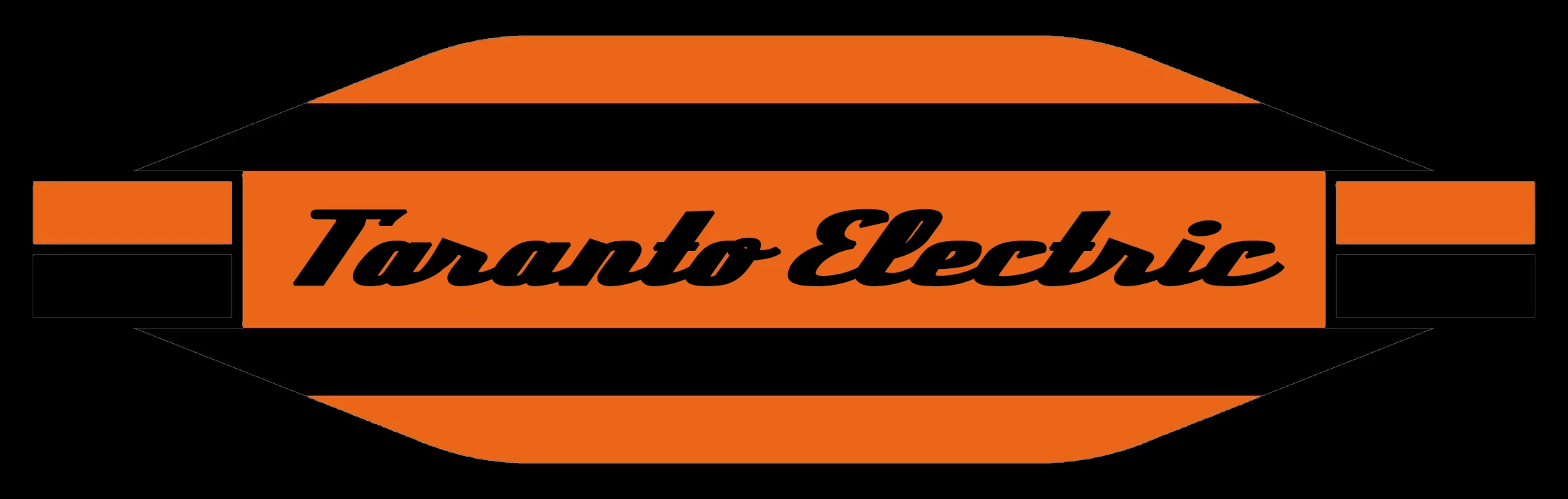
Is there a way to remove it?

3 replies

Chuck Uebele
Community Expert
Community Expert
April 28, 2017

If you don't want to redraw, the other option that i use a lot is to use the magic wand tool at 100% select all the black, and ctrl/cmd-J to make a new layer. Lock the transparency of the layer, and refill with the black, sampled from the original. Do the same for the orange.

Michael Riordan
Inspiring
April 28, 2017

Hi Trevor

I'm assuming you erased the white background with an eraser tool. If that's the case you can "defringe" the edge to clear way the extra pixels that were leftover. Go to Layer>Matting>Defringe. You should only need a pixel setting of one for this.

Good luck.

Known Participant
September 23, 2019
Hi: Am trying to remove a fine black outline from around my image, put there by the printer of the image, which was returned to me in jpeg form. Layer/Matting/Defringe doesn't work for this. Can you suggest anything else? Thanks. Lorraine
Trevor.Dennis
Community Expert
Community Expert
April 27, 2017

Absolutely, but can you paste the original with white background please?

trevorm34
trevorm34Author
Participant
April 28, 2017

Chuck Uebele
Community Expert
Community Expert
April 28, 2017

That is such a simple image that while you could attempt to remove the lines, It would be much easier and cleaner to just use the pen tool and redraw the shapes.