

Answered
Resample a selection in Photoshop CC 2017?
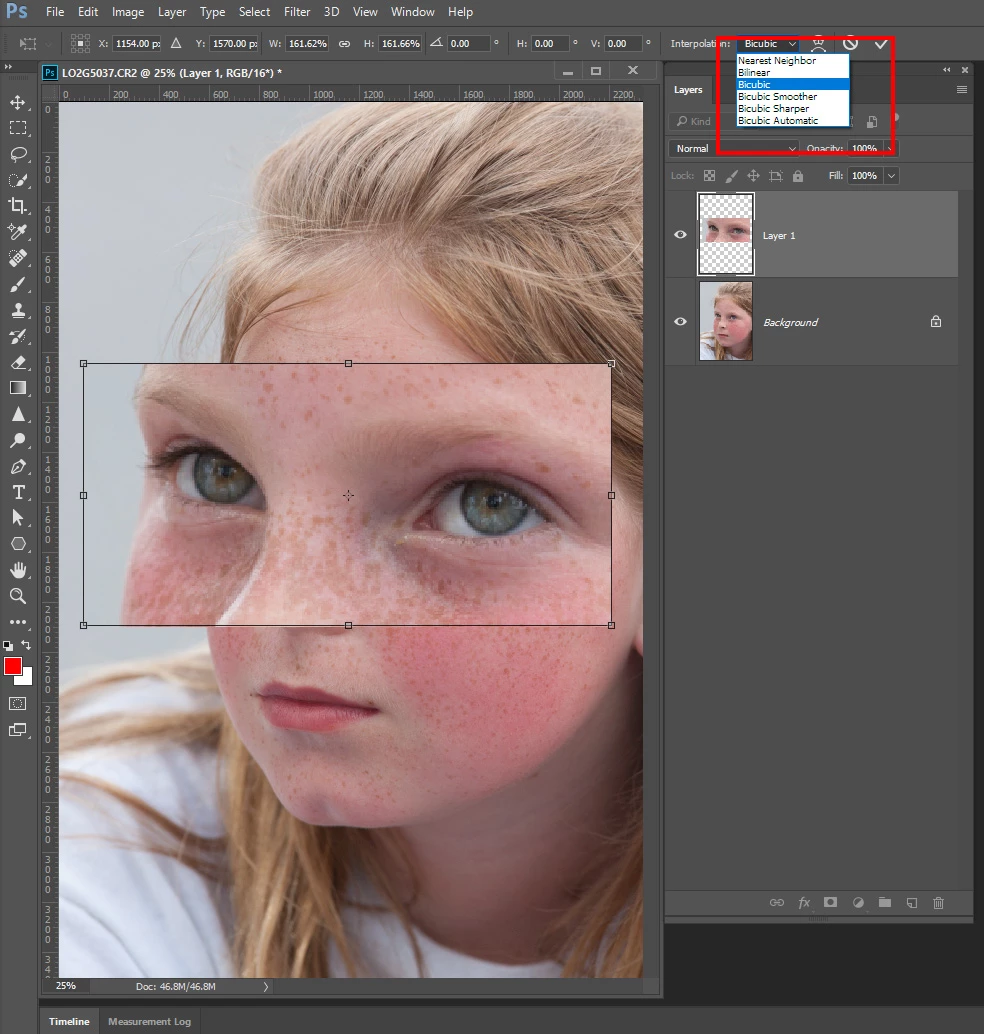
Sometimes I will select a piece from an image, put the fragment on its own transparent layer, and duplicate that layer into a different document. I then need to resize--and, in some cases, enlarge--that fragment to its purpose in the new image. When enlarging, my practice has been to export the fragment as a .tif, enlarge it in Photozoom, then bring it back into the new Photoshop document. (The point of Photozoom is to maintain image quality by resampling rather than by just stretching the image.) I'm thinking there must be an easier way to resize/resample a selection (not an image or a layer but a selection). Any thoughts?
 AdChoices