
Participant
December 7, 2016
Question

Resized photos saving at incorrect size/resolution

  • December 7, 2016
  • 1 reply
  • 486 views

My spouse has had this problem with her Photoshop since forever. Now we are sharing a computer and I can't stand it! The photos save in much poorer condition than they were in photoshop, and I have tried jpeg, png, and tiff. I have seen some other people asking what sound like similar questions but I don't think they are being understood by those reading. The problem seems to be that Photoshop thinks everything is half the size that it is. It may be a simple fix and a stupid question but that's why I'm asking for help! Let me use some screencaps to illustrate:

This is the image. It is 3390px wide.
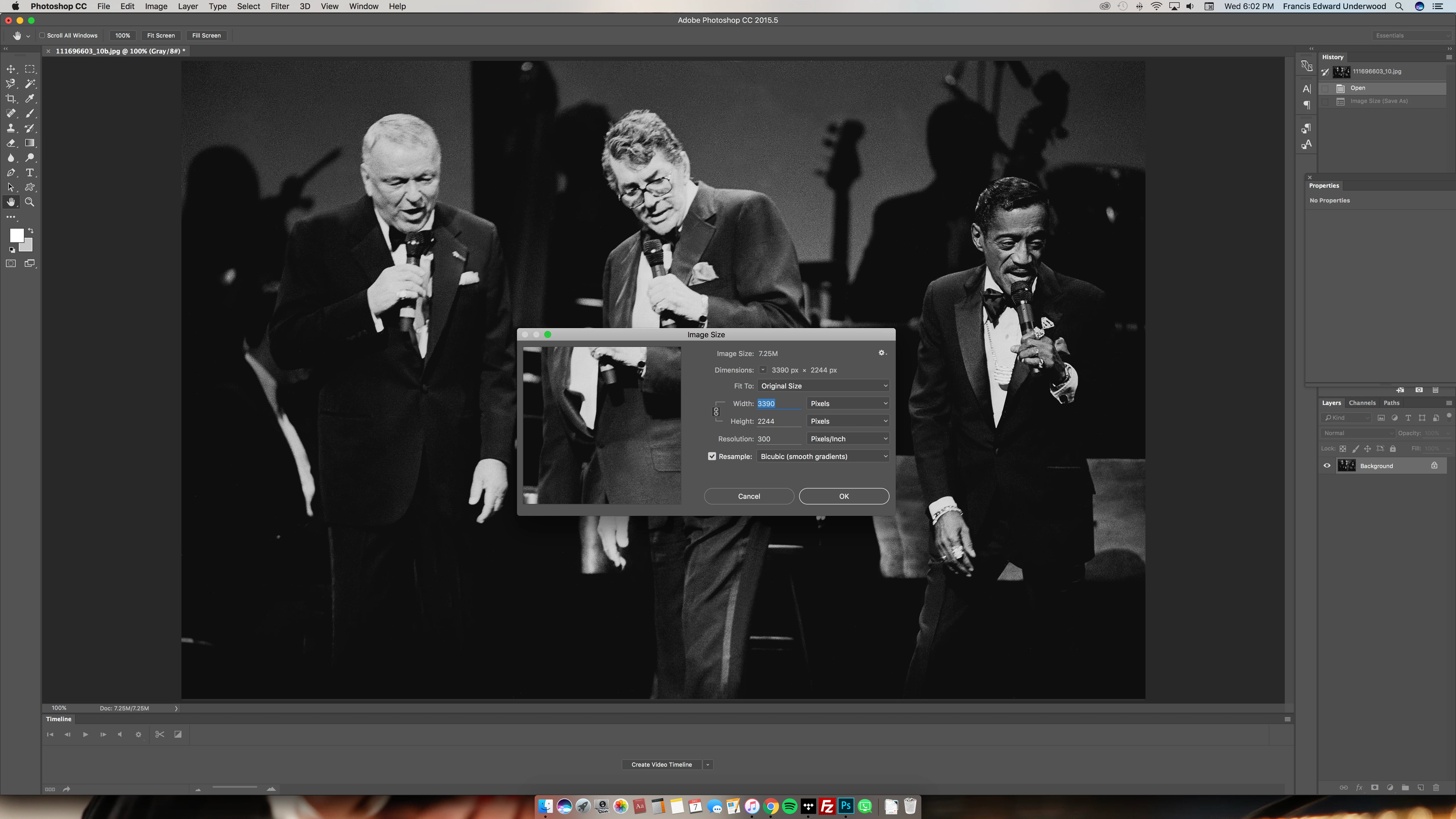
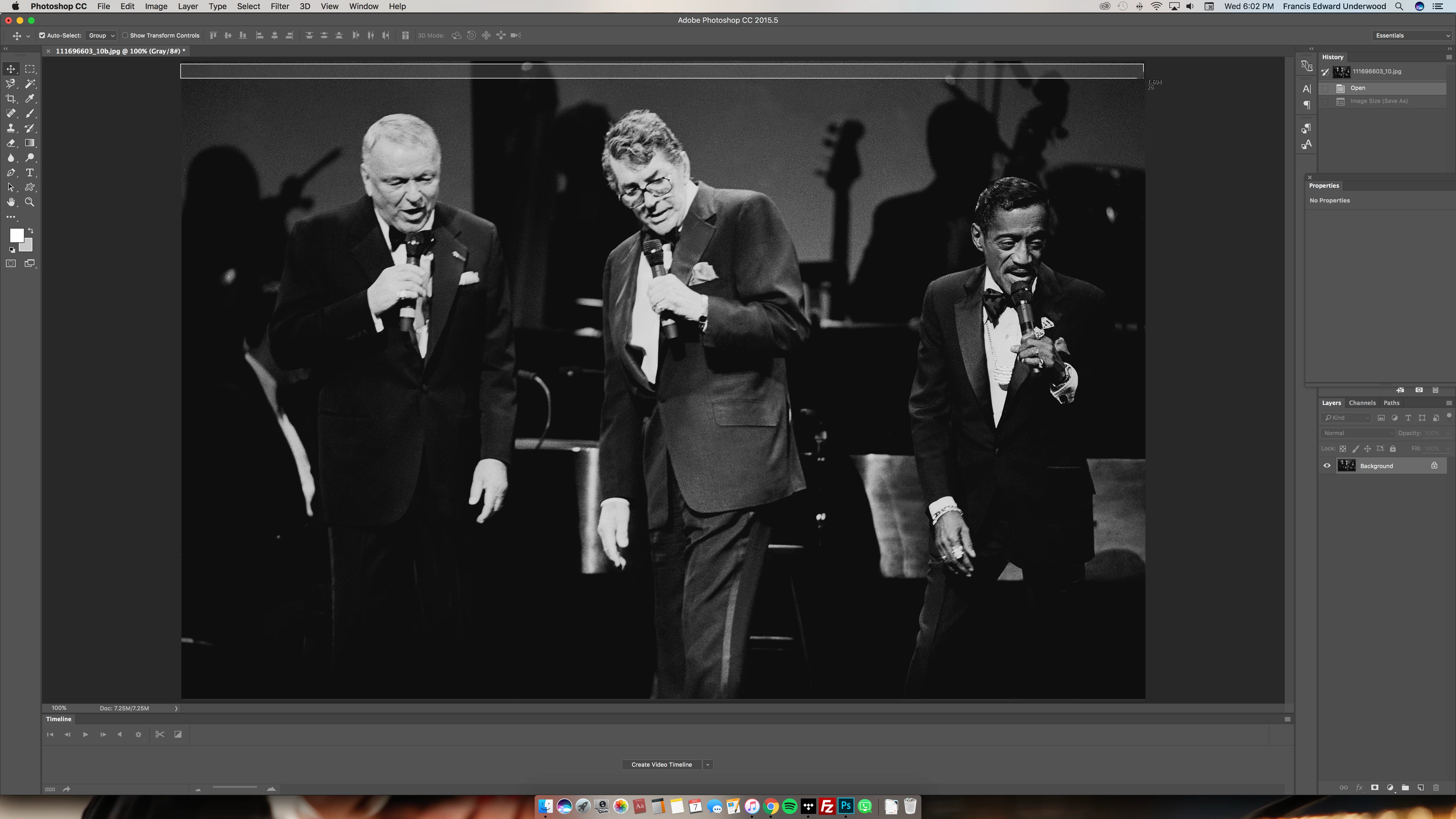
But photoshop says I am viewing at 100%, and it is only pictured as being half that size (that little number of the screencap I'm making across the top says 1,694):
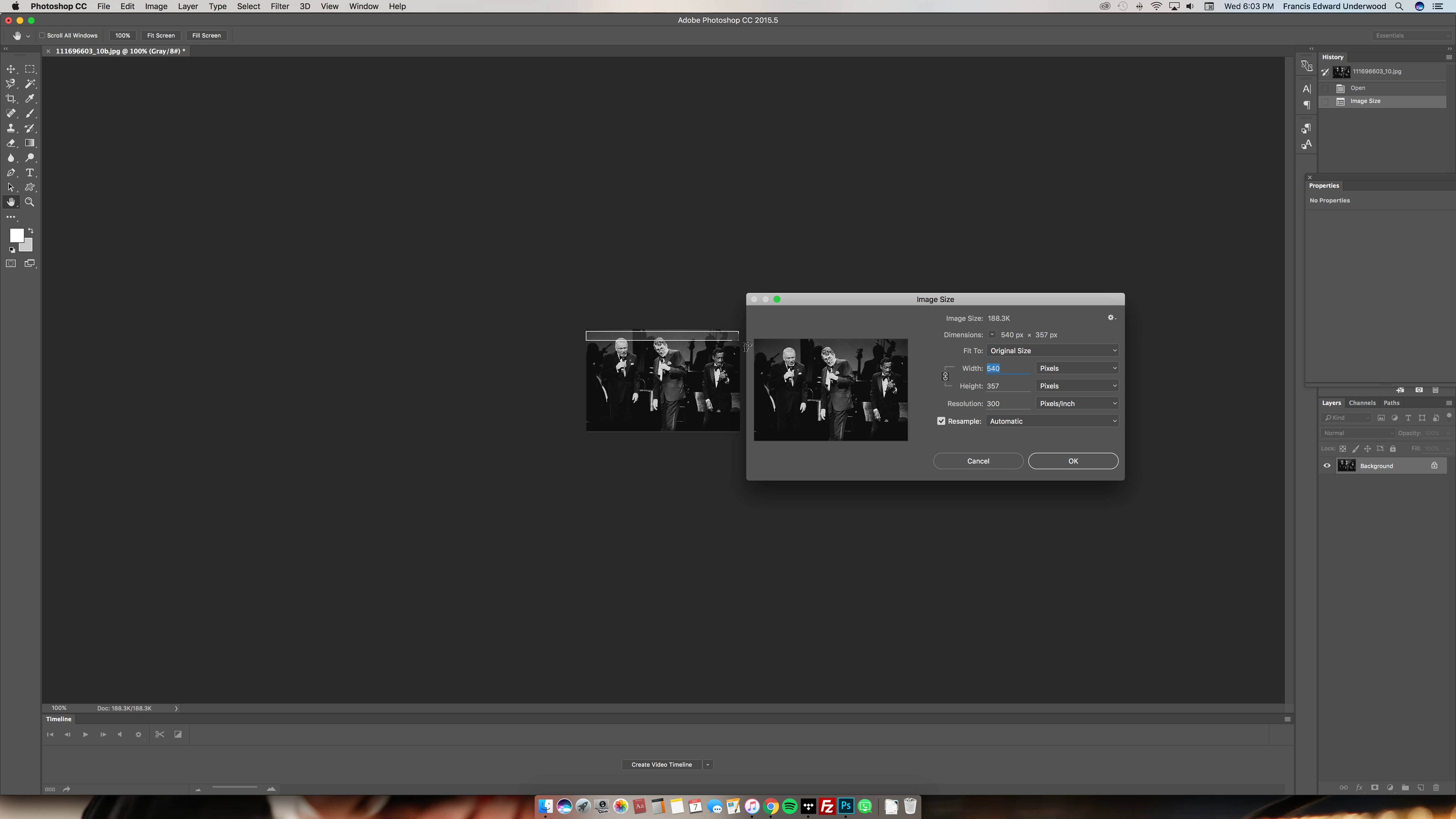
Thus, when I resize the image to my desired 540px, photoshop is showing the image as only 270px wide:
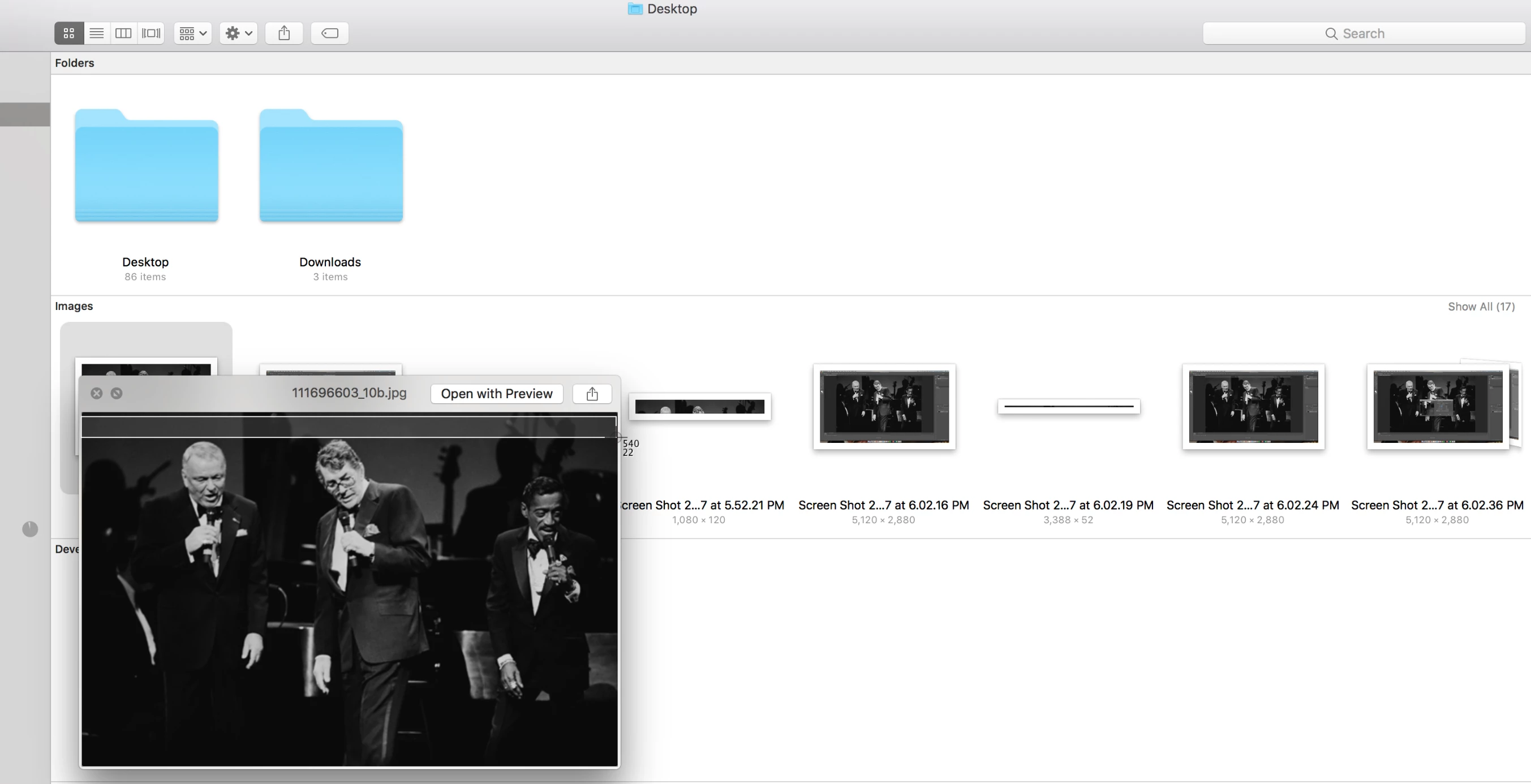
Considering all that, it's no surprise that a very large picture of good quality ends up saving and looking like this in finder, blurry/pixelated/generally sucky:
So. How the heck do I fix this? I've been resizing images on my own Photoshop at this exact size for ages and never had this issue and I can't stand this poor quality. Thank you for any assistance!!!

This topic has been closed for replies.

1 reply

davescm
Community Expert
Community Expert
December 7, 2016

Are you using a hi res retina screen?

Photoshop, at 100% zoom, maps 1 image pixel to 1 screen pixel regardless of the screen. It does not scale at all.

With a high resolution screen (i.e. higher pixel density) the images will be physically smaller (in inches) on the screen  than on a lower resolution screen at 100%.

Other apps scale up the images so that they look the right physical dimensions on a retina screen - but of course that scaling can introduce the blurred pixelated look you refer to.

Photoshop does it right.

Just to check though - what is your actual screen size and resolution ?

You mention using a screen capture app to measure - what does that measure as the width of your screen. It may be reporting a lower number due to the scaling above.

Dave

Participant
December 8, 2016

And my screen captures say the width of the screen is 2560px.

davescm
Community Expert
Community Expert
December 8, 2016

5120 x 2880 is what my About says is the size of the screen.


Hi

As you have confirmed, Photoshop is working correctly at 100%. Your screen capture software is under-reporting your screen size (by 50%) and other apps/browsers  are compensating for the hi pixel density by scaling the image which is causing artifacts.

I'm sorry I  can't answer the question on what resolution to send to your website as it will depend how the site is built. Hopefully some-one with more experience in web site building will come in to answer that one for you.
Do you have access to a PC/Mac with lower res screen to check?

Dave