
Answered
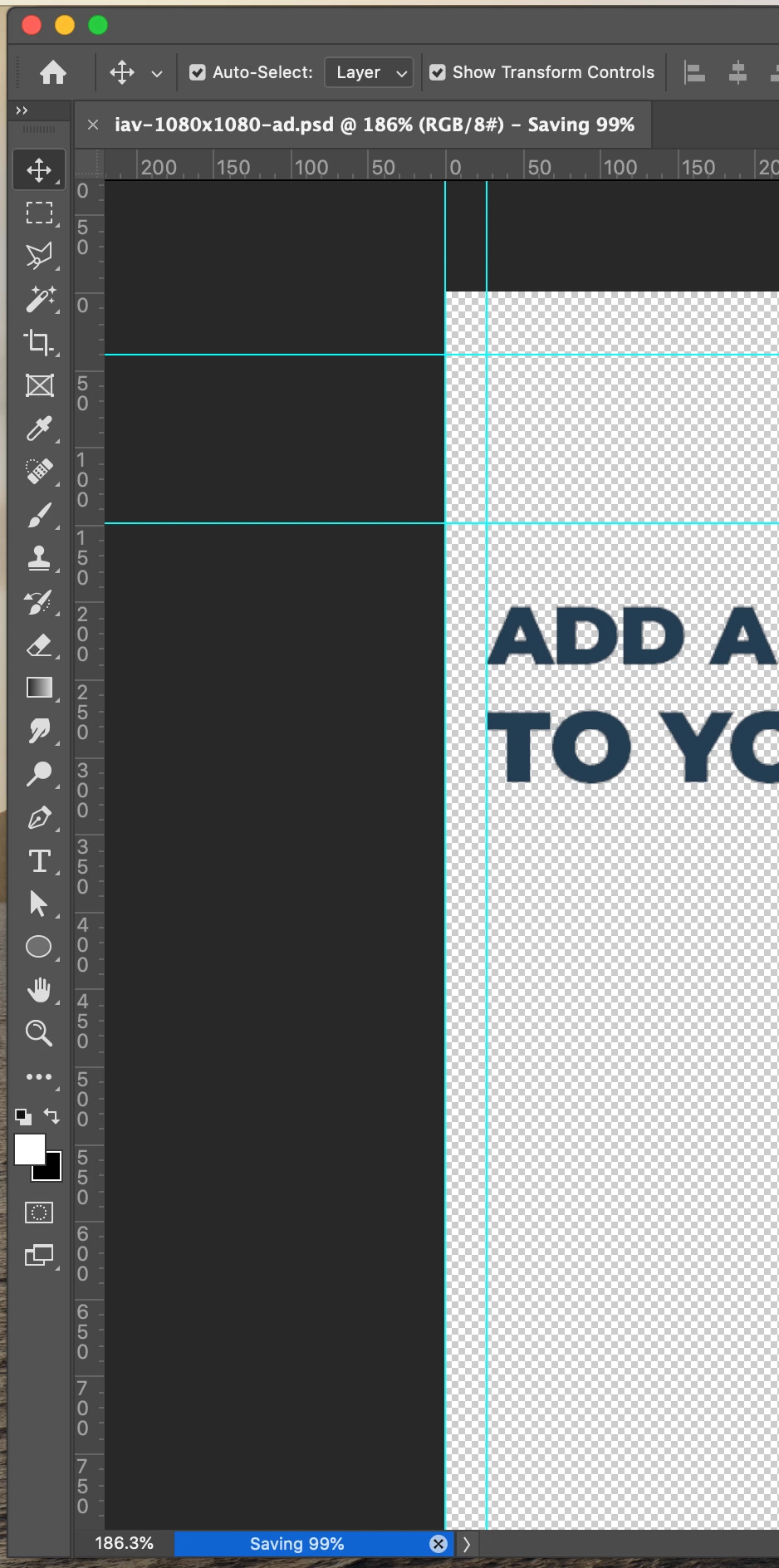
Save As - Corrupt File - Needs force quit & restart Mac
Everyday since the new update I'm experiencing this:
I'm working on my file then I hit Command+S to save and it goes until 99% and stops > I have to quit Photoshop and restart my NEW MacBook Pro (and because that doesn't turn off properly - so I have to force turn off) > then return to PS to find out that my file is corrupt and I lost all that time and work! Adobe you are so unreliable now! Please do somenthing URGENT!!!!!!
I don't want any tips on how I should bypass this as a quick fix. I want to be able to save the file how I was always able too! Command+S = SAVE.
Adobe = Disappointment
Adobe MAX = Boycott
 AdChoices