
Answered
Scratch Disk Full
I have a fairly new Macbook pro computer in which I downloaded Photoshop CS5 and Bridge.
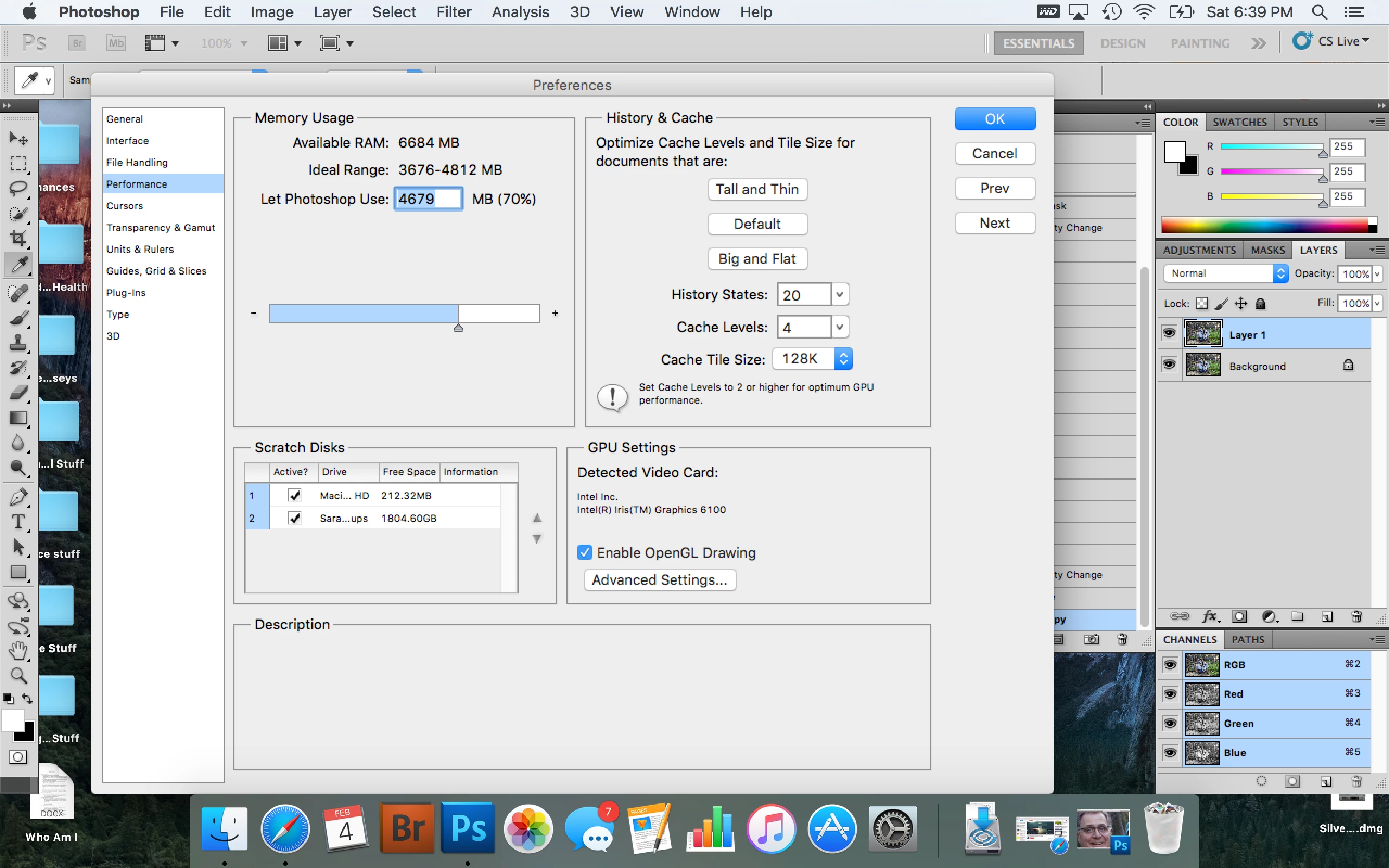
I keep getting the pop up window telling me my Scratch disk is full. I've read every tutorial and tried to follow the steps to fix this problem, but it still persists. I've tried manually erasing temp files, I bought an external hard drive so I had another drive option under the scratch disk preferences, other than using the computers hard drive. I've "purged all" under the edit drop down menu, I've erased the cache in bridge, I put all my pics on iCloud to free up space, and I've emptied the trash. 
I'm kinda desperate at this point. Does anyone know what I can do to permanently fix this problem?
Thanks!
 AdChoices