
AG_Ps_100
Inspiring
April 24, 2021
Question

Script to get metadata without opening the file

  • April 24, 2021
  • 3 replies
  • 2191 views

Hello everyone,

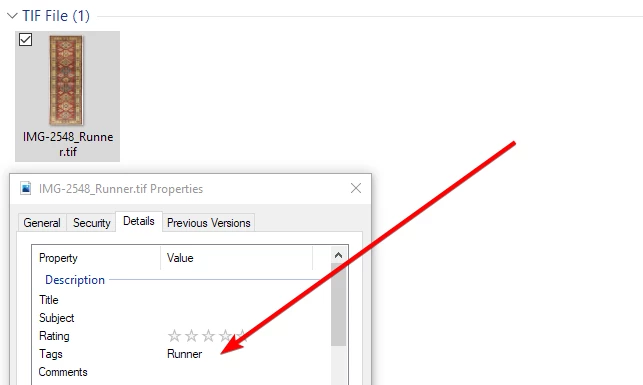
I'm using windows 10 and I have a file with a tag on its metadata:
 

Here is how it looks on Photoshop:
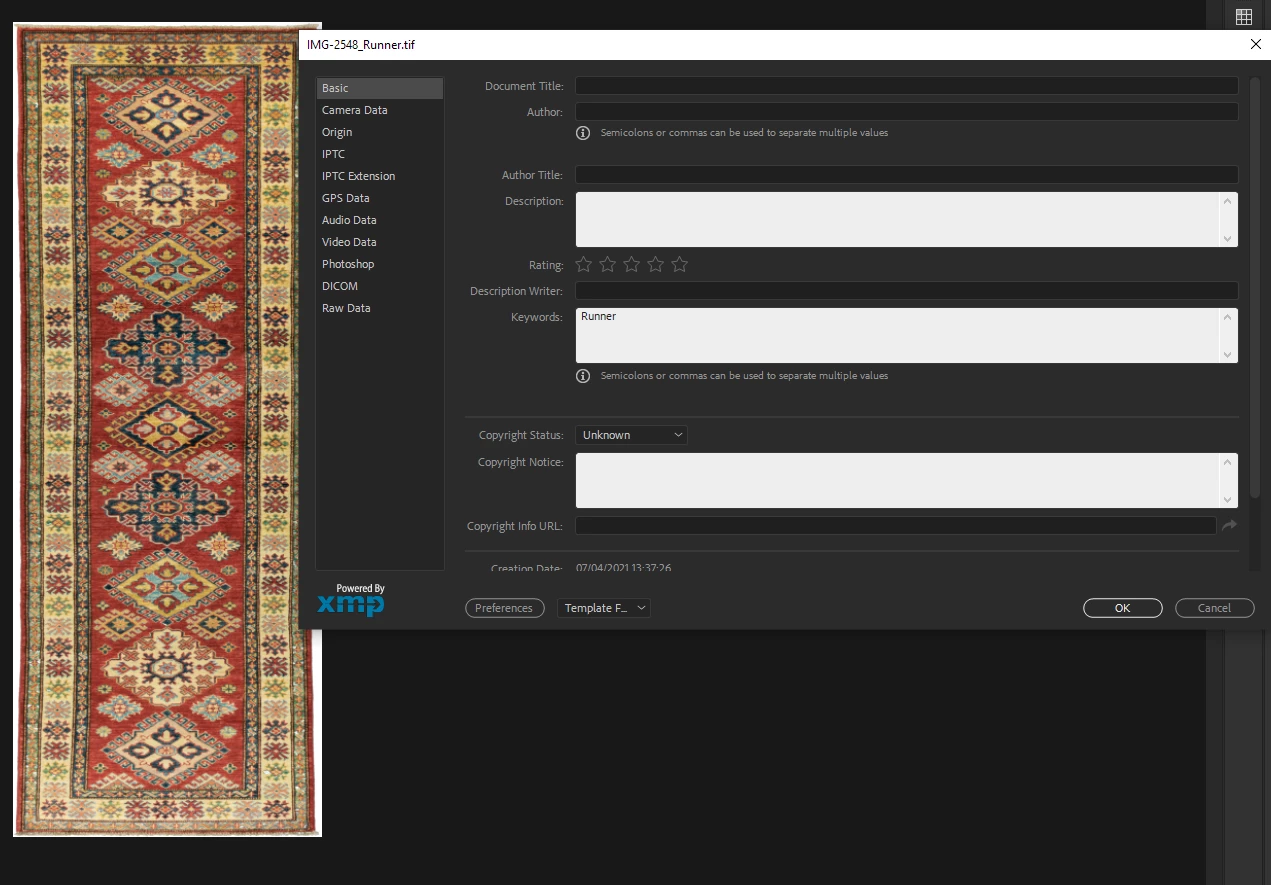


I know how to get the keywords of an open document:

var docKeywords = activeDocument.info.keywords.toString();


I'm trying to get the keywords without opening the file if that's possible (perhaps via Shell or something)


Any help will be greatly appreciated.

Thanks.

This topic has been closed for replies.

3 replies

Stephen Marsh
Community Expert
Community Expert
April 24, 2021

It would be helpful to know what the next step is, when you have the keywords – then what? Do you need the keywords for use within a larger Photohsop script? Do you need to dump the keywords to a file such as a CSV or XML etc.

AG_Ps_100
AG_Ps_100Author
Inspiring
April 26, 2021

Part of a script, for example if has the keyword then doAction("TEST","Set 1");


I saw that xmp explanation elsewhere but know that I have a tif file, it has no xmp file.


Is it really the case that there is no way to script access to file's metadata without actually opening the binary image data into Photoshop?

Stephen Marsh
Community Expert
Community Expert
April 26, 2021

XMP based metadata can reside directly in the file (subject to file format specifications), or in the case of proprietary raw camera file format data (.CR2, .NEF, .ORF etc) it can be stored in a "sidecar" file. So yes, it is possible to directly access the embedded metadata without opening the binary image data. Have you tried the code above or the code in the links provided (some code is read only, some write)?

Legend
April 24, 2021


var f = 'e:/testFile.tif'
try {
    if (!ExternalObject.AdobeXMPScript)ExternalObject.AdobeXMPScript = new ExternalObject('lib:AdobeXMPScript')
        var xmpFile = new XMPFile(f, XMPConst.UNKNOWN, XMPConst.OPEN_FOR_READ),
        xmp = xmpFile.getXMP();
    if (xmp.doesPropertyExist(XMPConst.NS_DC, 'subject')) {
        var i = xmp.iterator(XMPConst.ITERATOR_JUST_LEAFNODES, XMPConst.NS_DC, 'subject'),
            output = [];
        while (true) {
            var subject = i.next();
            if (subject) { output.push(subject.value) }
            else { break; }
        }
        alert(output)
    }
} catch (e) { }


Stephen Marsh
Community Expert
Community Expert
April 26, 2021

@jazz-y 


I can't get your script to alert?


I have verified the document path/name/metadata...

Legend
April 26, 2021


I forgot to warn that XMPFile does not use file objects, but string paths to files (in system format). Try this:
try {
    var f = File.openDialog('Open file');
    if (!ExternalObject.AdobeXMPScript)ExternalObject.AdobeXMPScript = new ExternalObject('lib:AdobeXMPScript')
        var xmpFile = new XMPFile(f.fsName, XMPConst.UNKNOWN, XMPConst.OPEN_FOR_READ),
        xmp = xmpFile.getXMP();
    if (xmp.doesPropertyExist(XMPConst.NS_DC, 'subject')) {
        var i = xmp.iterator(XMPConst.ITERATOR_JUST_LEAFNODES, XMPConst.NS_DC, 'subject'),
            output = [];
        while (true) {
            var subject = i.next();
            if (subject) { output.push(subject.value) }
            else { break; }
        }
        alert(output)
    }
} catch (e) { }


Mylenium
Legend
April 24, 2021

You have to "open" the file somewhere, be that an Adobe app or a tool from an alternate vendor, so this doesn't really make much sense. Even on a command line you would need a tool like Imagemagikk. The super-sleek solution you seem to look for doesn't really exist, so you should focus on your efforts in XMP/ Bridge scripting or PS.


Mylenium

AG_Ps_100
AG_Ps_100Author
Inspiring
April 24, 2021

in VBA for example (Excel) I can create a shell object and check without opening nothing. The shell let's you get the data you need.


I'm 99% sure this can be done as well in Photoshop.