Sanpanza
Known Participant
September 29, 2018
Answered

Selections will not stroke! Help

  • September 29, 2018
  • 2 replies
  • 2024 views

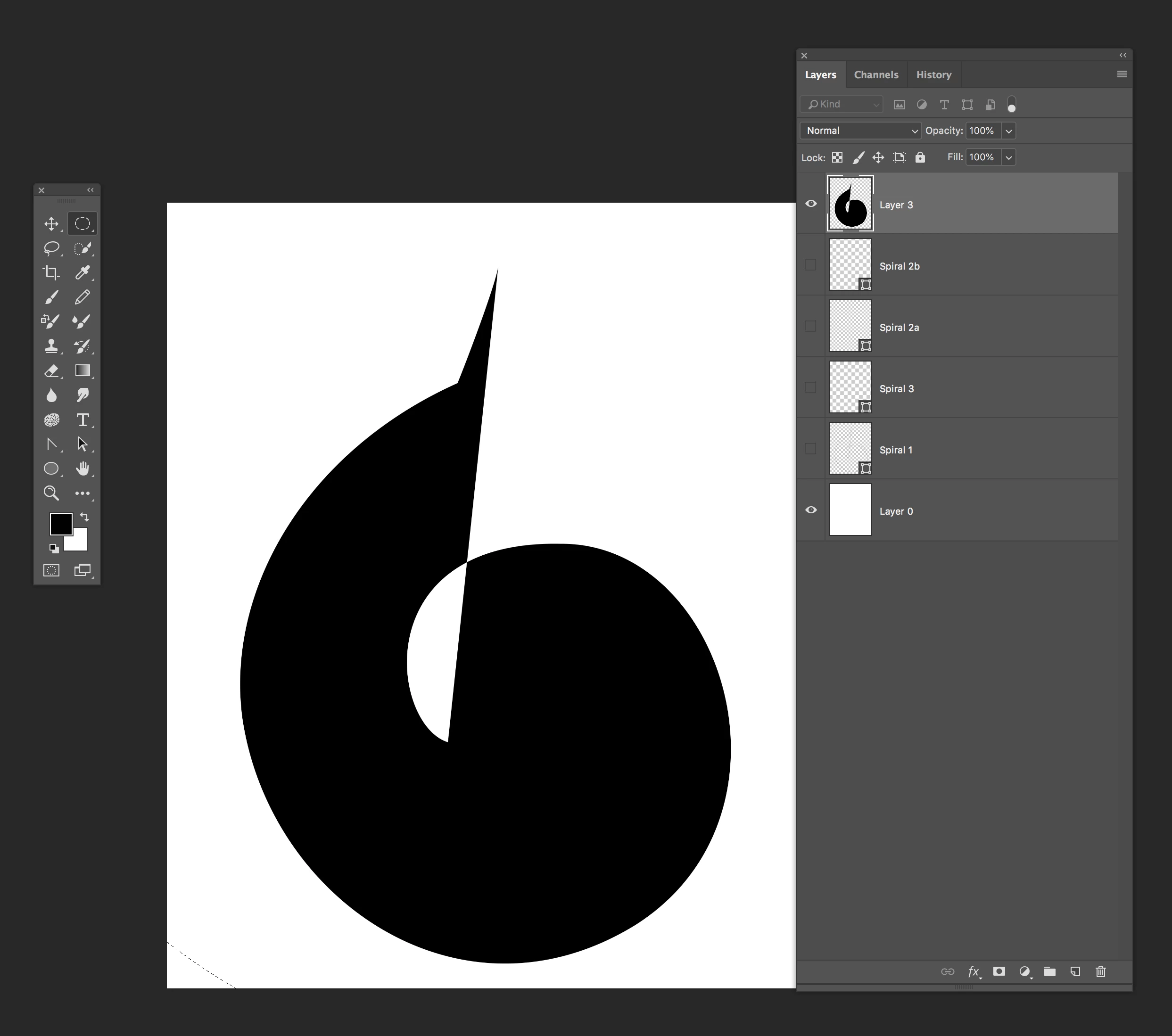
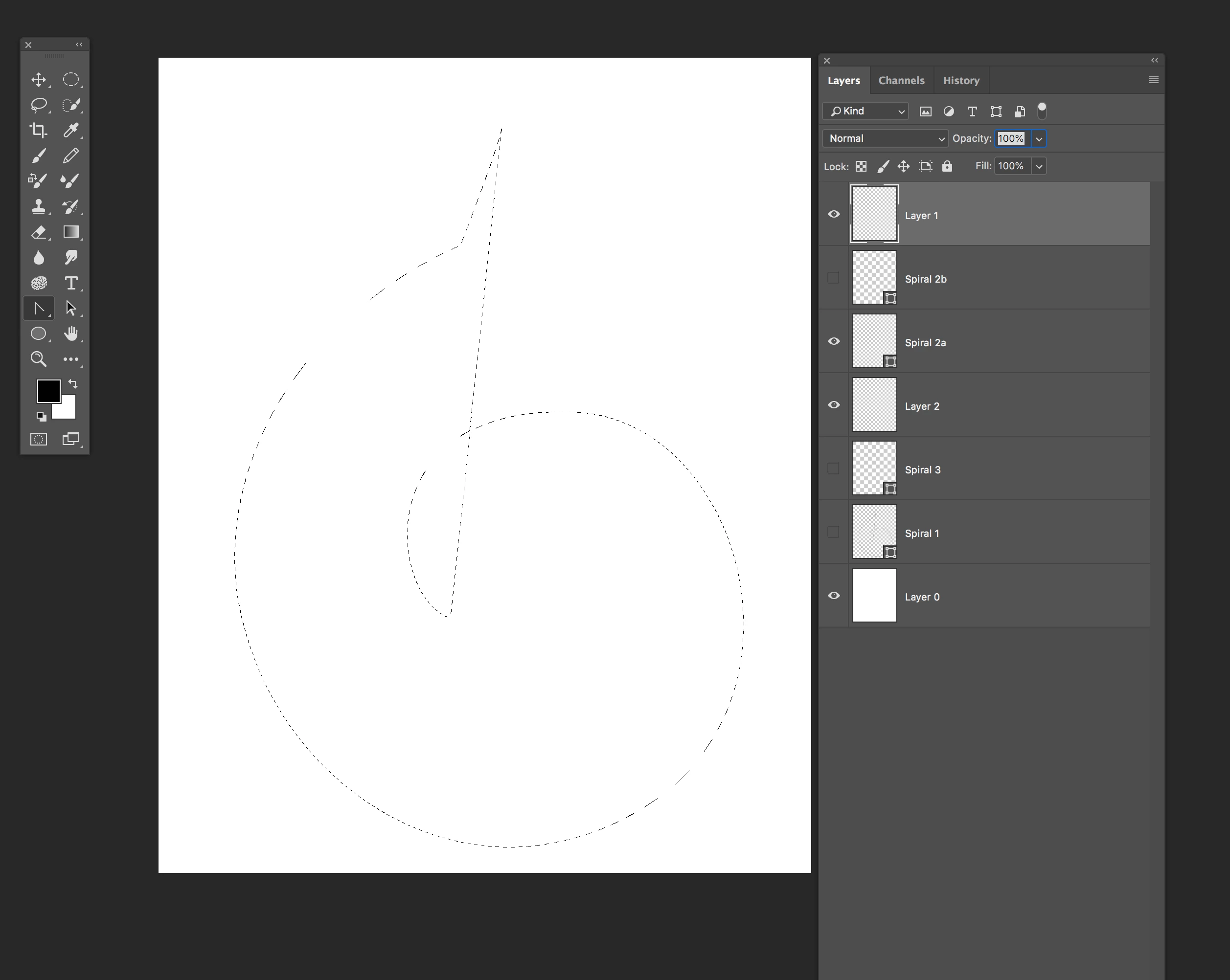
When I make a selection and try to stoke it nothing happens. However if I try to fill it,  it will fill. What am I missing? However, if I create a new document and make a selection, I can stroke it. This is very strange. This started happening after last update.   My file format is TIFF and my machine is a 2016 iMac Pro with maxed out RAM.

Any thoughts?
This topic has been closed for replies.
Correct answer Muqqarib Hassan

Hi, Check this video this will help you to add stoke in path.

https://www.youtube.com/watch?v=LRlyZwwtlCI

2 replies

Sanpanza
SanpanzaAuthor
Known Participant
September 29, 2018

Muqqarib Hassandavescm

Wait a minute. when I made the shape using the pen tool, I did not close the selection. That is I terminated the path without connecting point A to point B.

Could this be the cause of my problems?

Muqqarib Hassan
Muqqarib HassanCorrect answer
Inspiring
September 29, 2018

Hi, Check this video this will help you to add stoke in path.

https://www.youtube.com/watch?v=LRlyZwwtlCI

Sanpanza
SanpanzaAuthor
Known Participant
September 29, 2018

Hi Muqqarib Hassan​, thanks so much. That video was VERY HELPFUL.  Much obliged.

Muqqarib Hassan
Inspiring
September 29, 2018

Hi, Create a new layer and then make a selection and then Right click on the selection and select the stroke and then increase the width as i show you in the images.

Sanpanza
SanpanzaAuthor
Known Participant
September 29, 2018

No, increasing the width does not work either. I should note that the selection is made from a shape that I created from paths.

If I create a new document I can use the selection tool to make a shape and it will stroke but not in the document that I want.

pixel dimension are 5000 X 4000

Muqqarib Hassan
Inspiring
September 29, 2018

Hi, If you want a stroke in the shape layer then you have to select the shape tool and turn the stroke on. like This.

2nd mehtod. If you want a stroke through selection then you have to turn the shape layer in to simple layer by restersiezing it.