It's because your File > Place part of the action is pointing to particular image file so it will always refer to that.
I would suggest coming at this backwards. Let me explain.
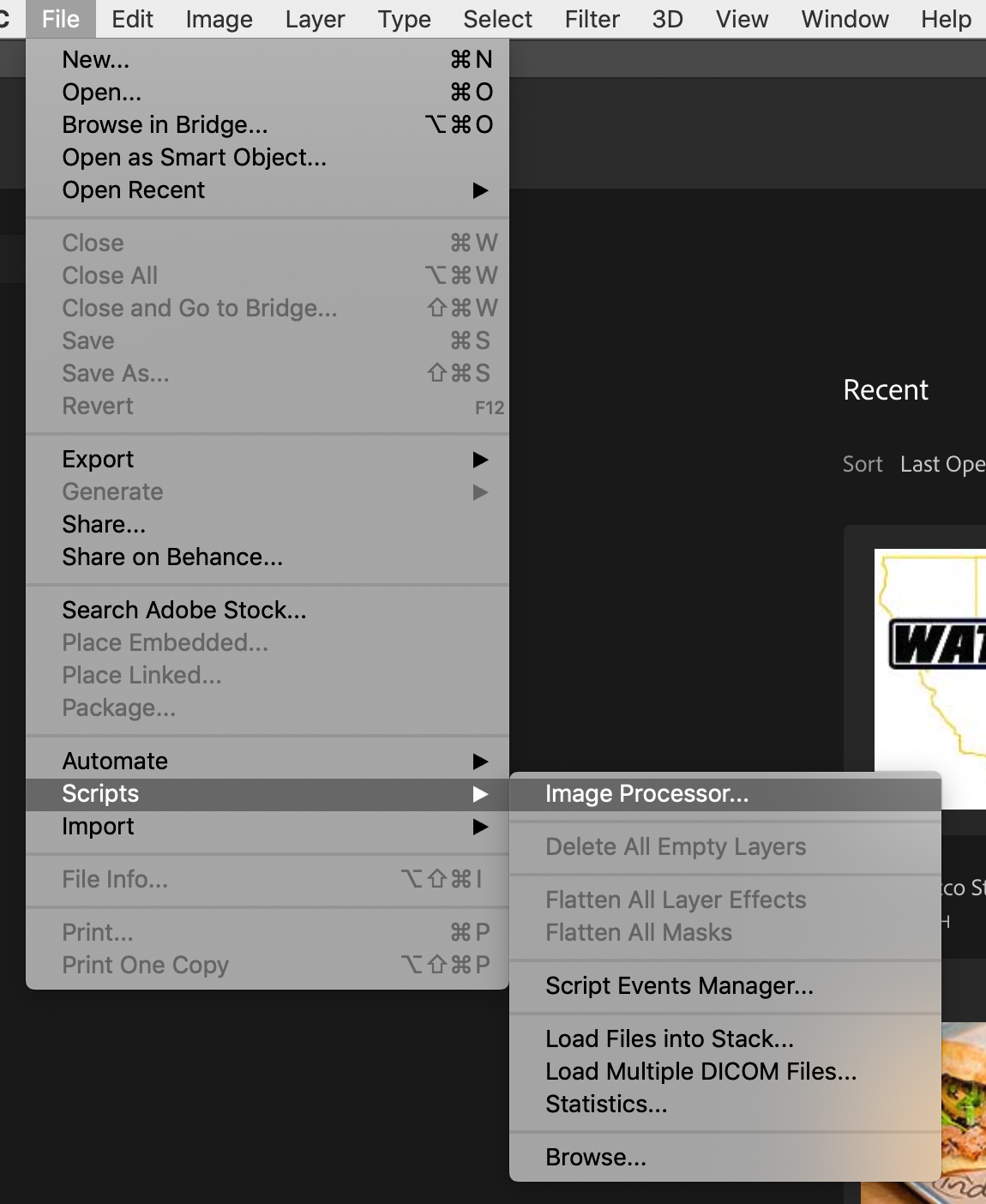
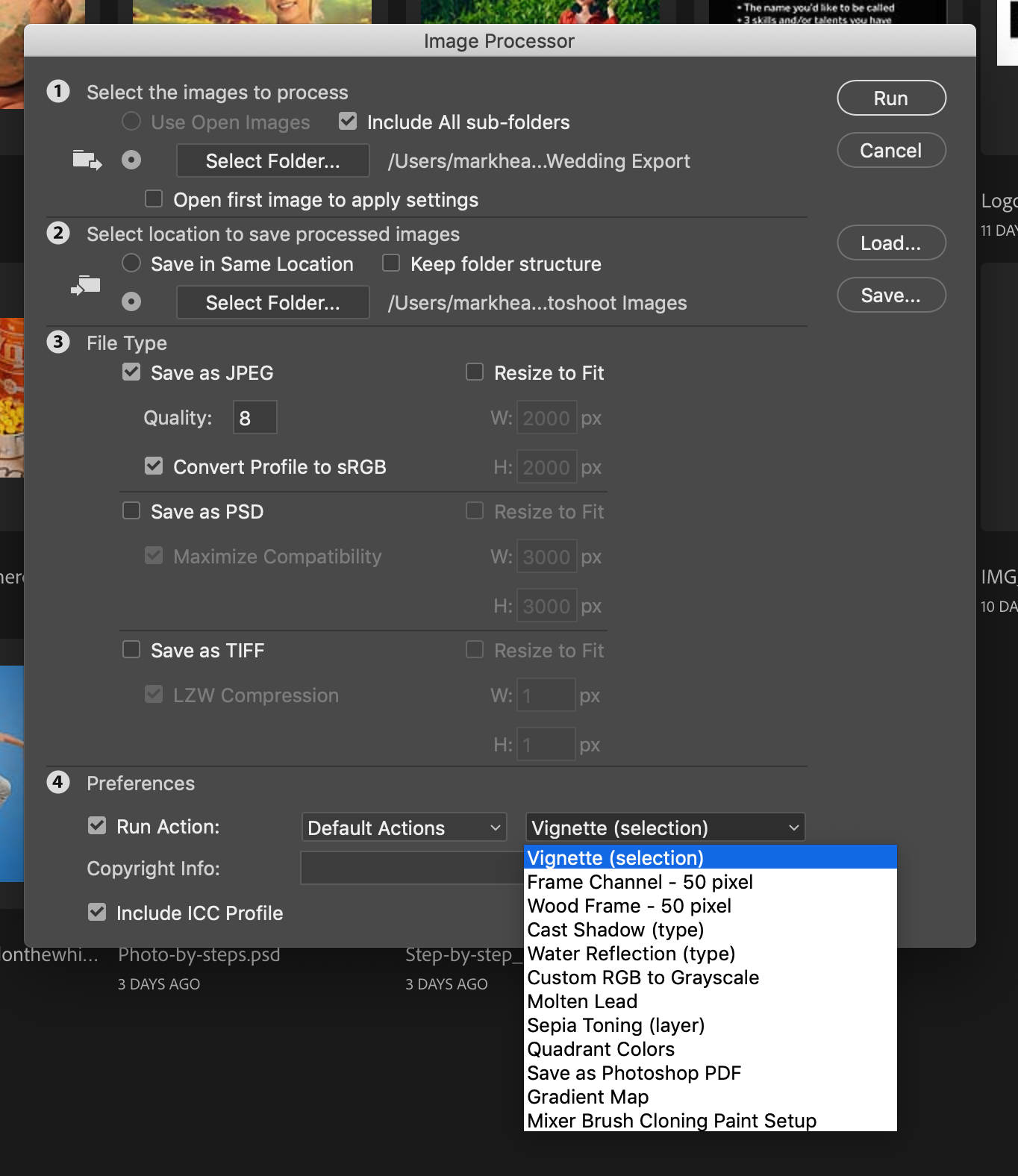
The Image Processor script in PS allows you to choose an Action to add to the process. So you can use Image Processor to say "open each image in this directory and save it as a JPG. But at the bottom of the dialog box there's an option to run an Action during the sequence.
So you need to make an action that expands the canvas to the size of your background graphic/template. This will automatically scale outward from the center by the default. So set the new canvas size to the exact dimensions of the template.
Now place the template graphic, this is only one file, so it'll always point to that template graphic in the center.
With it just being placed, that layer will be selected. Choose to send to the bottom of the Layers stack. (CMD Shift [)
Flatten Image. (Don't add a Save or anything to the action.)
So once your action is made, you can use Image Processor to run the batch JPEG save, and play the action on the sequence from the panel.






 5
Replies
5
Replies






 AdChoices