

Question
Skin Softening Action not working in Photoshop CC 2019
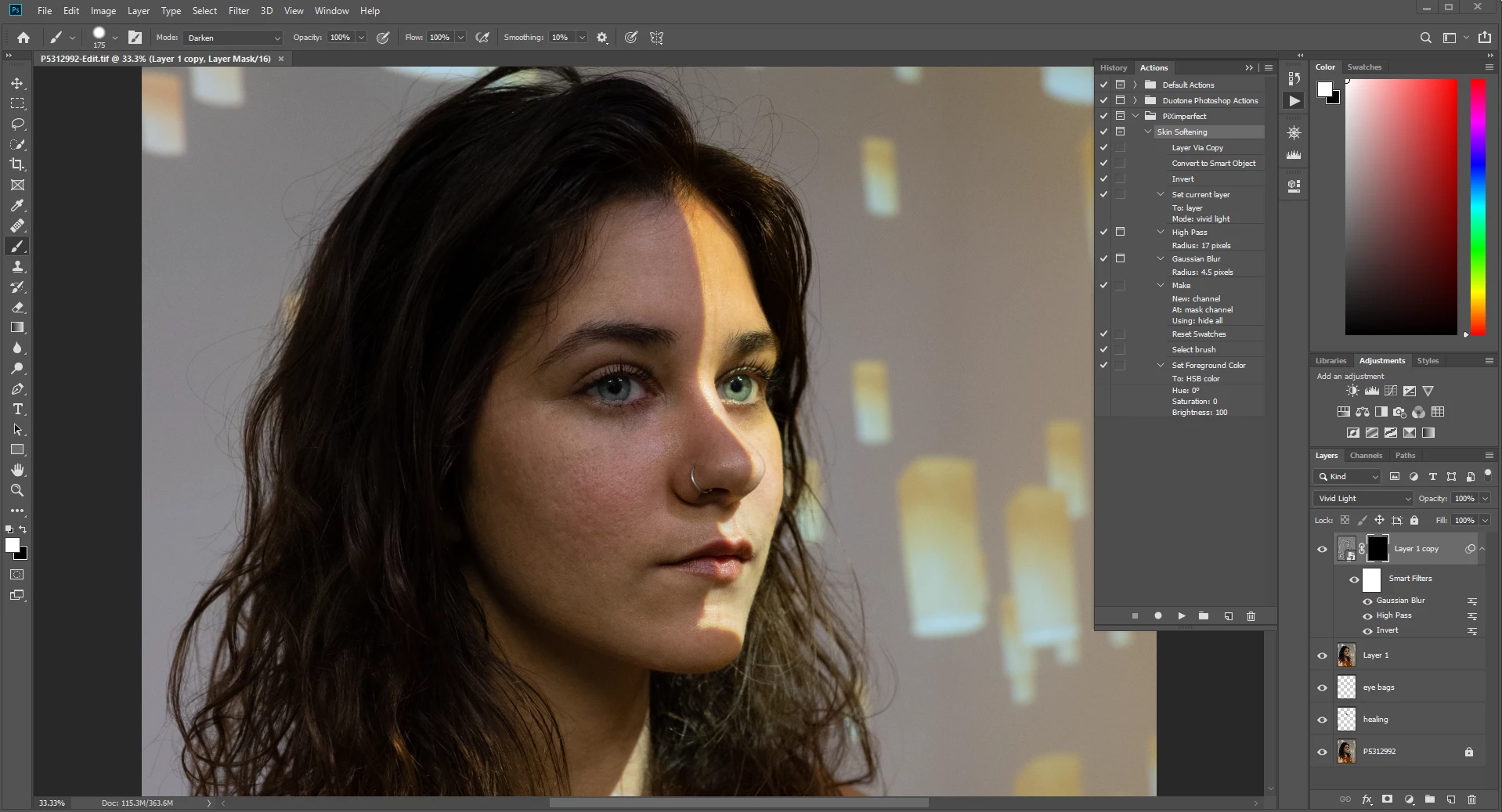
I was following this youtube tutorial: https://www.youtube.com/watch?v=H0lPIYERVlw on using photoshop actions to customize skin softening actions but it took no effect whatsoever after loading the actions. The Gaussian Blur and High Pass did show preview effects in the dialog window but after clicking OK to both, it didn't take any effect. Here's a screenshot of what it looks after applying the actions. What could I be doing wrong? Is it a compatibility issue or? The guy in the video is using Photoshop CC and so it should work likewise. Thanks!
 AdChoices