

Smart Filters not working on smart objects on CC 2017 with new computer
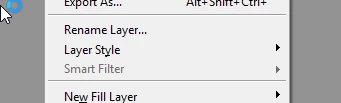
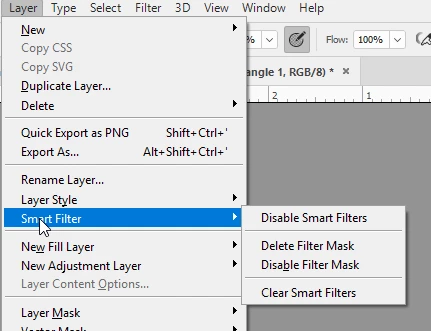
Smart filters is always greyed out (not clickable) in my new downloaded version of Adobe Photoshop CC. My Adobe is up to date. I have searched all other threads.
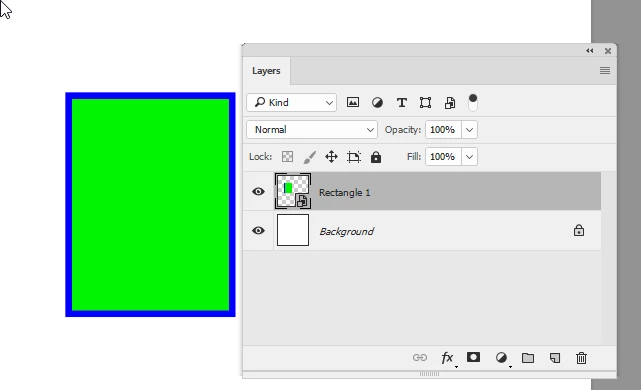
My settings are RGB and 8 bit/channel. I have turned on "Show all filters" in preferences/plug-ins. I thought this may have to do with the files I am working with, but even after closing those files, restarting photoshop with the new preferences clicked, and opening a very simple clean file with a one path shape converted to smart object the option is still greyed out (also not working with a hand drawn circle with marquee that is not a smart object).
This is VERY frustrating. Is there a plug in I may be missing? A different preference that needs to be set? I have never had this problem on my old computer running the exact same version of Adobe CC.
Any help welcome, but please please please do not mention my color mode needing to be RGB and set to 8-bit/channel. I know this. It is literally NEVER working (not greyed out).
 AdChoices