
Known Participant
June 3, 2019
Answered

Square brush in select and mask?

  • June 3, 2019
  • 2 replies
  • 1846 views

I previously created some digital artwork using the select and mask feature, but I used a square brush when making my selections, and I want to do that again. However, I no longer have a square brush option under select and mask; only a round brush. I've tried resetting preferences, etc., but there's still only the round brush. When I'm in the "regular" view, I can use all types of brushes, but when I go into select and mask, it's round brushes only. What am I missing?
This topic has been closed for replies.
Correct answer Chuck Uebele

You can transform selections or transform sections of the mask. You can also use a vector mask and set a feather in the properties panel. That could very easily be edited at a later time.

2 replies

Chuck Uebele
Community Expert
Chuck UebeleCommunity ExpertCorrect answer
Community Expert
June 4, 2019

You can transform selections or transform sections of the mask. You can also use a vector mask and set a feather in the properties panel. That could very easily be edited at a later time.

Known Participant
June 5, 2019

Took me a bit to figure out the vector mask, but I really like that -- it raises lots of other possibilities! The marquee selection worked well too, so both will accomplish what I need. Thank you for the help!

Trevor.Dennis
Community Expert
Community Expert
June 4, 2019

That's an interesting question.  AFAICT there are no alternative preset options in Select & Mask.  The only way I can think of using a square brush to make selections, is with Quick Mask which is highly flexible.

There are three brushes in S&M, so can you be more specific?

Known Participant
June 4, 2019

Hi Trevor - Thanks for your reply! It's the "brush tool (B)." I wasn't aware of Quick Mask; that might work, although after a brief attempt at working with it, the edges don't seem to come out the same as when I worked in S&M.

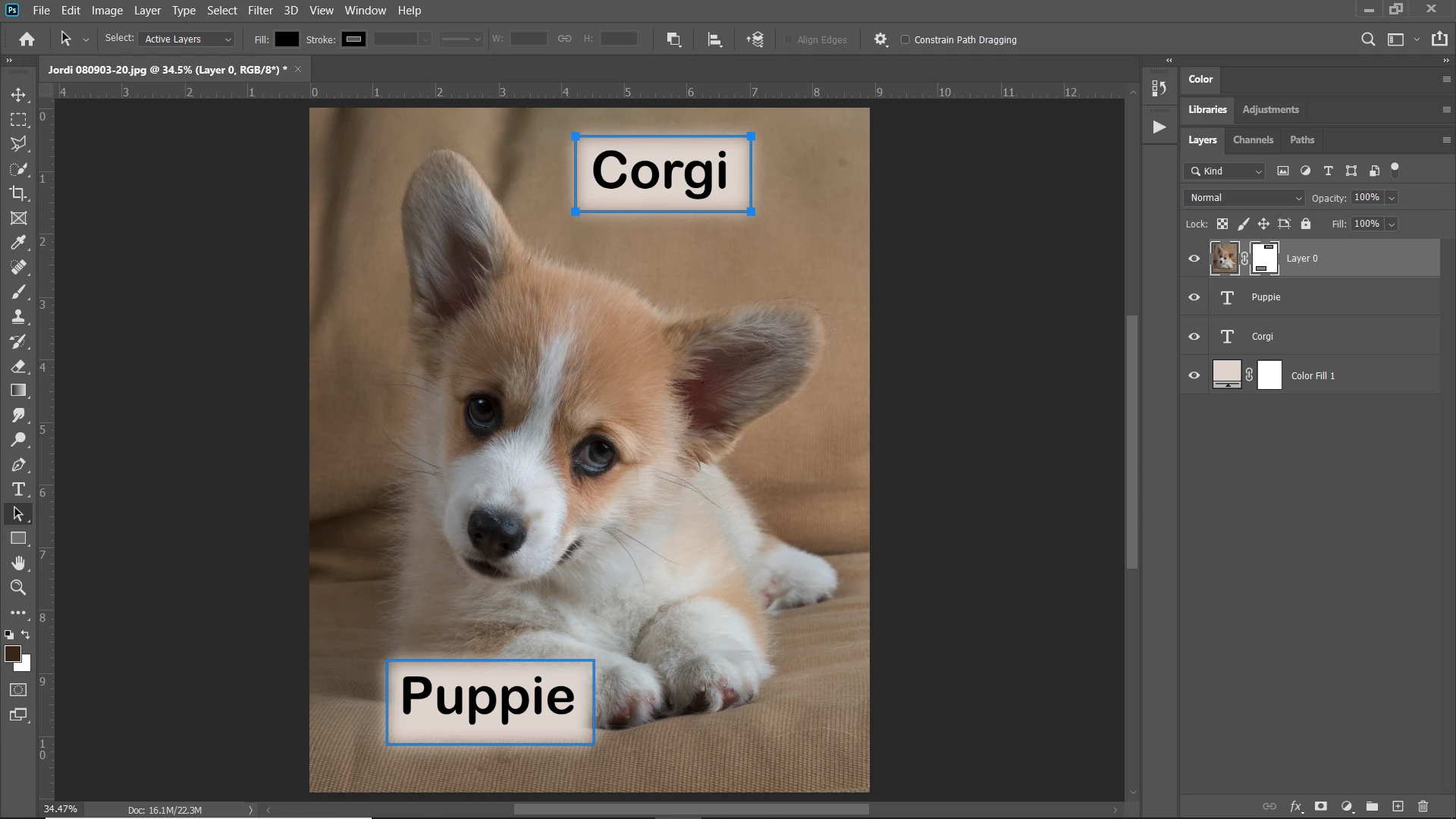
To explain the use (if it makes any difference)...the artwork I'm doing involves masking multiple areas of an image so that specific pieces of text on an underlying area shows through -- sometimes a round brush looks ok, but the square usually looks best, and I had done this on previous works, so that's why I'm really baffled that I can't find it now...

Trevor.Dennis
Community Expert
Community Expert
June 4, 2019

I still can't remember alternative presets being available in S&M. 

Regards masking images to text, then is definitely easier to use selections rather than clipping?

I either clip the layers directly, or Ctrl click the text layer to load the selection, and add a layer mask to the image layer.  I am struggling to think of an efficient workflow for this that involved Select & Mask.  S&M is for soft irregular edges.  Text is usually about hard edges.