
Answered
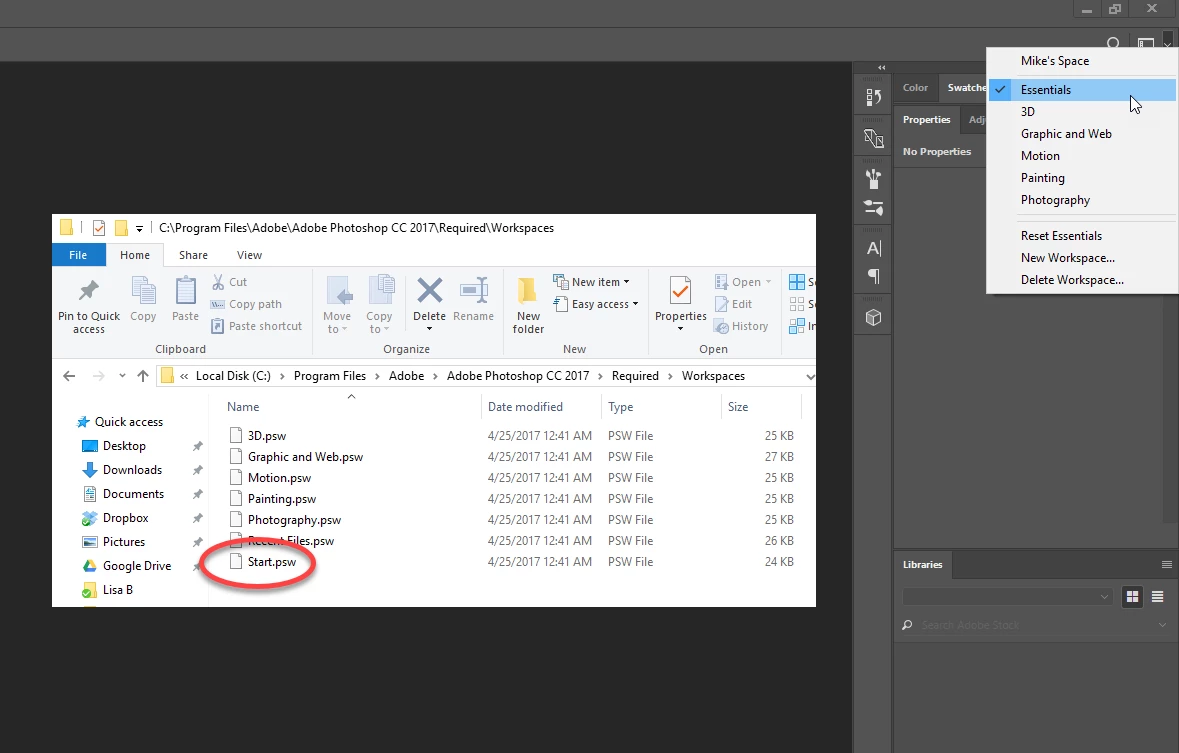
Start Workspace missing in Photoshop CC 2017
I have been learning Photoshop CC 2017 over last few months, but suddenly the "Start Workspace" does not appear when I start PS.
I have checked preferences > General and the "Show Start Workspace when no documents are open" is ticked.
I have read related discussions on this topic, and tried resetting preferences and restarting PS, but no luck.
I really need the Start Workspace again., any help appreciated , thanks
 AdChoices