
Strange alpha channel under 'Export As'...
Greetings...
I am rendering images in 3DS Max and posting in PS (v20.0.5). Getting these images as small as possible while preserving the gradient of the alpha channel is important. So when I open one of these 3DS Max files, PS shows the image as RGB Color - 8 Bits/Channel... which is expected since I saved in 24 bit PNG w/ alpha channel from Max. However, after doing some minor post work on the image (crop,sharpen), if I then choose the 'Export As...' dialog and check the Smaller File (8-bit) option, I would expect the alpha layer to be flattened to either 1 or 0 (opaque or transparent - no in between) because it is now 8 bit and 8-bit PNG does not support a gradient alpha channel (as far as I know).
BUT, after saving the file this way, reopening the file and checking the properties show that it is still RGB Color - 8 Bits/Channel? Huh? I thought choosing the Smaller File (8-bit) option would convert the image to indexed because 8-bit only supports a max of 256 colors. And to make it even more interesting, the image that was saved in 8-bit has alpha gradients (varying levels of transparency). How is this possible? The file is tiny like I wanted... about 1/3 the size of the original 32 bit (24+8 bit alpha), but how is it still showing as 8-bit per channel and not simply an 8- bit image (256 color indexed)??
File saved with Export As and Smaller File chosen. Notice alpha gradients.
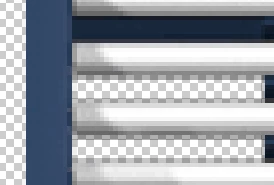
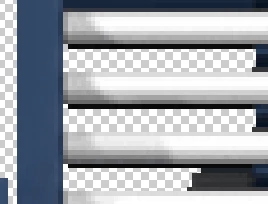
File converted to 8-bit (indexed) and saved. Notice no alpha gradients.
The reason I am asking this (besides the confusion) is because you can't automate the 'Export As' (saving to a single folder) and I have thousands of images to convert like this.
What am I missing?
Kind regards,
Steve
 AdChoices