

Text Layers color change Action
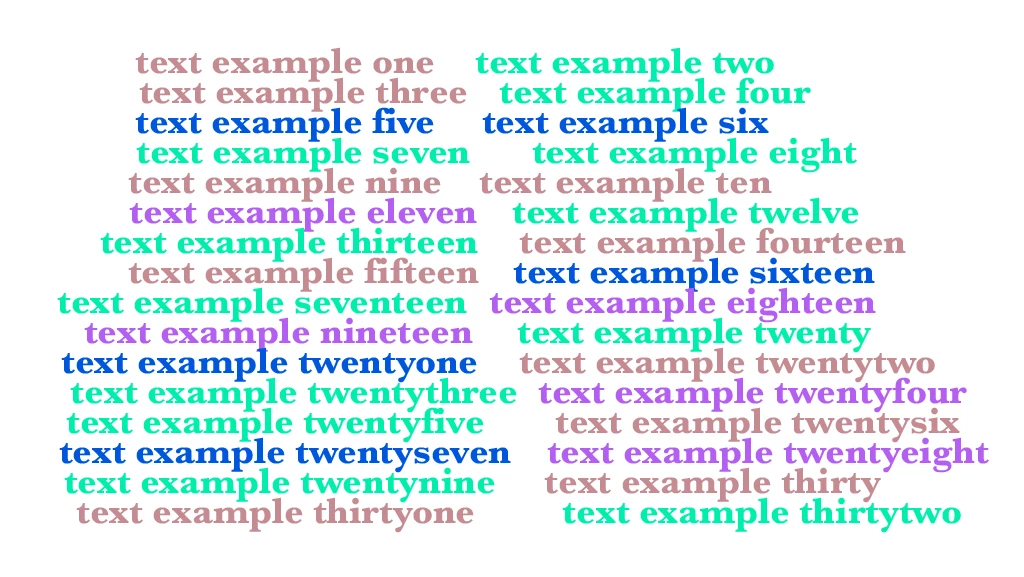
I need a Photoshop action/script for a file which contains around 50 text layers. I need the action/script to alter the colour of each text layer and apply new colours to each one individually. Each time I run the action, the script should randomise the colours again.
The new colours will be preset from a group of colours e.g.
"Colour group one": #000000, #f3f3f3, #76f8f7, #333333, #454566, #d87d56
"Colour group two": #111111, #c7c8c7, #f9h9d9, #999999, #d3d2d2, #a8aha8
Etc....
Example:
I have a file containing 50 text layers. I want to change all of the text layers to the "Colour Group One" colours. I run the script/action and each text layer will have one of the colours from "Colour Group One". Each time I run the action, each text layer will change colours again.
I hope this is clear but understand that it might not be! (I have add an example image to text color change.)
Thanks in advance!
 AdChoices