pompomstu
Participant
September 22, 2017
Answered

Texture remaping using UV pass

  • September 22, 2017
  • 6 replies
  • 14290 views

Hey everyone,
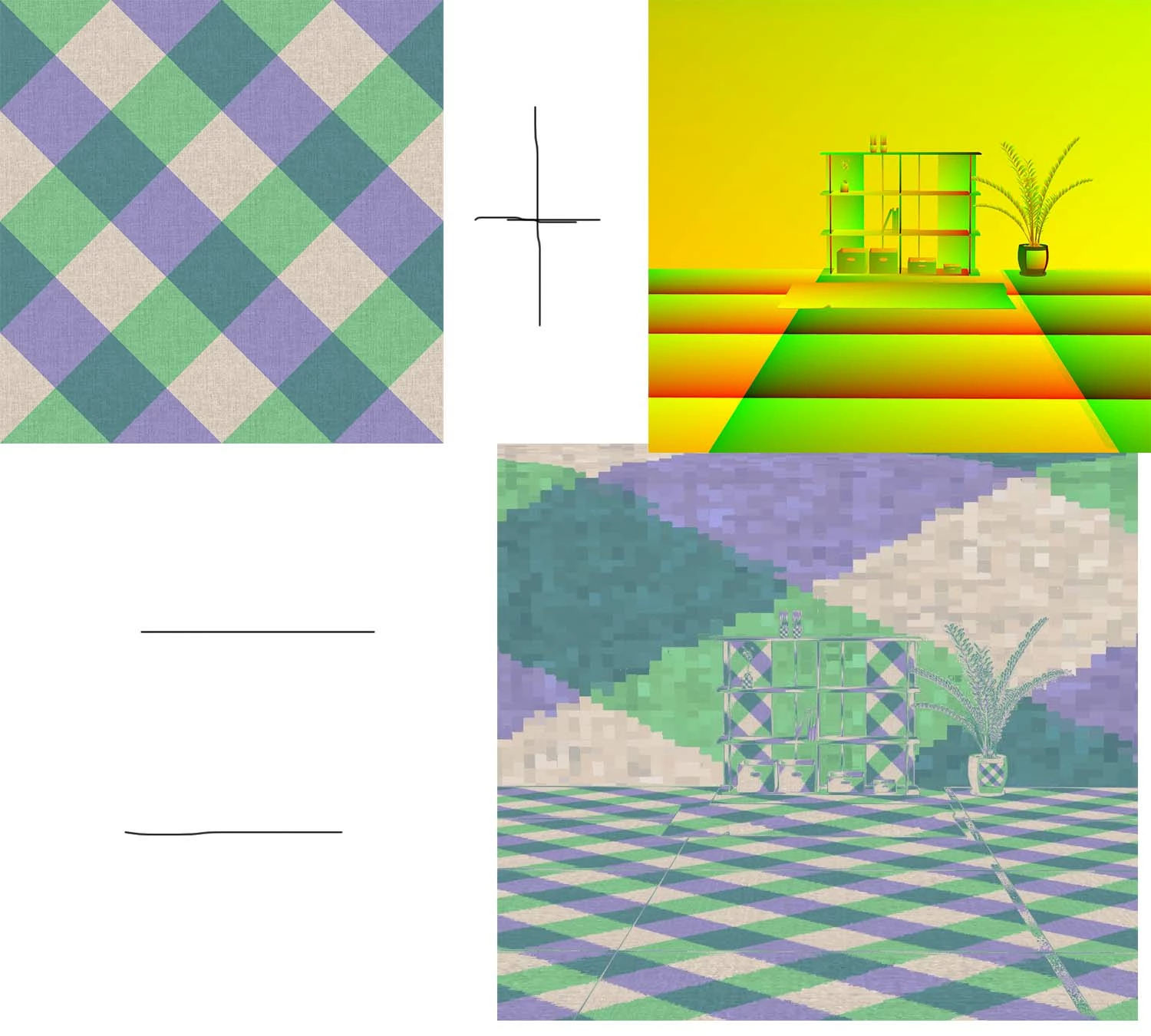
I was wondering if it was possible to remap textures in photoshop using a UV pass like you can do in Nuke using the "STMap" node. The picture below is the result I`m looking for, if anyone knows how to do it that would be awesome!
This topic has been closed for replies.
Correct answer angie_taylor

There's also this script that allows you to do something similar directly in After Effects;

ft-UVPass - aescripts + aeplugins - aescripts.com?aff=13

6 replies

Dr_Fox
Participant
September 14, 2019

Found a work around by utilising  3D object in photoshop. Add your model to photoshop and add texture

Dr_Fox
Participant
September 14, 2019

Looking for that in decades...

pompomstu
pompomstuAuthor
Participant
September 26, 2017

Thanks for the information guys. I was trying to do it in Photoshop to allow customers the ability to easily swap out patterns but unfortunately they don`t have access to after effects.

davescm
Community Expert
Community Expert
September 22, 2017

As Angie says above, Photoshop does not lend itself to changing textures post render. Whilst you can edit the textures easily and use all the blending modes layers and smart objects on those textures, those changes then require a full render.

Photoshop does not output separate render passes.

If you don't have access to After Effects, as suggested by Angie, then Blender will do what you want.

Dave

angie_taylor
angie_taylorCorrect answer
Legend
September 22, 2017

There's also this script that allows you to do something similar directly in After Effects;

ft-UVPass - aescripts + aeplugins - aescripts.com?aff=13

angie_taylor
Legend
September 22, 2017

As far as I'm aware there's no straightforward way to do this in Photoshop, there are a few workarounds online. However if you have a subscription to the entire CC collection of applications then you will have After Effects. After Effects includes Cinema 4D Lite which is a 3D application that allows you to apply and edit textures. Would this be a possible solution for you? If so I can provide you with some help there?