

Too many Brushes, Gradients and Shapes
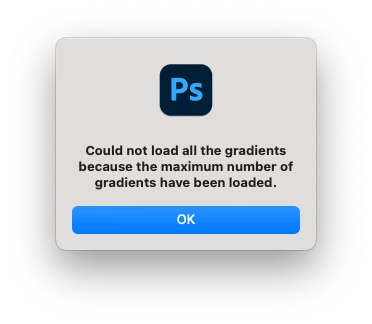
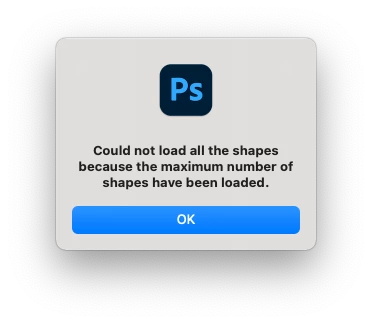
Every time I start Photoshop i get this message "Could not load all gradients because the maximum number of gradients have been loaded". Same for Brushes and sometimes shapes as well.
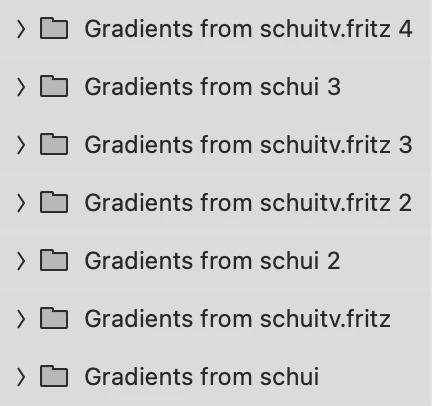
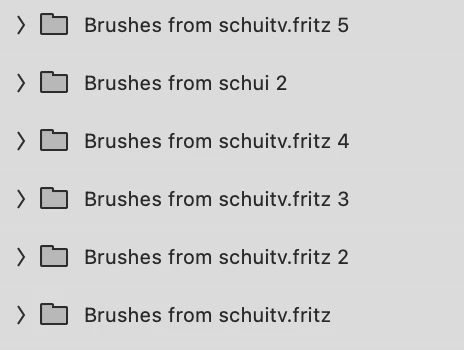
I already uninstalled Photoshop and deleted any possibly related files from my computer. But after a reinstall the problem prevails. My guess is that somewhere in my creative cloud server are those gradients. When I look in the gradient folder it has copies and copies of the same folders, like it would create a new copy everytime I start Photoshop. Any idea where to see my cloud stored synch settings or assets? Or how to fix this problem? I already had Adobe tech support help me, but all they did is delete my preference file which fixed it for a day or two. But after a few restarts the problem is back.
 AdChoices