
Question
Transparent Gif Export comes out with pixelated edges
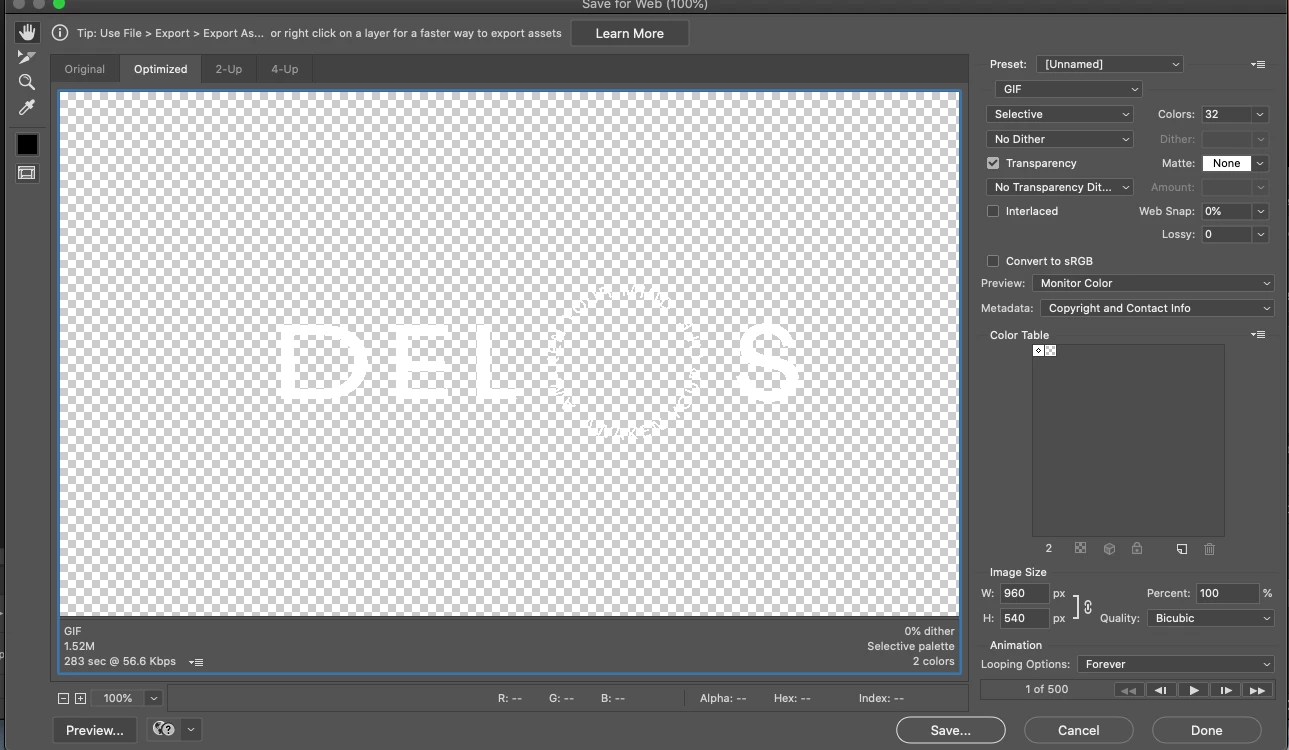
I am trying to export a 540p GIF from Photoshop with a transparent background. It is only 1 color (white) and I want to be usable on many backgrounds.
I made the animation in After Effects and the .MOV export looks really clean and sharp in 1080p. Then I use Image Size in PS to down-res to 540 and save for web.
I have tried several different varying settings for export each with the same result: very pixelated edges when opened in chrome or safari.
GIF sample: file:///Users/Krause/Movies/Projects%20in%20Process/201103_Delos/Exports/GIFs/123201104_Delos_RotatingTag_White.gif
Any suggestions on what I could do to make it crisper?
 AdChoices