
Participant
November 26, 2018
Question

Turning my illustrations into vectors - is it possible? And how?

  • November 26, 2018
  • 4 replies
  • 418 views

Hi there!

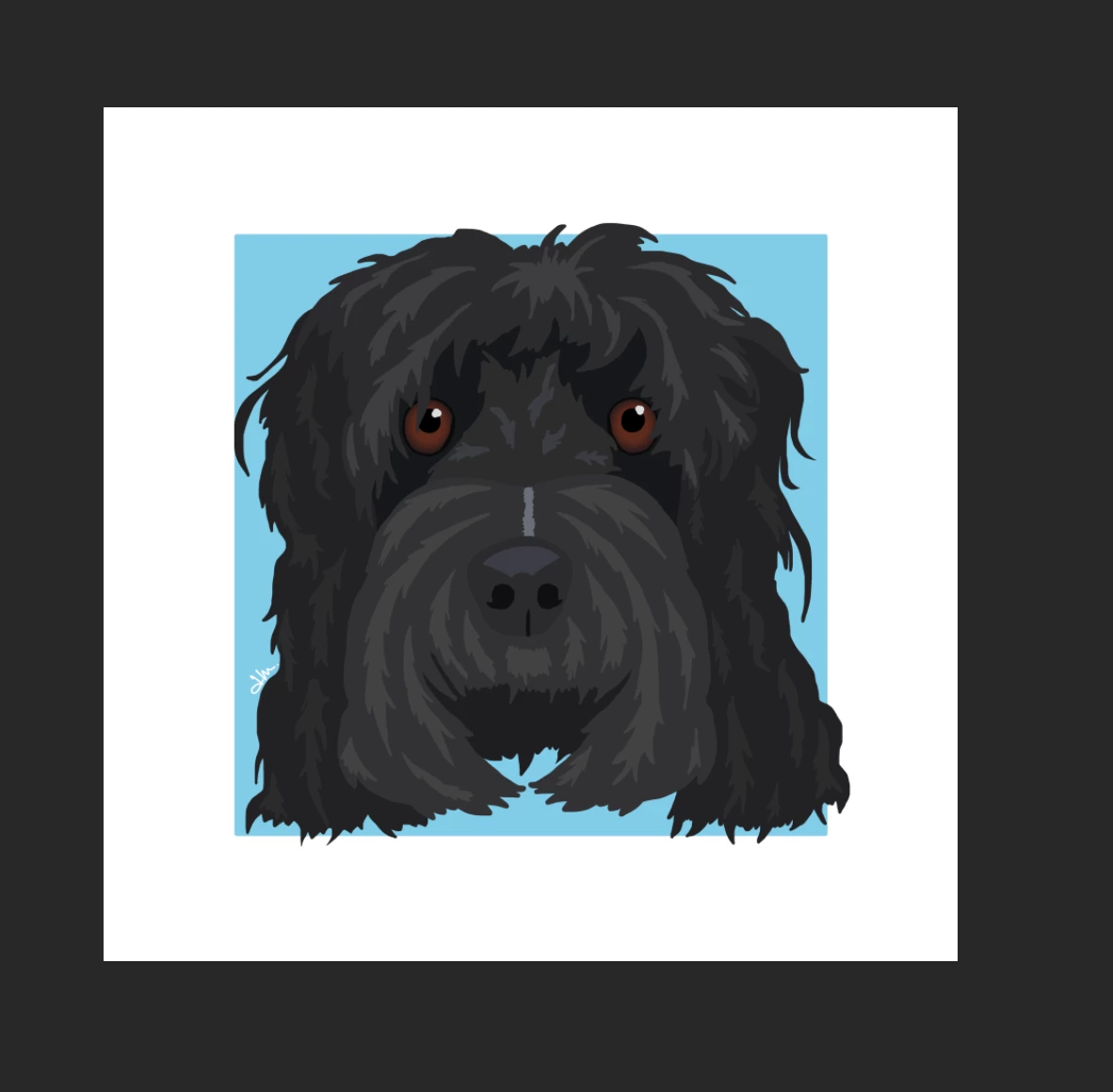
Can anyone tell me if it is possible and how to turn my multi-layer illustrations into a vector?  I need to scale them up and down for social media and marketing printing etc.  They are starting to become less sharp!  I've attached an illustration if it helps finding the answer!

Thanks,

Amy
    This topic has been closed for replies.

    4 replies

    Theresa J
    Community Expert
    Community Expert
    November 26, 2018

    Image trace in Illustrator will do what you want with marginal results. If you do a lot of these illustrations, I recommend trying the Adobe Draw mobile app. You could easily create an illustration like this with Draw and then send it to Illustrator when you are done. Draw is a vector illustration app. If you want vector, it’s best to start with vector.

    However, this workflow requires a Creative Cloud subscription. You didn’t say what version of Photoshop you are using.

    Joely10623436
    Community Expert
    Community Expert
    November 26, 2018

    Did you draw this Illustration inside Photoshop?

    With vector-Shapes or Pixels?

    Legend
    November 26, 2018

    Illustrator, and while it can automatically trace, you'll almost certainly need to redraw a lot of it. Best to start with vector, for sure, to avoid a lot of work later.

    November 26, 2018

    Hi

    Image trace in Adobe Illustrator would most likely be your best option