

Question
UI Font problem
Hi Guys, this thing is literally driving me nuts.
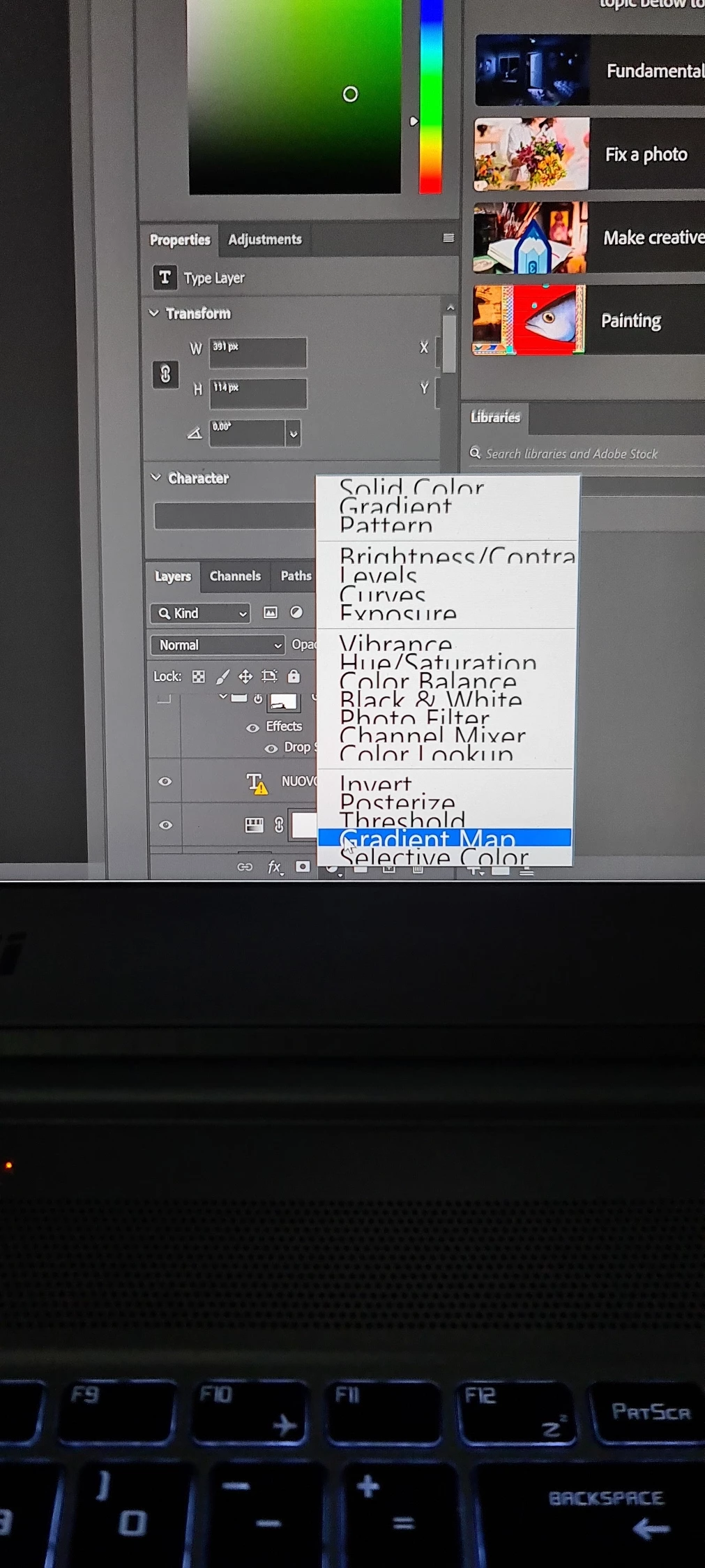
Suddenly Photoshop on my Windows 10 laptop is showing strange huge font in some UI menus.
I've googled about everything, installed and uninstalled PS, drivers, software, and so on.
But unfortunately, I still can't figure out the problem.
Sorry for the bad picture but I'm not able to have the prtscr key working when the menu is opened.
Anyone ever experienced the same?
 AdChoices