
Participant
April 21, 2020
Answered

Unable to import RAW files in CS6 from a Sony A7iii

  • April 21, 2020
  • 1 reply
  • 2017 views

Hi,


As per the title I am unable to import Raw files from my A7iii into photoshop. I keep getting this error message: 
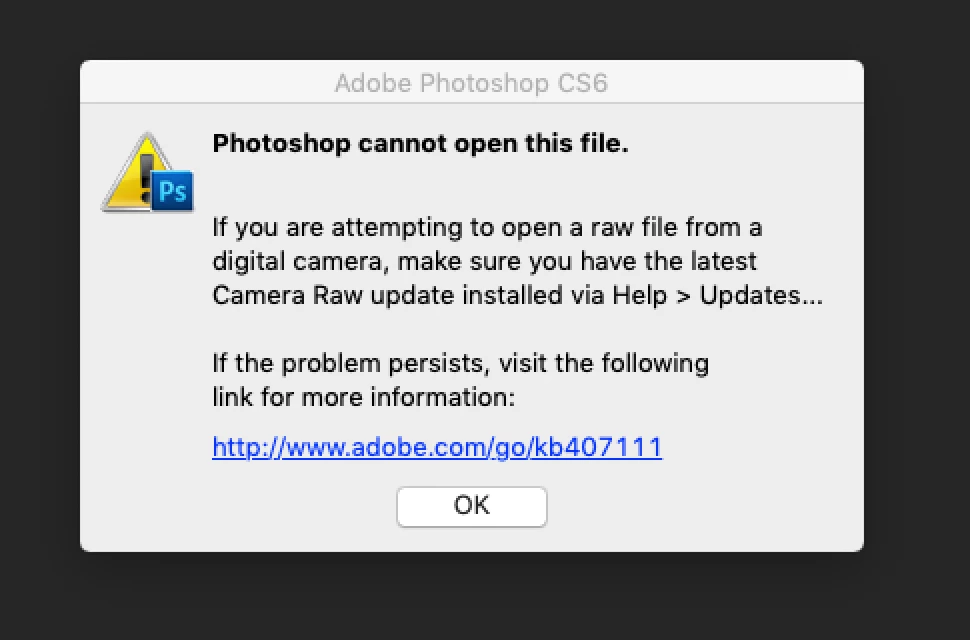
According to this link I require (for the A7iii) camera Raw version 10.3 or higher, which I have tried downloading and installing multiple times with multiple versions and when I reopen photoshop and try opening the RAW file it again comes up with this error.


Anyone know how to fix this?


Also just a warning im not tht tech savvy so could easily be doing something simple wrong!!


Thanks 


Will

This topic has been closed for replies.
Correct answer Warren Heaton

CS6 only goes as high as Camera Raw 8.7.1.


Camera Raw-compatible Adobe applications

https://helpx.adobe.com/camera-raw/kb/camera-raw-compatible-applications.html


You'l need to use CC2018 or newer.


Or, find an application that can convert Camera Raw 10.3 into something that PS CS6 can open.


1 reply

Warren Heaton
Community Expert
Warren HeatonCommunity ExpertCorrect answer
Community Expert
April 21, 2020

CS6 only goes as high as Camera Raw 8.7.1.


Camera Raw-compatible Adobe applications

https://helpx.adobe.com/camera-raw/kb/camera-raw-compatible-applications.html


You'l need to use CC2018 or newer.


Or, find an application that can convert Camera Raw 10.3 into something that PS CS6 can open.


Participant
April 21, 2020

Thank you