emmac21787119
Participant
November 24, 2016
Question

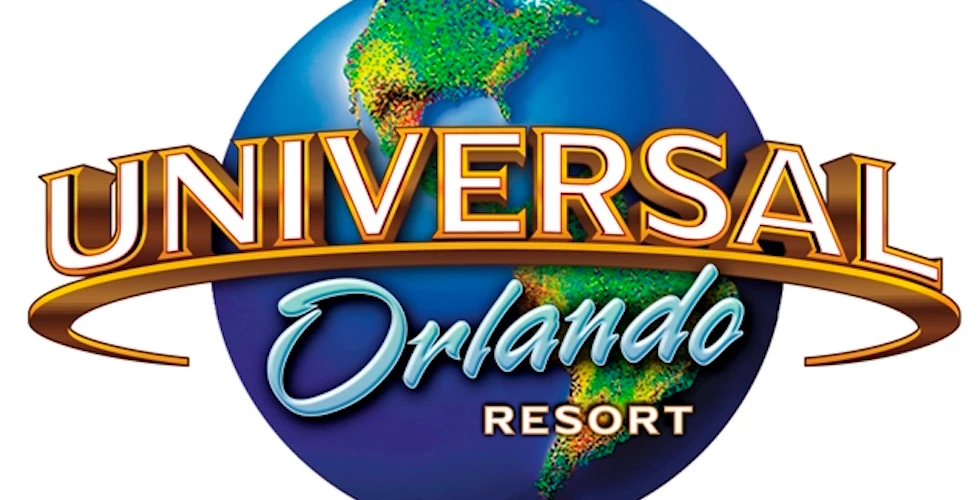
Universal Logo

  • November 24, 2016
  • 1 reply
  • 2708 views

Hi Everyone,

first time posting. I am currently trying to mimic the text look of the Universal font - without completely ripping it off. Does anyone know how to achieve this?

    This topic has been closed for replies.

    1 reply

    davescm
    Community Expert
    Community Expert
    November 24, 2016

    It looks like that one is drawn the hard way. So you could get the pen tool out and draw it.

    or .....

    If you could find a close font you could use 3D to extrude the font then in the mesh, adjust the bevel to give that raised front edge.

    The example below is not a very close font but hopefully shows the approach.

    Start with a type layer and use Type - Extrude to 3D

    Then go to properties and adjust the front bevel :

    Set a white colour for the front material and a gold for the bevel and extrusion.

    Move the camera view and the lighting and you will get something like this :

    Photoshop 3D does not easily lend itself to bending the word round an arc. You can build it as individual letters in 3D - or you can simply convert the rendered 3D layer to a smart object and use Transform - Warp

    Hopefully that gives you some ideas

    Dave

    emmac21787119
    Participant
    February 20, 2017

    Thank you!