pascalbou
Participant
October 18, 2018
Answered

unselection inside of a selection using the magic wand tool

  • October 18, 2018
  • 2 replies
  • 696 views

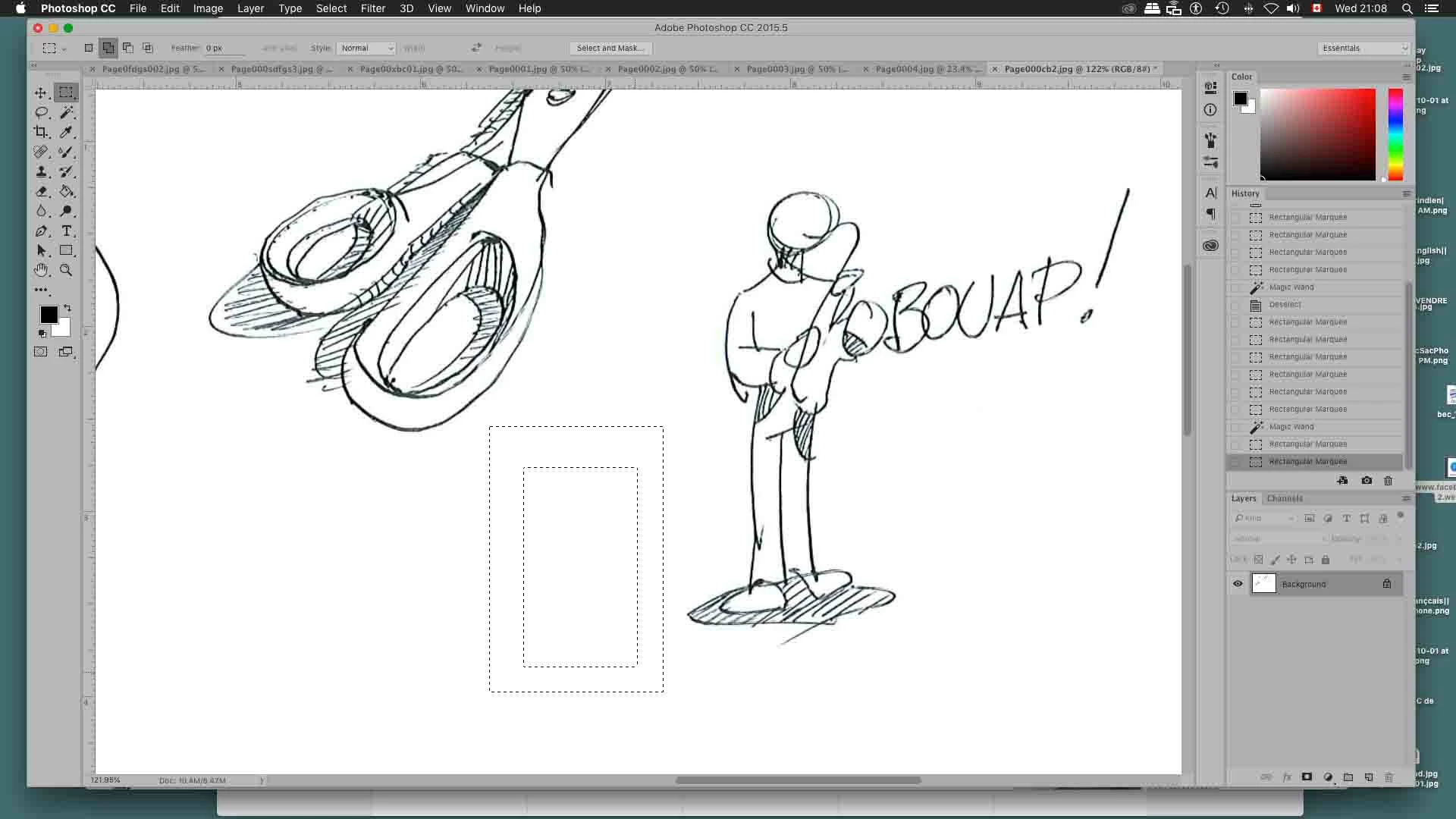
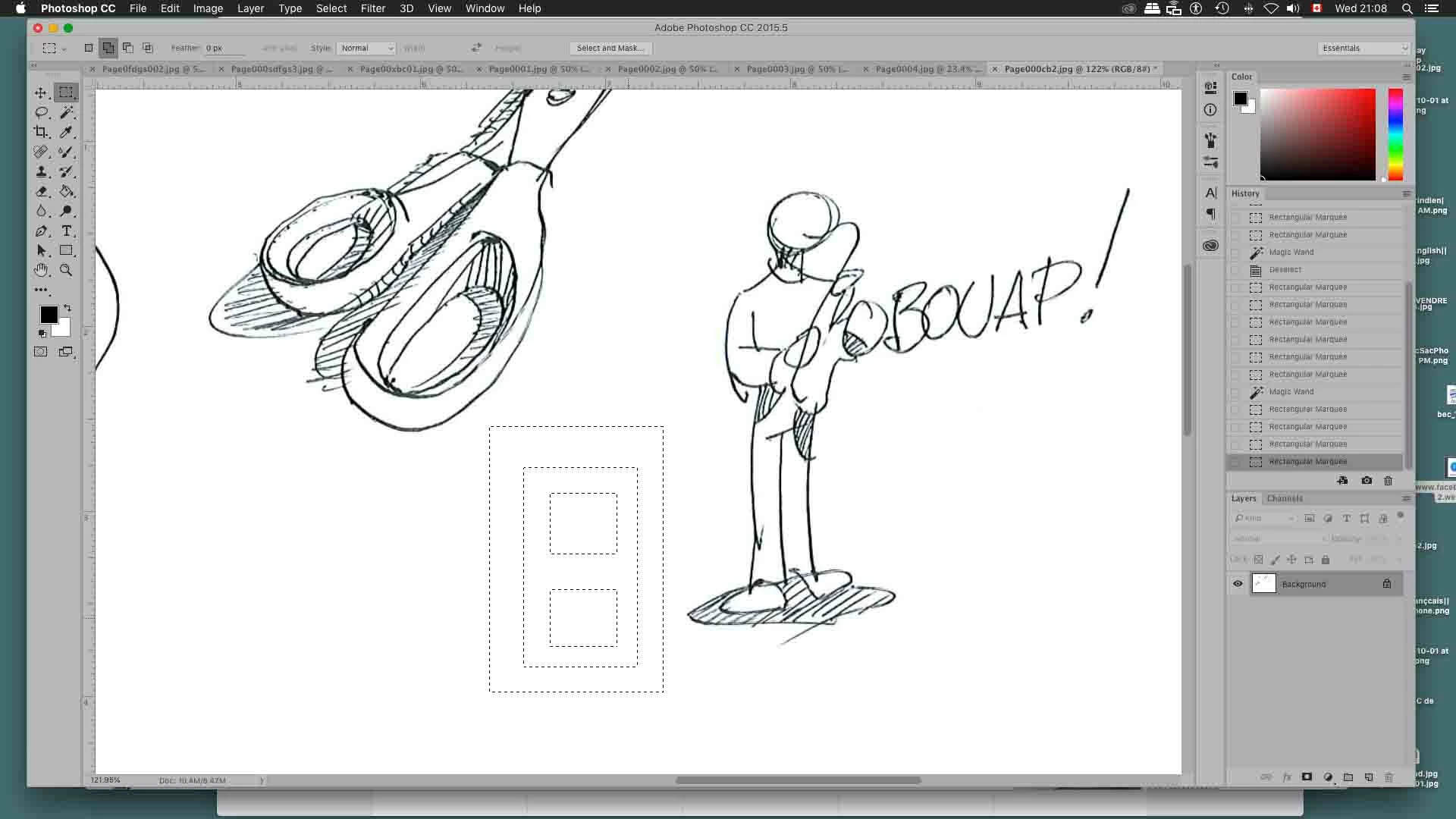
Hey! yet, I did not find the way to unselect inside of a pre selected zone using the magic wand.
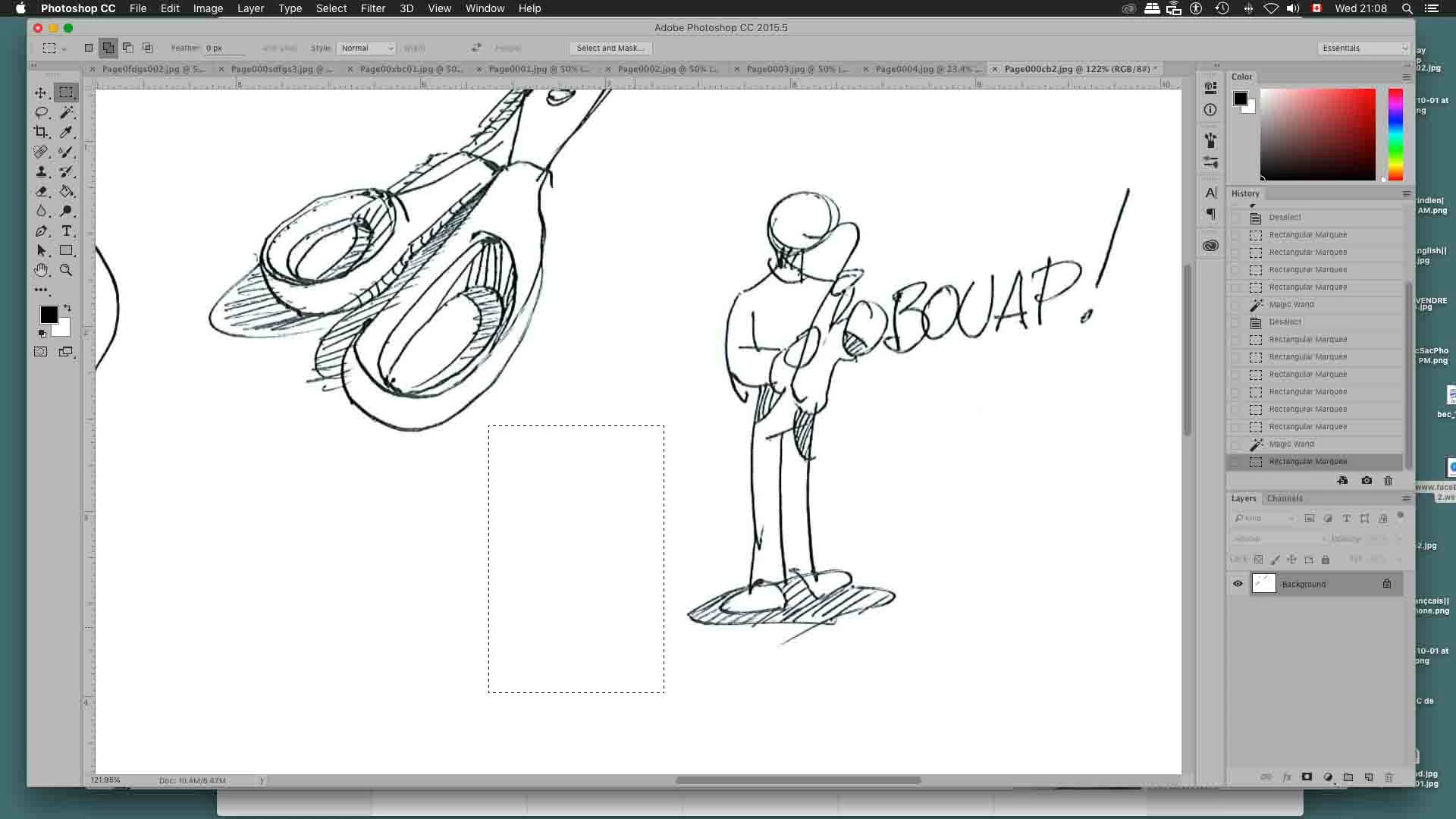
suppose I want to unselect one of those small squares inside. Ok with the Marquee or Lasso tools but I cannot find a way using the magic wand like with previous versions!

Any help would be appreciated. Thanks!!!

pasbou

    This topic has been closed for replies.
    Correct answer lambiloon

    Hi for better knowledge about magic want please check following video hope that helps....Thanks.

    2 replies

    lambiloon
    Community Expert
    Community Expert
    October 18, 2018

    Yes JJMack  Sir

    that is why i posted video of magic wand to help to understand

    Ali Sajjad / Graphic Design Trainer / Freelancer / Adobe Certified Professional
    pascalbou
    pascalbouAuthor
    Participant
    October 18, 2018

    hm. Wierd...

    I am quite sure I could do it with Photoshop Element.

    Thanks anyway guys!

    JJMack
    Community Expert
    Community Expert
    October 18, 2018

    Holding the Alt modifier key should add a "-" to the magic want cursor and when you click inside the first selection you should get a warning pop up dialog that if you continue no pixel will be selected if you did not check the don't show again option in the past.

    JJMack
    pascalbou
    pascalbouAuthor
    Participant
    October 18, 2018

    Well not really because the entire selection disappears!

    —I am on a mac by the way—

    lambiloon
    Community Expert
    lambiloonCommunity ExpertCorrect answer
    Community Expert
    October 18, 2018

    Hi for better knowledge about magic want please check following video hope that helps....Thanks.

    Ali Sajjad / Graphic Design Trainer / Freelancer / Adobe Certified Professional