
Aerlyth
Participant
December 30, 2020
Pregunta

Want to convert my grayscale image to a layer mask

  • December 30, 2020
  • 1 respuesta
  • 4525 visualizaciones

Hi! I have a gray scale image that I want to turn into a layer mask. Here it is:
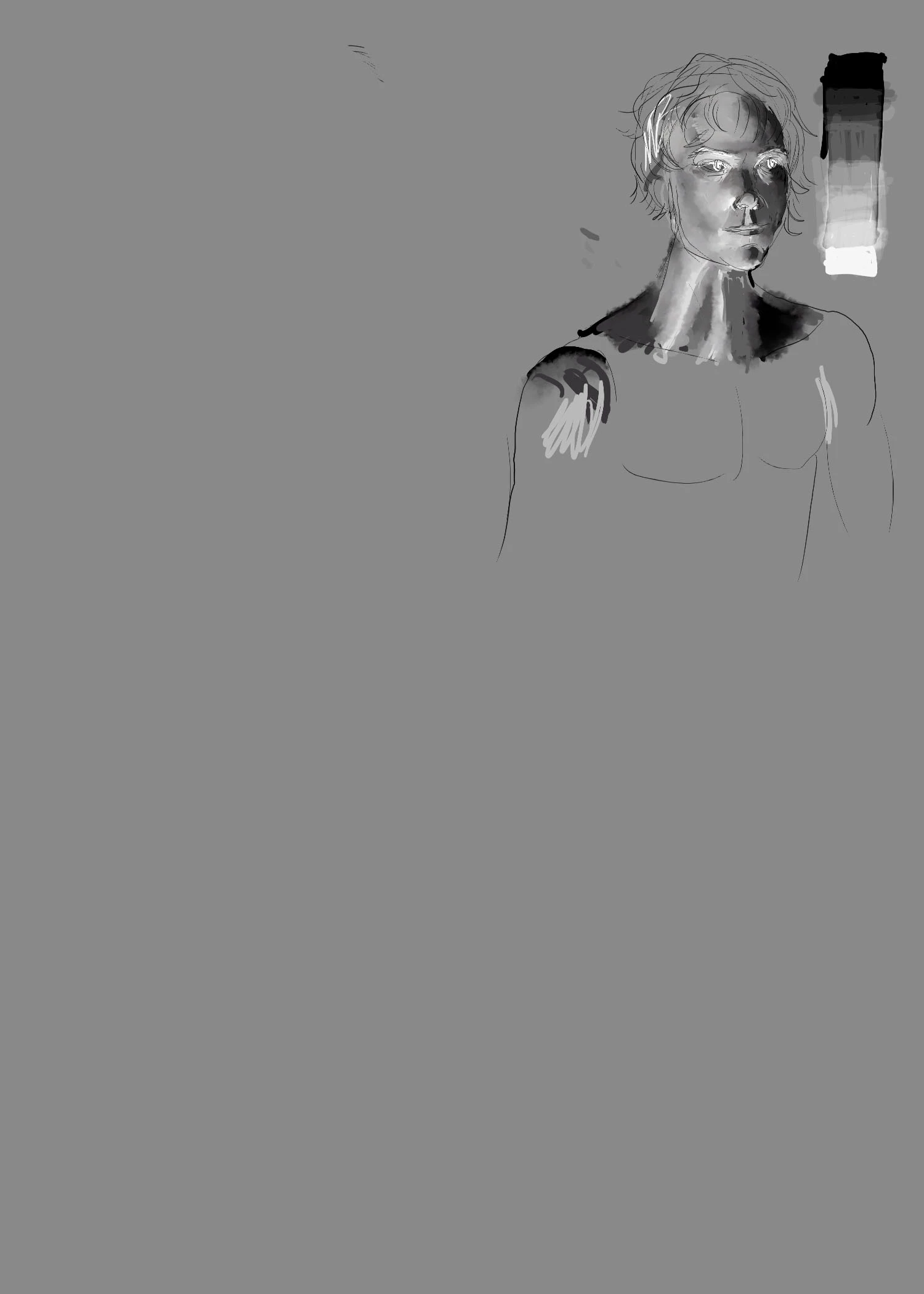
 

And this is the result I get...a very muted low contrast mask. I want the mask to have the same value range as the original image. How do I do that?

How I did it was I created an adjustment layer...then Image -> Apply image and did several different options including selectinig mask and not and it comes out muddy every time. Any help would be greatly appreciated.


Thanks!


Este tema ha sido cerrado para respuestas.

1 respuesta

Norman Sanders
Legend
December 30, 2020

What is the image linked to the mask?

What is the image in the layer below it?

As shown above,  choose the layer you want to convert to a mask (top layer) and Select > All followed by Edit > Copy.

Add a mask to the middle layer. Then Option click on the mask. The screen will go white. Follow that with Edit > Paste.

Click on the eye in the middle layer and turn off the eye on the top layer.