Participant
September 22, 2019
Question

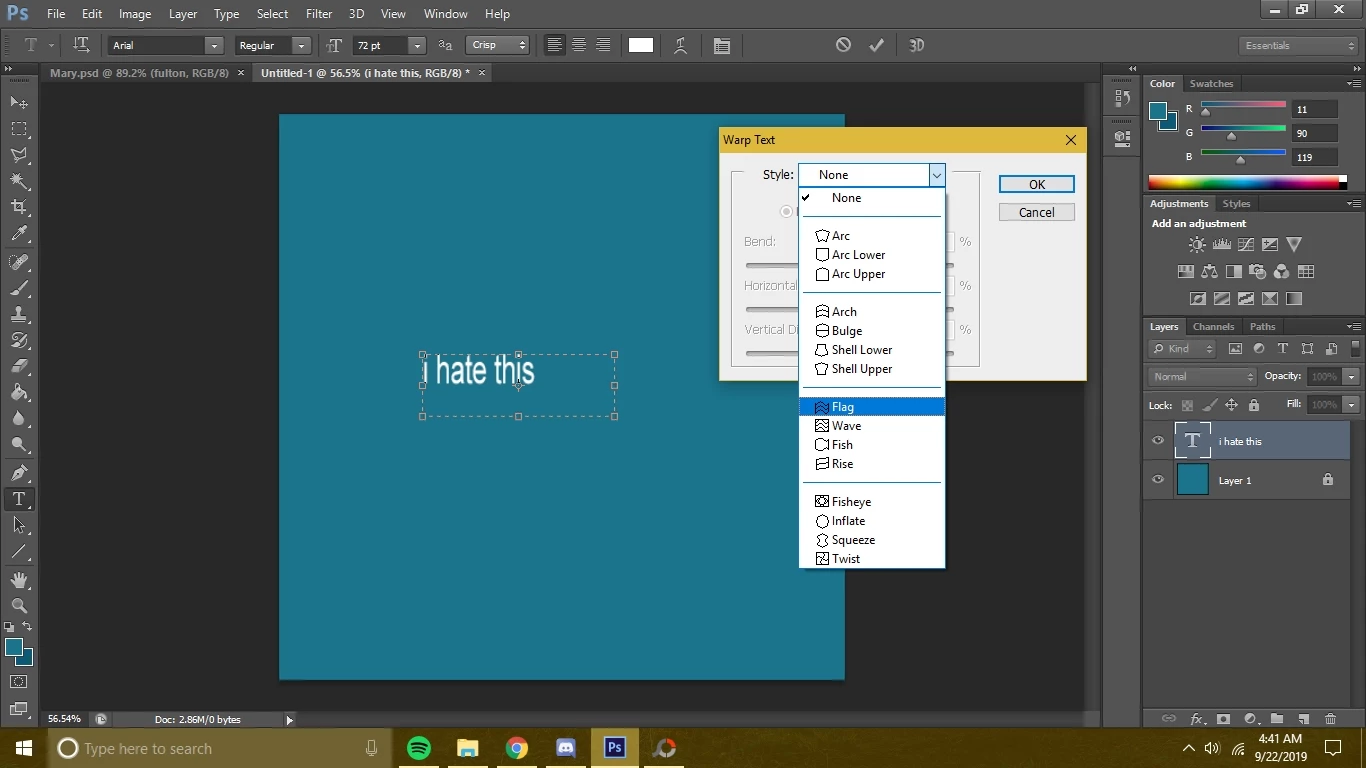
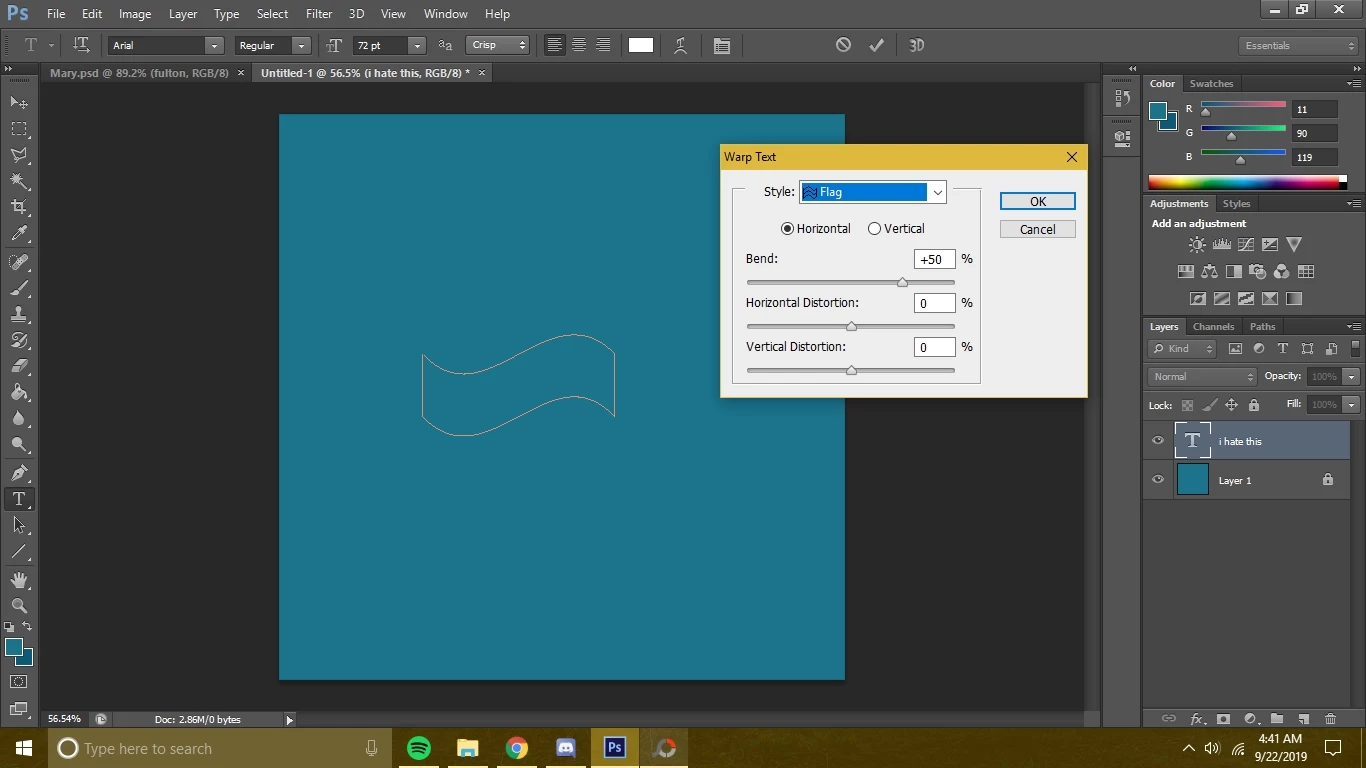
warp text disappearing/turning invisible

  • September 22, 2019
  • 2 replies
  • 2268 views

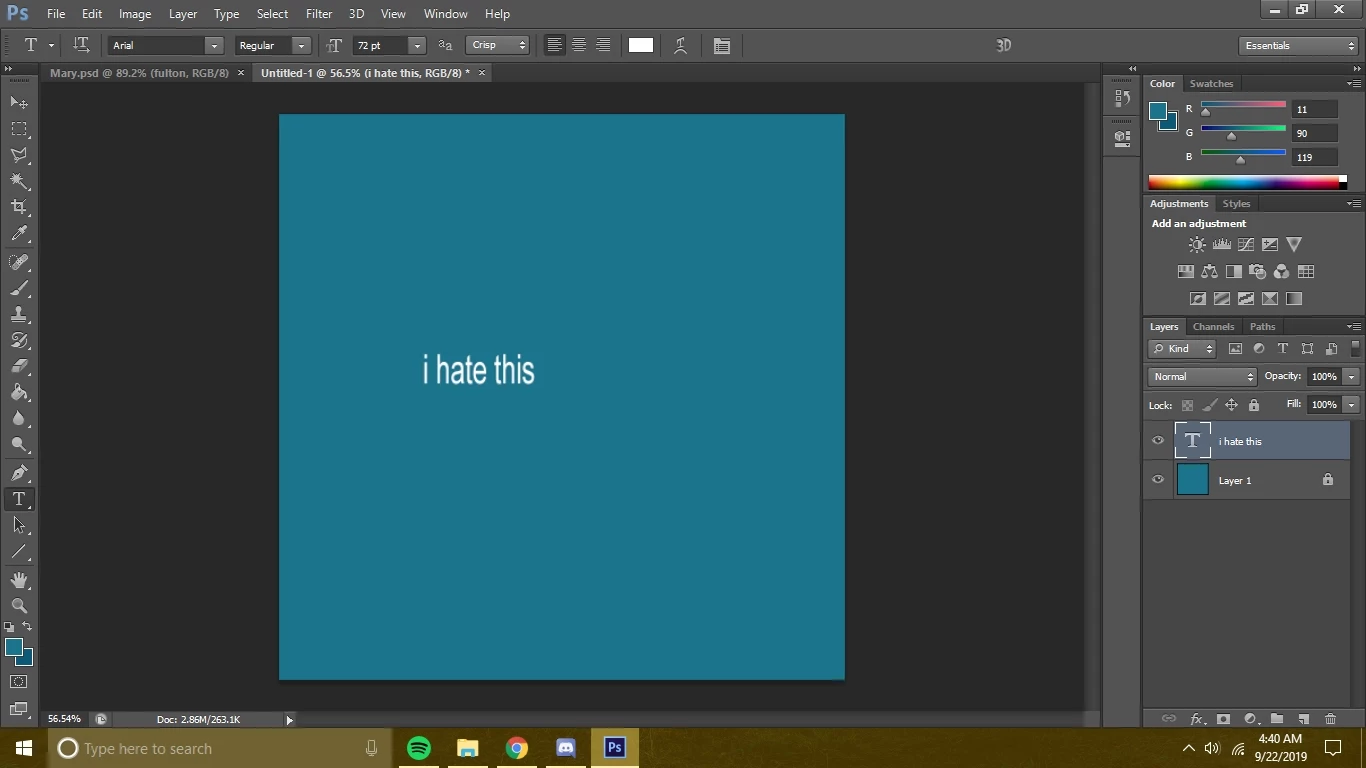
So I'm trying to warp text in photostop and it turns invisible every time I try.


This topic has been closed for replies.

2 replies

Bojan Živković11378569
Community Expert
Community Expert
September 23, 2019

What is happening when you click OK button? I have tested and similar and strange things are happening with both: paragraph and point type while dialog is open. Hovewer, everything works fine regarding final effect after clicking OK button in Warp Text dialog.

Working solution: reset preferences from Preferences > General > Reset Preferences On Quit > OK then restart Photoshop.

September 22, 2019

Hi

Not seeing the issue here with Photoshop 20.0.6, try resetting the type tool

If that doesn't help try resetting PS preferences