
Weird green lines after creating reference frame
I was trying to create a reference frame for After Effects, to make my content aware fill look better. So, I clicked "Create reference frame", and it naturally opened photoshop. Everything was fine until I noticed these green lines. You can see what lines im talking about because when looking at the screenshot, you can see the green lines exit the picture and go into the gray area. It looks like something Photoshop would include in their program for something like measurements, but I didnt ask for them to be there, they were simply there upon startup. Could someone more experienced in Photoshop guide me to what button disables these measurement-looking green lines? Thank you
(P.S. I tried looking in the community posts because this seemed like a relatively simple issue, but everyone else is complaining about a different green lines problem.)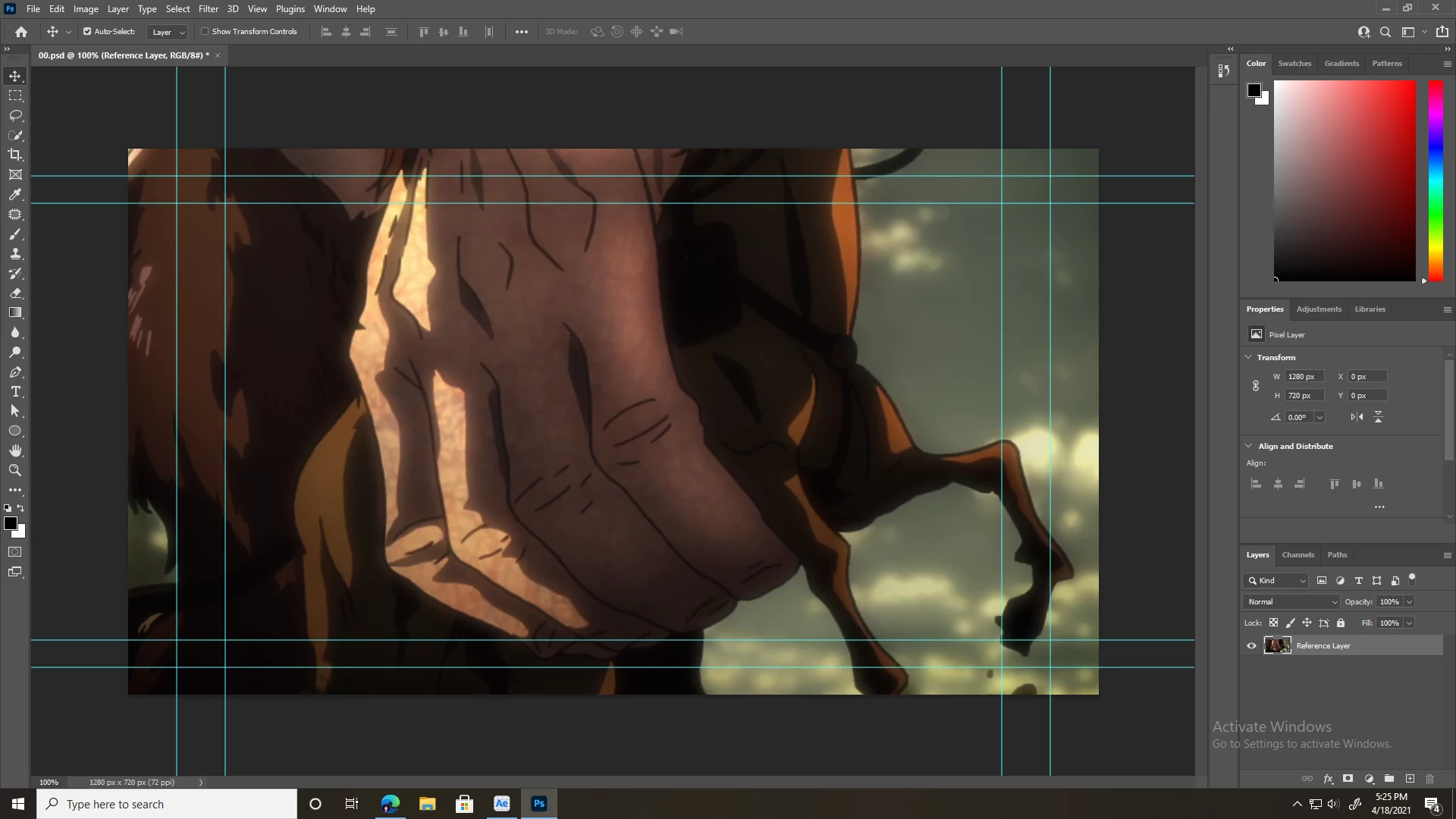
 AdChoices