Hi
The UVs represent how the surface of a 3D model is unfolded onto a flat 2D surface. Take the two materials on the attached simple cone - A "Cone material" and a "Bottom" material. I have coloured the diffuse texture red and green for clarity.
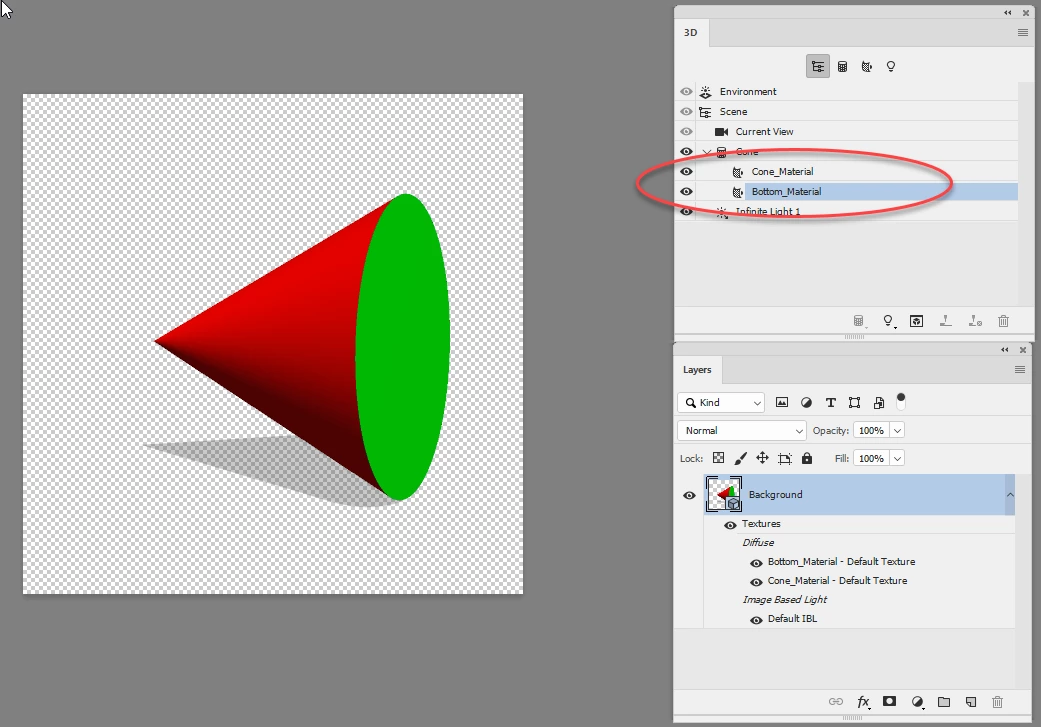
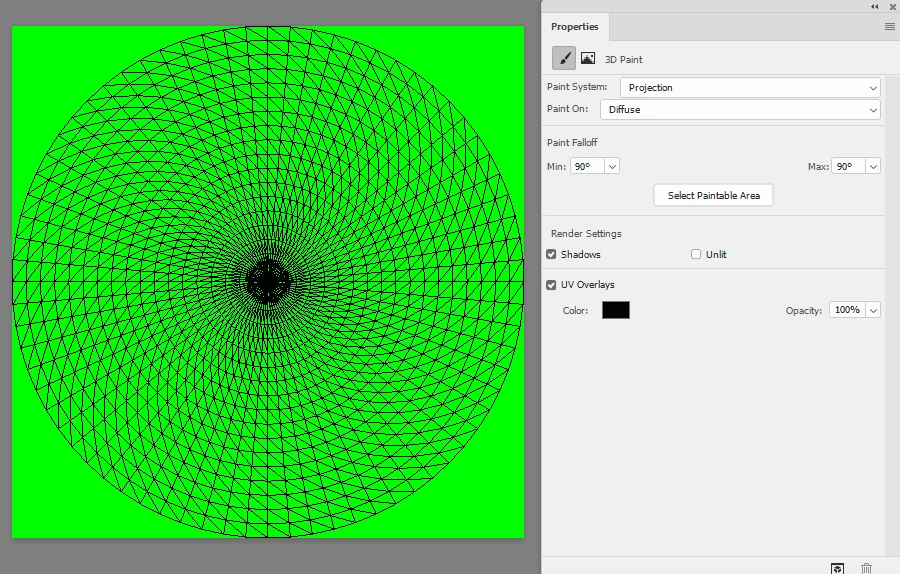
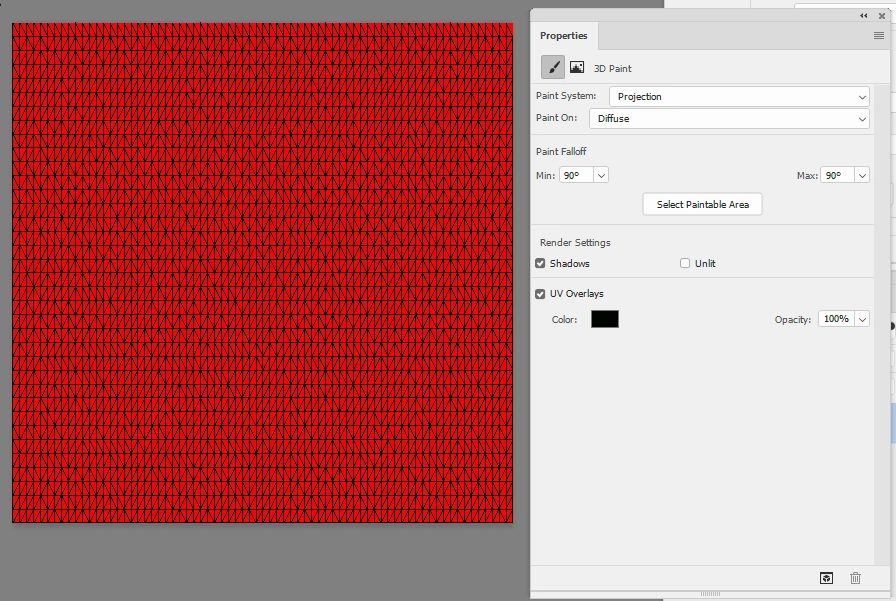
If I open each of those by going to properties - diffuse and then Edit Texture, a texture opens which can be overlayed with the UV map (the black lines below) by checking the box in properties:
Bootom material:
Cone material:
If I select the cone mesh and use menu 3D > Generate UVs these will be combined into a single map and texture
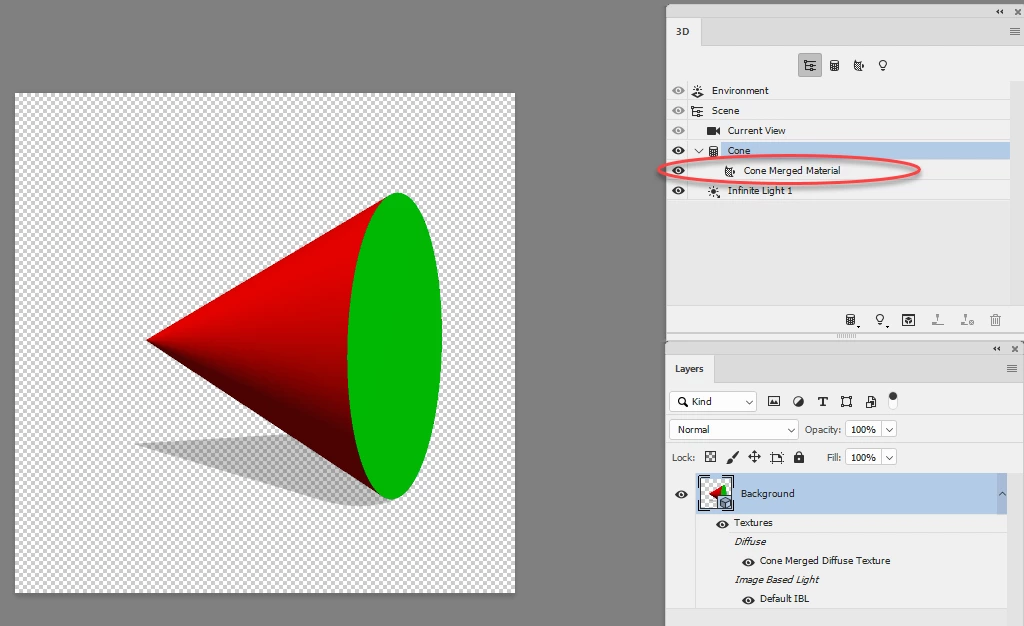
If I open that combined material it looks like this:
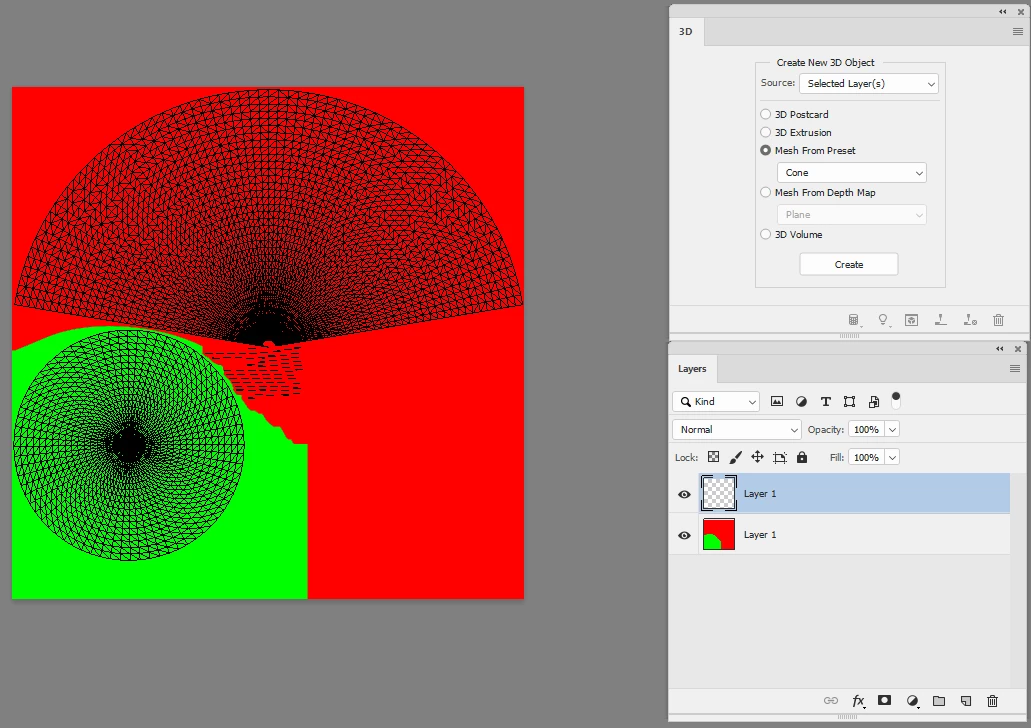
The above use of "Generate UVs" combined textures that were already UV unwrapped but mapped separately.
The second use is on an imported model that has not previously been unwrapped but which needs to be unwrapped in order to put materials correctly on the surface. I can then use Generate UVs to unwrap the model surface and then open the material and see the result. For example I imported the simple cube from Blender without any unwrapping:
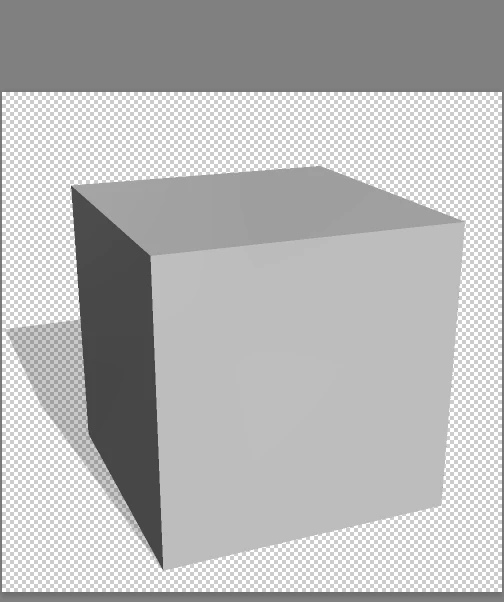
Generate UV unwrapped the surface in Photoshop:
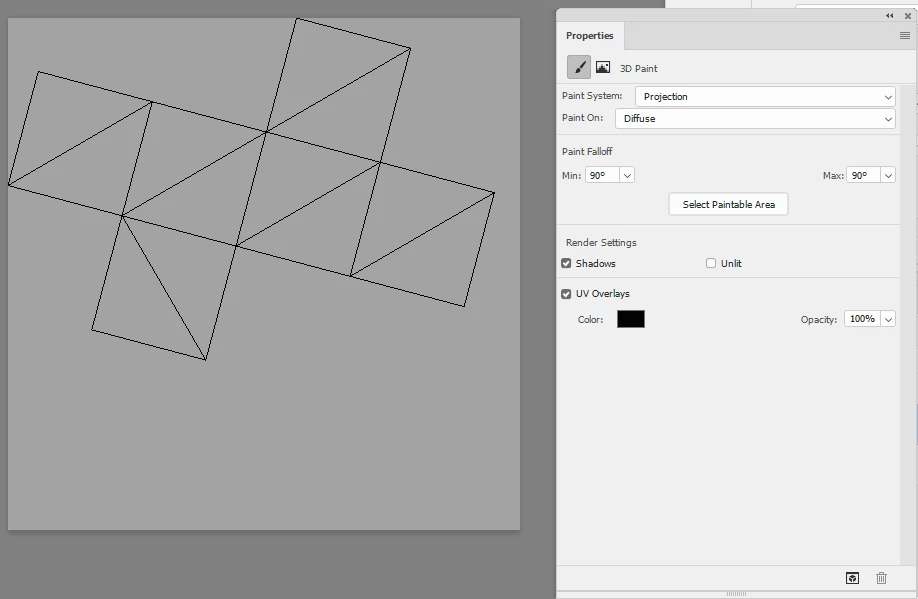
The issue with unwrapping in Photoshop is that it gives very little control over the process. Unwrapping inside a 3D application will give far more control e.g where you want any seams and for more complex surfaces how you want to stretch them.
I hope that helps
Dave




 AdChoices