
gjrajan
Participating Frequently
June 6, 2019
Question

where does Adobe Photoshop CC 2018 store downloaded files

  • June 6, 2019
  • 5 replies
  • 2706 views

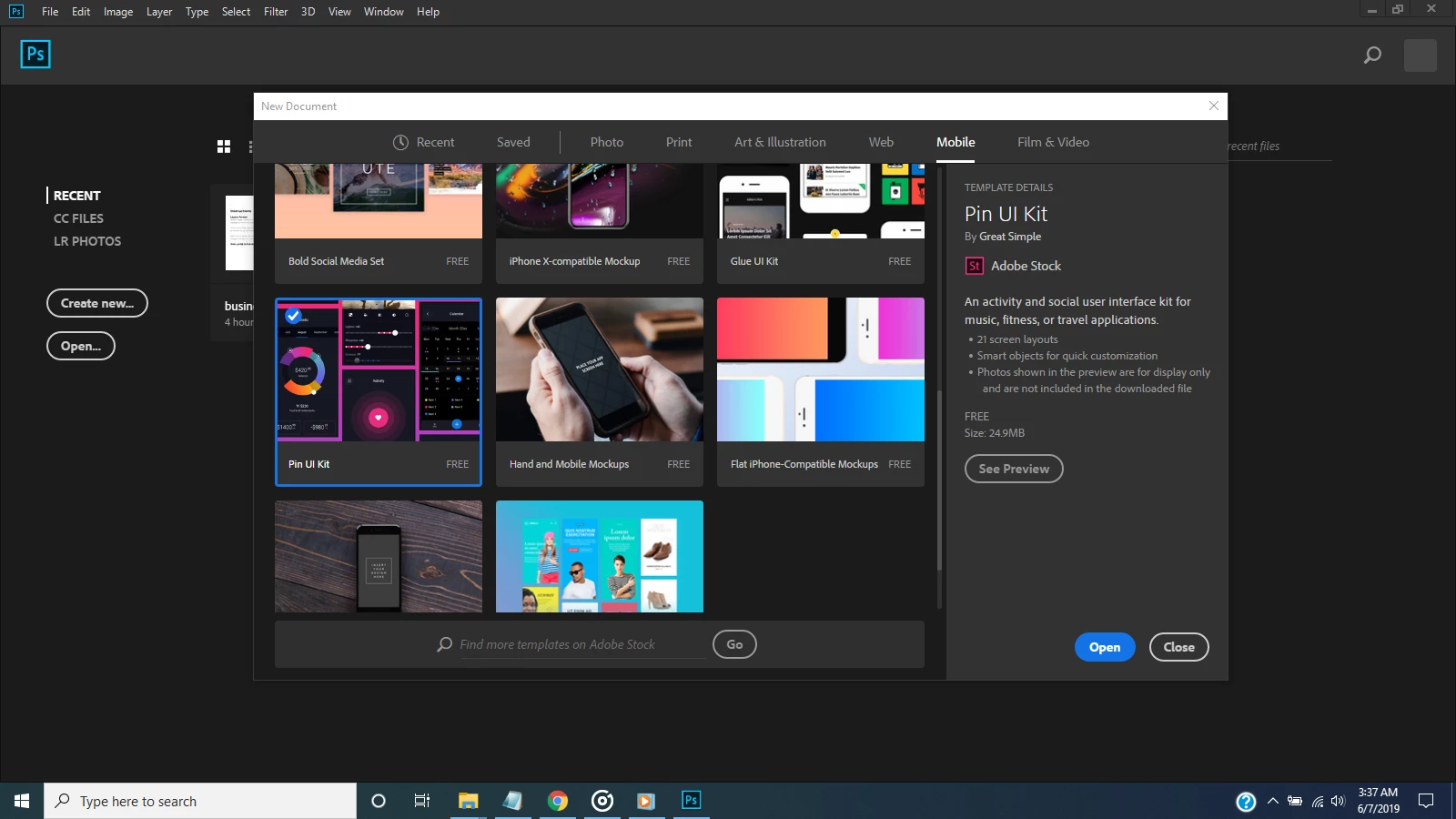
I have downloaded two different types of Mock-up with Adobe PS CC 2018 from the Adobe Stock. After downloading files they are showing only in the Photoshop recent directory which I want to cut and paste to my secondary HDD drive but I don't even find that where those items are now stored in my HDD default by Adobe Photoshop. I have already checked the "App data" directory found information through google search but those items are not in the same directory as I found the result online search. Here's an image I have attached which I downloaded and finding to store in other directory. When I hit OPEN, it opens and can be saved to other directory that I know, but I looking the original downloaded items from where Photoshop saved default.
This topic has been closed for replies.

5 replies

Jeff Arola
Community Expert
Community Expert
June 7, 2019

Or just save out the file from photoshop as .psdt file which is a Photoshop Template file just like the original.

The New “PSDT” File to Create Photoshop Templates! - YouTube

gjrajan
gjrajanAuthor
Participating Frequently
June 25, 2019

Thanks

Jeff Arola
Community Expert
Community Expert
June 7, 2019

It will be far easier to go to Adobe Stock, click on Libraries on the upper right of the screen, go to Stock Templates, click on the Template listed and download it to your computer.

gjrajan
gjrajanAuthor
Participating Frequently
June 25, 2019

I think i should have tried it.

Ussnorway7605025
Legend
June 7, 2019

in most senarios it will be in the system temp folder because Windows defaults to that

Norman Sanders
Legend
June 7, 2019

If you downloaded the original file and opened it, choose it from the Recent list and when it opens, right click on the file name above the the image. It will reveal the file tree directing you to its loccation. (This feature appears on the Mac. and may work on a PC, as well.) 

Peru Bob
Community Expert
Community Expert
June 6, 2019

Have you tried a Windows search on your whole drive(s)?

gjrajan
gjrajanAuthor
Participating Frequently
June 25, 2019

I have done it