
Where's my top of screen options bar?
Several people have asked this question and been answered, but when I try the suggested solutions it only makes my problem worse. (And I'm sitting here wasting time instead of getting my work done!)
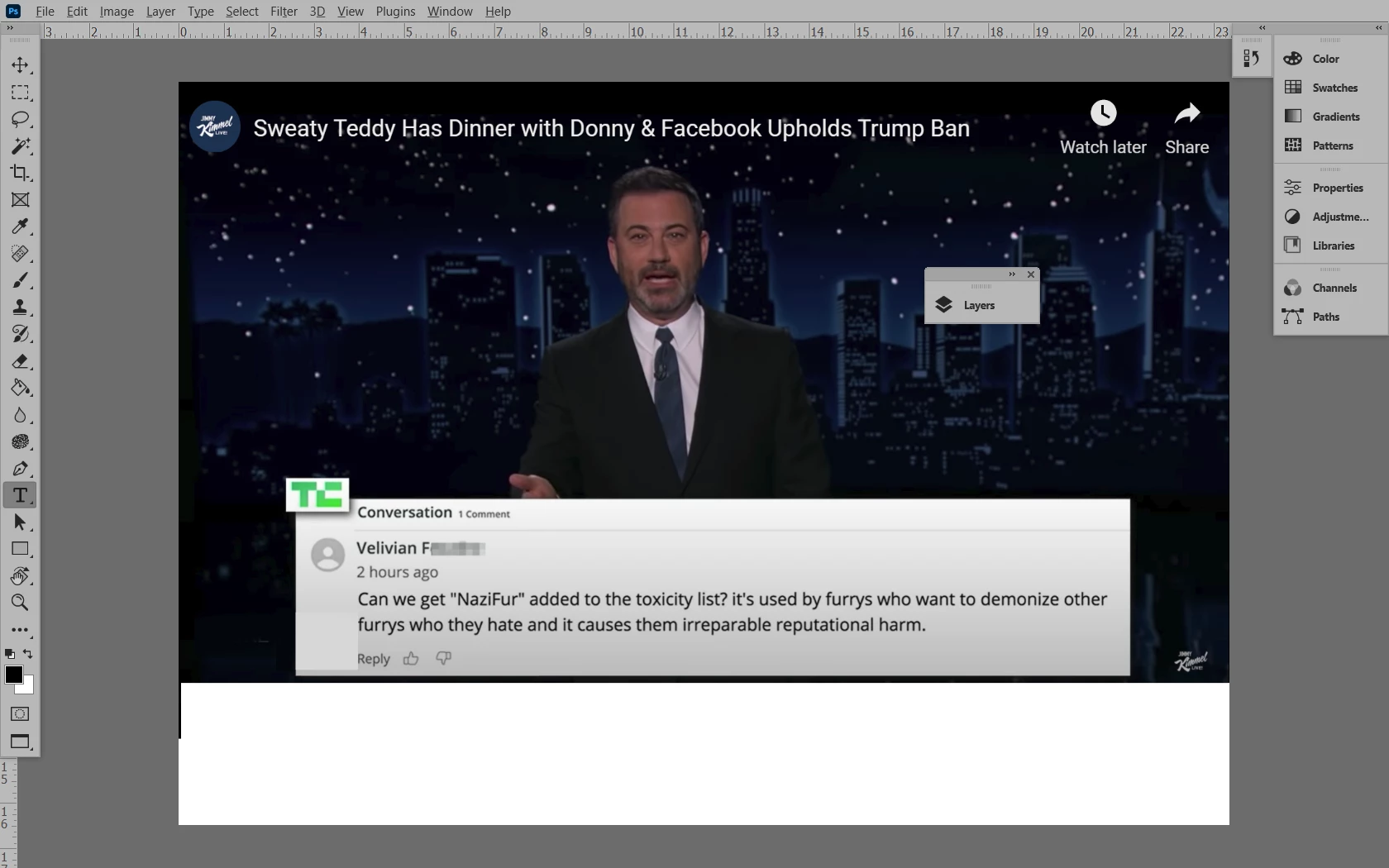
I believe it's the options bar across the top of the screen that, on the far right gives you the choice between minimizing the Photoshop desktop so it's not onscreen at all, or either partially fills the screen so you can have other programs sharing the screen, or having the Photoshop desktop completely filling the screen.
It's simply not there - and trying some of these solutions made the bottom bar with all my program shortcuts vanish as well! WHAT IS THE SIMPLEST, MOST DIRECT WAY OF RESTORING THESE BARS TO MY PHOTOSHOP SCREEN? If you can help me, please make your advice easy to follow so an easily confused person like me doesn't wind up mucking up his Photoshop screen any further.
 AdChoices