
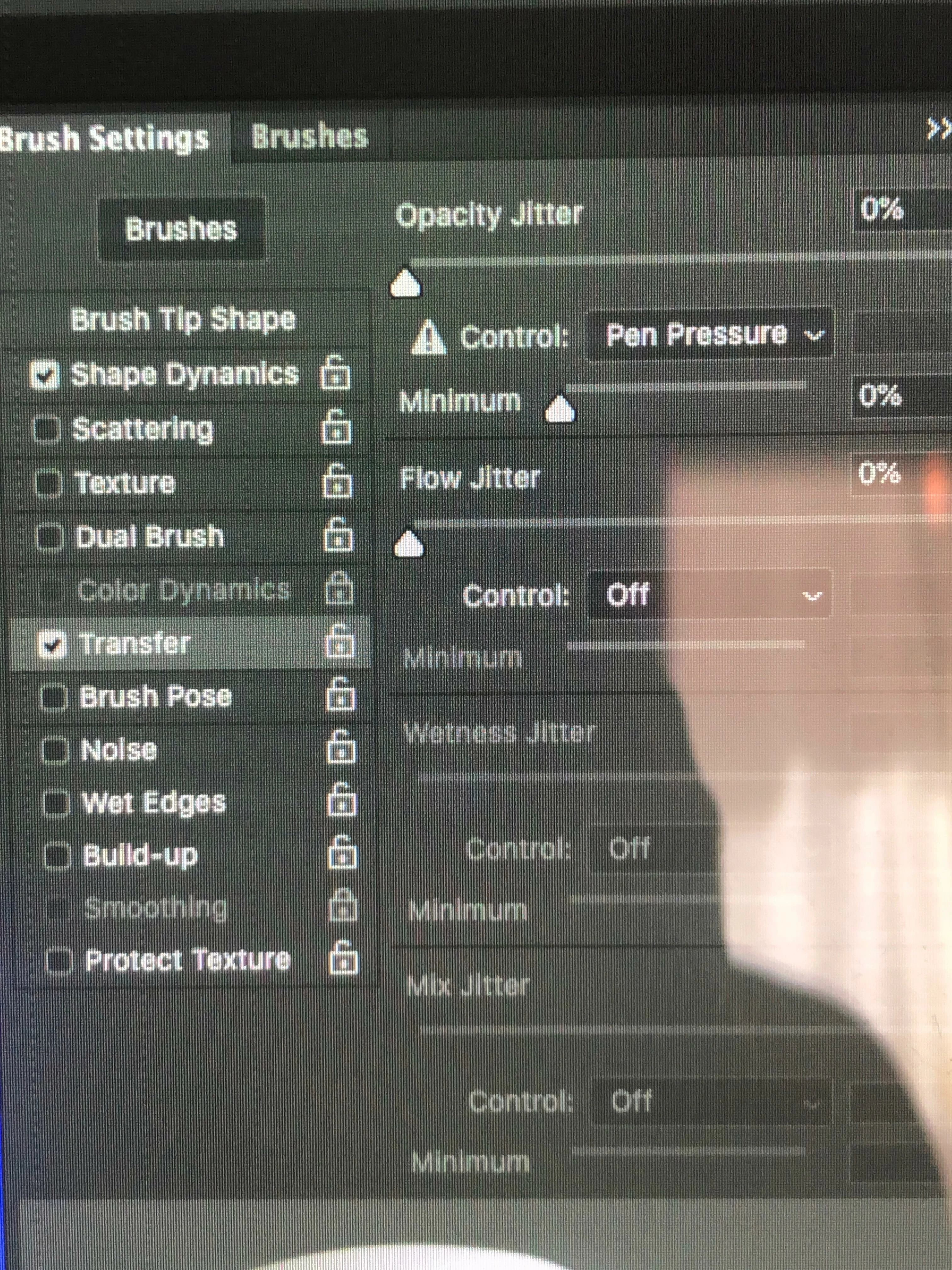
Why is my control default in brush settings/transfer set to "pen pressure"?
I have a problem that Adobe help could not solve for me. For a long time, my brush size is smaller than my cursor, by about half. See first image below. (That was using a clone stamp, but it is the same will all brushes.) The Adobe person, and I myself, wondered if it might have to do with the fact that in brush settings/transfer, dynamic control for opacity, the default is "pen pressure". The agent conjectured that I might have a pen tablet driver installed on my computer. Years ago, I did. It was a Waco Graphire tablet. I haven't used the tablet in years, and I have checked and find nothing left on my computer that says "Wacom" or "graphire". Can it be that something is still present that maintains that default "pen pressure"? I have tried to change that control to "none" but it always changes it back to "pen pressure". Can anyone help me? Thanks! -Jim Cox

 AdChoices