

Question
Adobe Premier Elements 10 video not working
Hi,
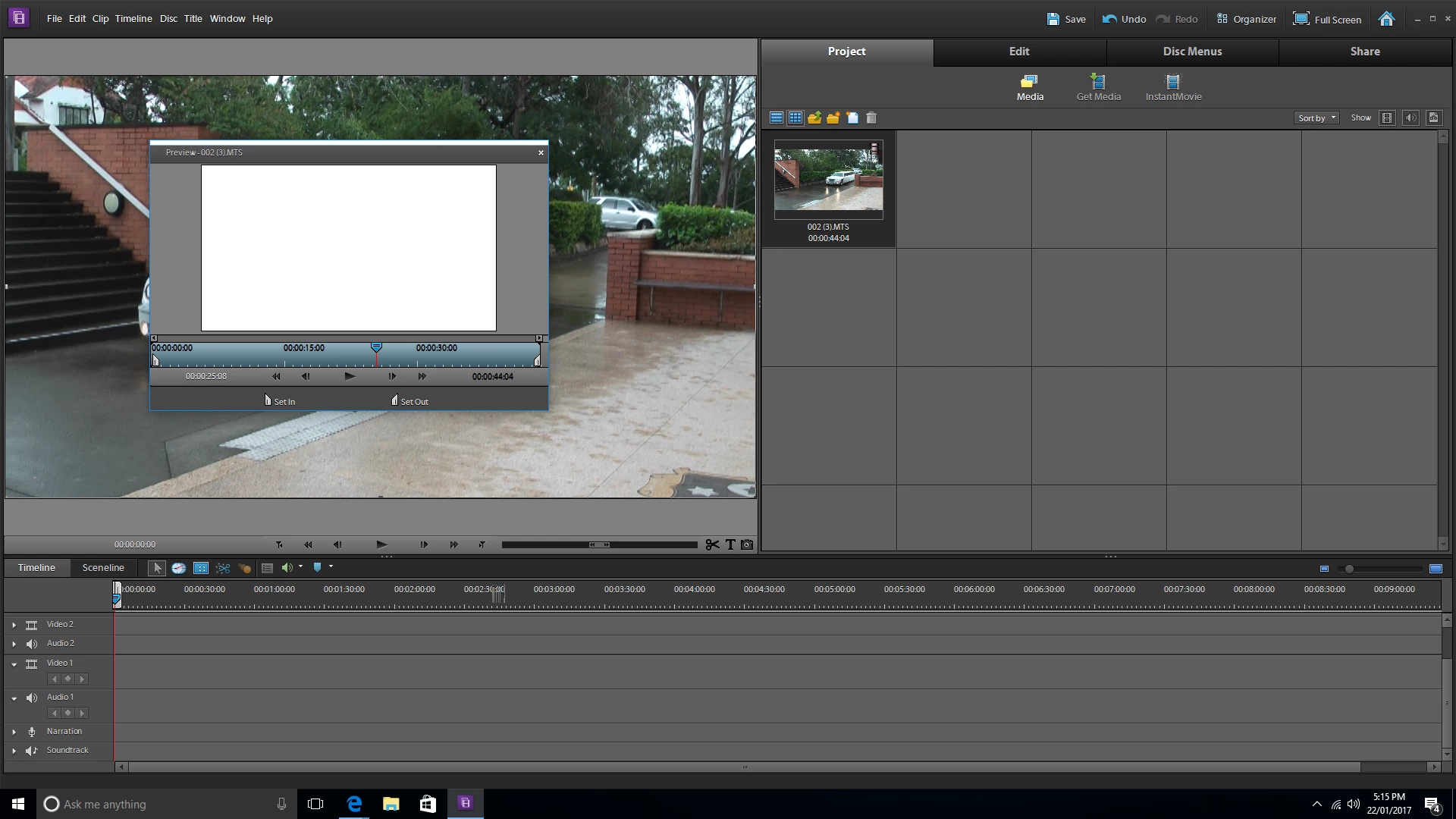
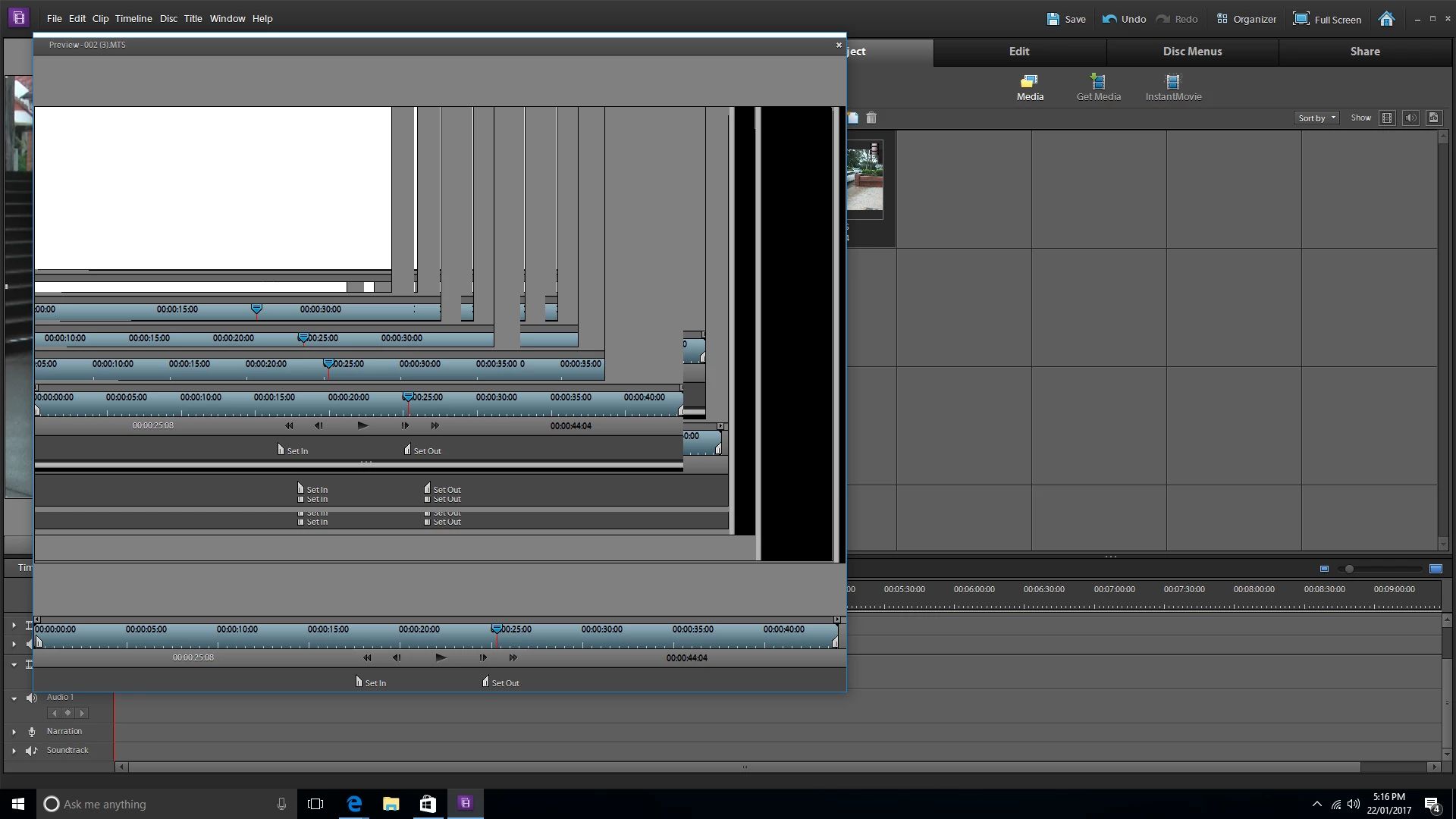
Hoping someone may help. I have just purchased a new PC and loaded on my copy of Premier Elements 10. All appears to work however when I import media and play it I only get sound and no visual. See example below. It also bugs out when I try and change the size of the preview box (example below)
Here is a copy of my specs for new PC. Drivers have been updated. I have also downloaded a trial copy of Premier Pro CC 2017 and this works fine. Has this something to do with not being compatible with Win 10?
Thanks
System Components:
- CPU: Intel Core i5 7500
- Motherboard: ASUS Prime B250M-A Motherboard
- Graphics: ASUS ROG GeForce GTX 1060 Strix Gaming OC 6GB
- Memory: Corsair Vengeance LPX CMK8GX4M2A2133C13 8GB (2x4GB) DDR4
- Solid State Drive: Kingston SSDNow UV400 240GB SSD
- Hard Drive: Seagate Barracuda 2TB ST2000DM006
- Case: SilverStone Redline RL05 Black/Red
- Power Supply: SilverStone Essential 550W ET550-B Power Supply
- Additional Lighting: PCCG LED Strip Red 30cm
- Operating System: Microsoft Windows 10 Home USB Flash Drive
 AdChoices