I enjoyed the post in German. For a couple years I had a contract to represent a German small aircraft company in the USA. My German friends tried to teach me a little German and I failed miserably!
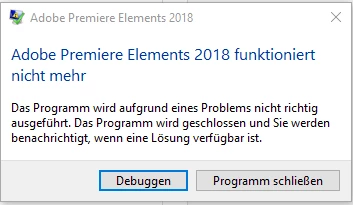
At this point I'm probably doing the same as you. I am google searching for "0xc0000409" and "ucrtbase.dll".
My earlier suggestion that an antivirus program was blocking the .dll was based on an article that said some antivirus programs would block it from installing. The suggestion was not that it would block it from running. One suggestion was that re-installing the application after temporarily stopping the anti-virus would "fix" the dll.
Among the places with interesting reading, this is one: ucrtbase.dll file - How to fix ucrtbase.dll errors
Can you find the ucrtbase.dll file on your computer? It is on my computer at C:\windows\system32. Are there multiple versions of ucrtbase.dll? Could the installation of Visual Studio have caused a replacement of ucrtbase.dll? I would be happy to put a copy of mine on DropBox if you think it could help.
Good luck with this. Windows system errors are extraordinarily frustrating.
Bill
Today I called the Adobe Hotline. A friendly guy gave me the tip to deinstall Premiere Elements, restart the computer,
then clean the remnants with Adobe Cleaner Tool https://helpx.adobe.com/de/creative-cloud/kb/cc-cleaner-tool-installation-problems.html . The important part is to set up a new user with admin rights. Premiere Elements has to be installed to this account.
Starting Premiere Elements I got the same Windows error message at the same position as shown in the first post. For safety I looked again in the event manager and found to my surprise that the error now came from another DLL:
KERNELBASE.dll, Version: 10.0.16299.15.
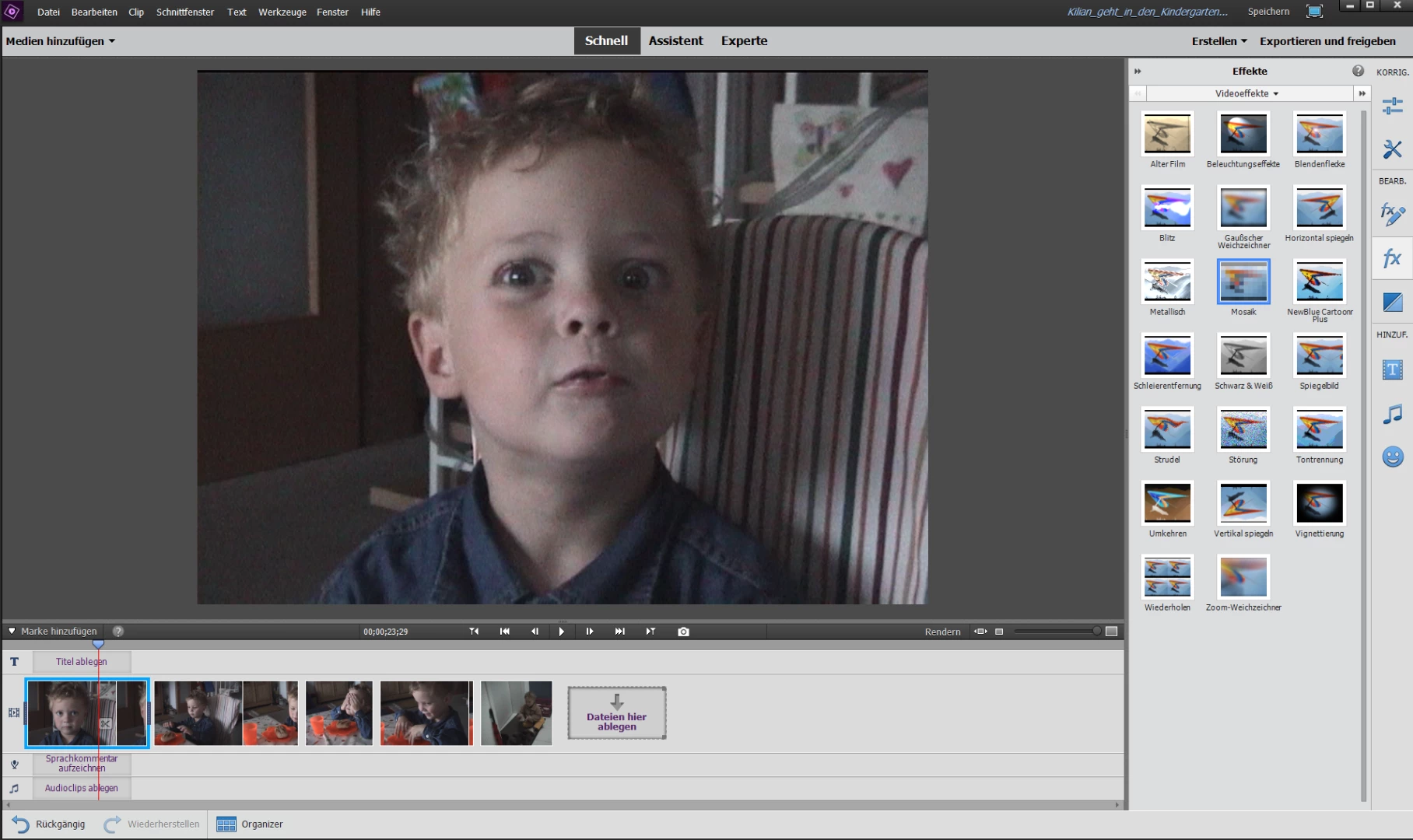
At the same time a window popped up for half a second. After several reproductions of the failed program start I found out it came from windows defender. The monitored folder access that came with Win10 creators update had blocked the access to C:\Users\adobetest\AppData\Local\Adobe. One has to deactivate this (new) feature in windows security center and the program starts as expected! So I could finally start working on the christmas present for my relatives.
Thanks for the support.

 AdChoices