
Participant
February 22, 2017
Answered

Editing a clip stacked behind another clip

  • February 22, 2017
  • 1 reply
  • 201 views

I have one clip completely behind another clip, showing up through a transparency in the clip in front (for instance, the Pan & Zoom Frame from Titles & Text). When I try to adjust the clip in the back so it will align better, the focus immediately switches to the clip in front, so I wind up dragging and resizing the wrong clip. The only way I found to move/resize the clip which is in the back is to move the clip in front out of the way, do my edits, and move the clip in front back into position. There must be a better way, but I haven't found it!

Example:

Go from this:
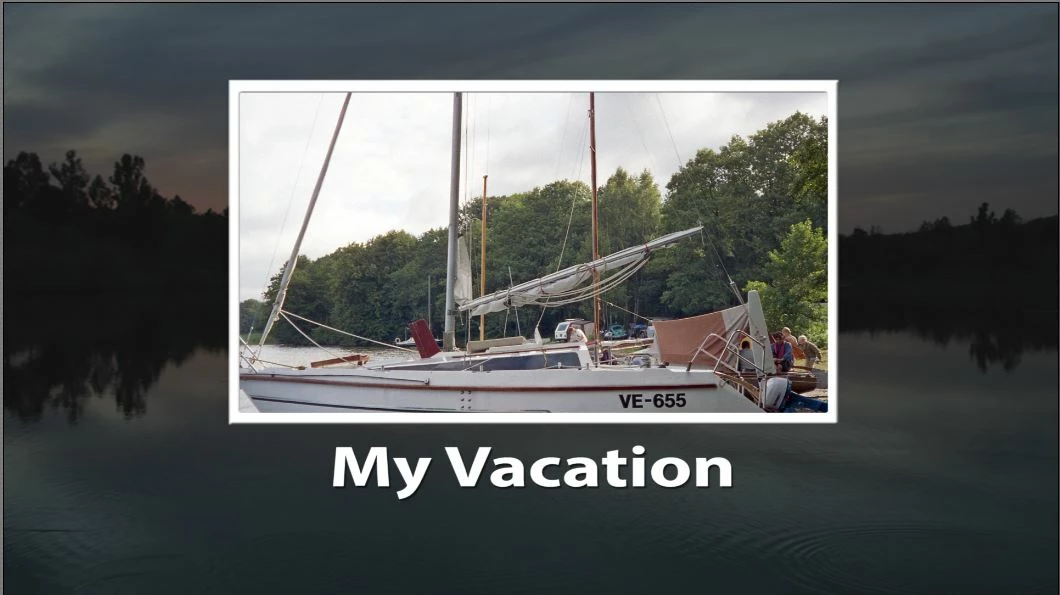
To this:
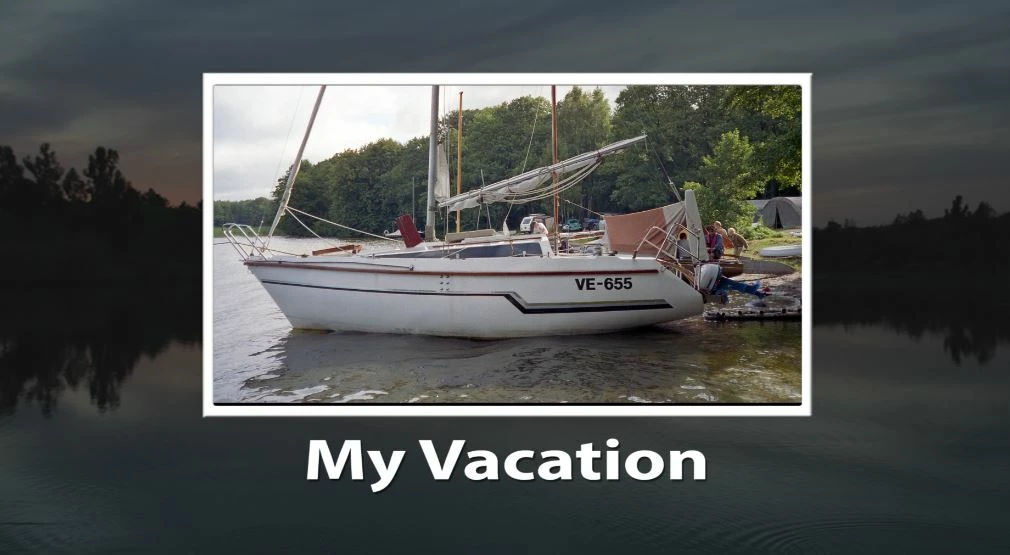
    This topic has been closed for replies.
    Correct answer Steve Grisetti

    If the upper track clip extends to the edges of your video frame, you will not be able to resize the video under it by clicking on the Monitor panel.

    You'll need to select the clip you want to adjust on the timeline, open Applied Effects and, on this panel, open and just size and position characteristics under Motion properties.

    1 reply

    Steve GrisettiCorrect answer
    Legend
    February 22, 2017

    If the upper track clip extends to the edges of your video frame, you will not be able to resize the video under it by clicking on the Monitor panel.

    You'll need to select the clip you want to adjust on the timeline, open Applied Effects and, on this panel, open and just size and position characteristics under Motion properties.