
How to determine correct settings for video input.
Up to now I was pretty sure the program (Primer Elements 2018) was selecting the correct settings for my input.
I am using a Panasonic Full HD HC-V770 camera,
I have the choice of MP4/iFrame or AVCHD
I have been using MP4/iFrame 1080 MP4 50m
I have found little guidance as to what the correct format for producing GOOD quality YouTube videos. I have discovered that I can only do time lapse in AVCHD but have yet to try it.
The same goes for out put, currently pick the Export & Share option and take what it gives me. I realize YouTube plays with the resolution, but would like to get what I can.
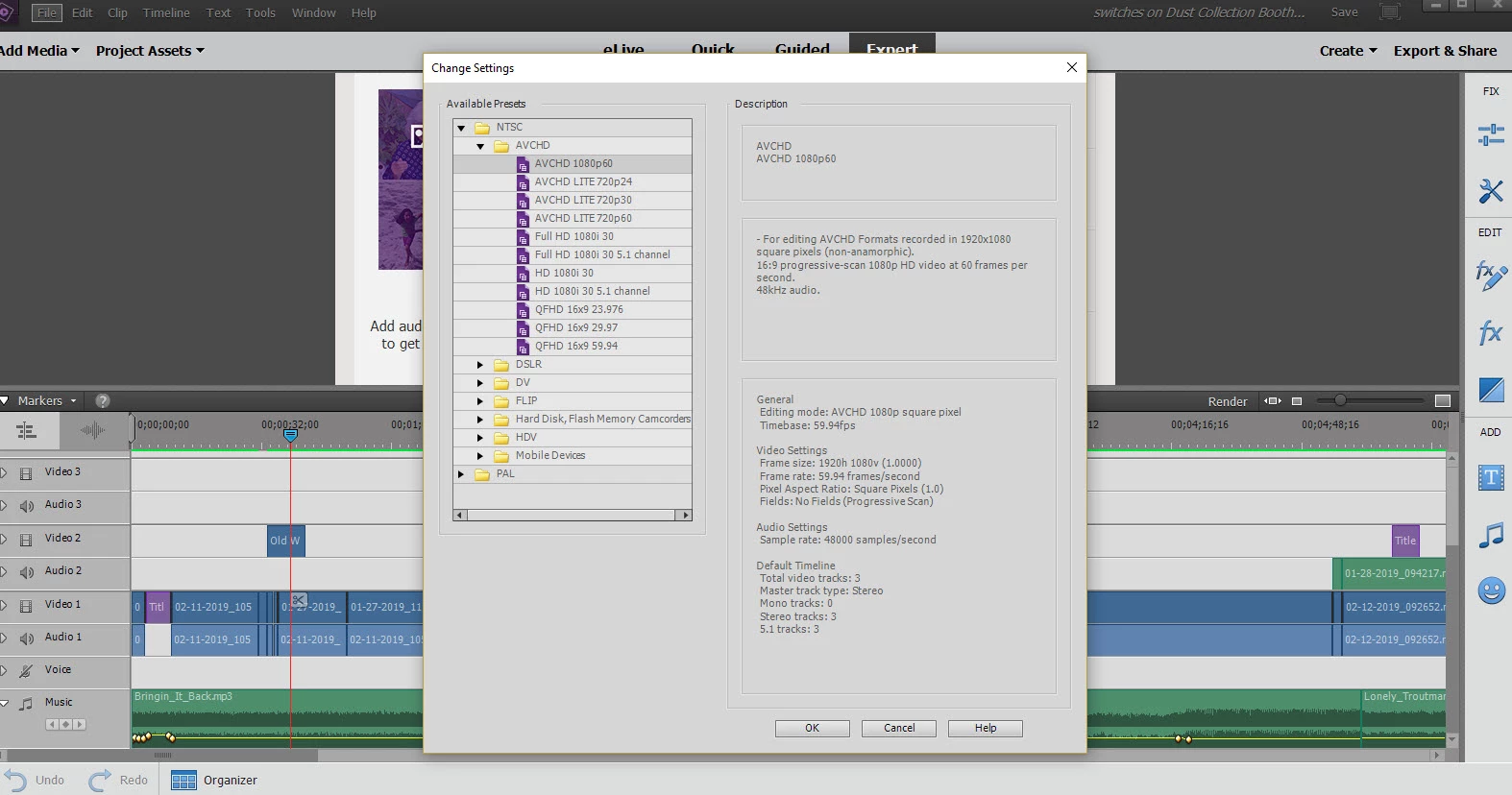
I do not see a yellow orange line above my clip. If I check project settings it looks like Elements has set it up as AVCHD????
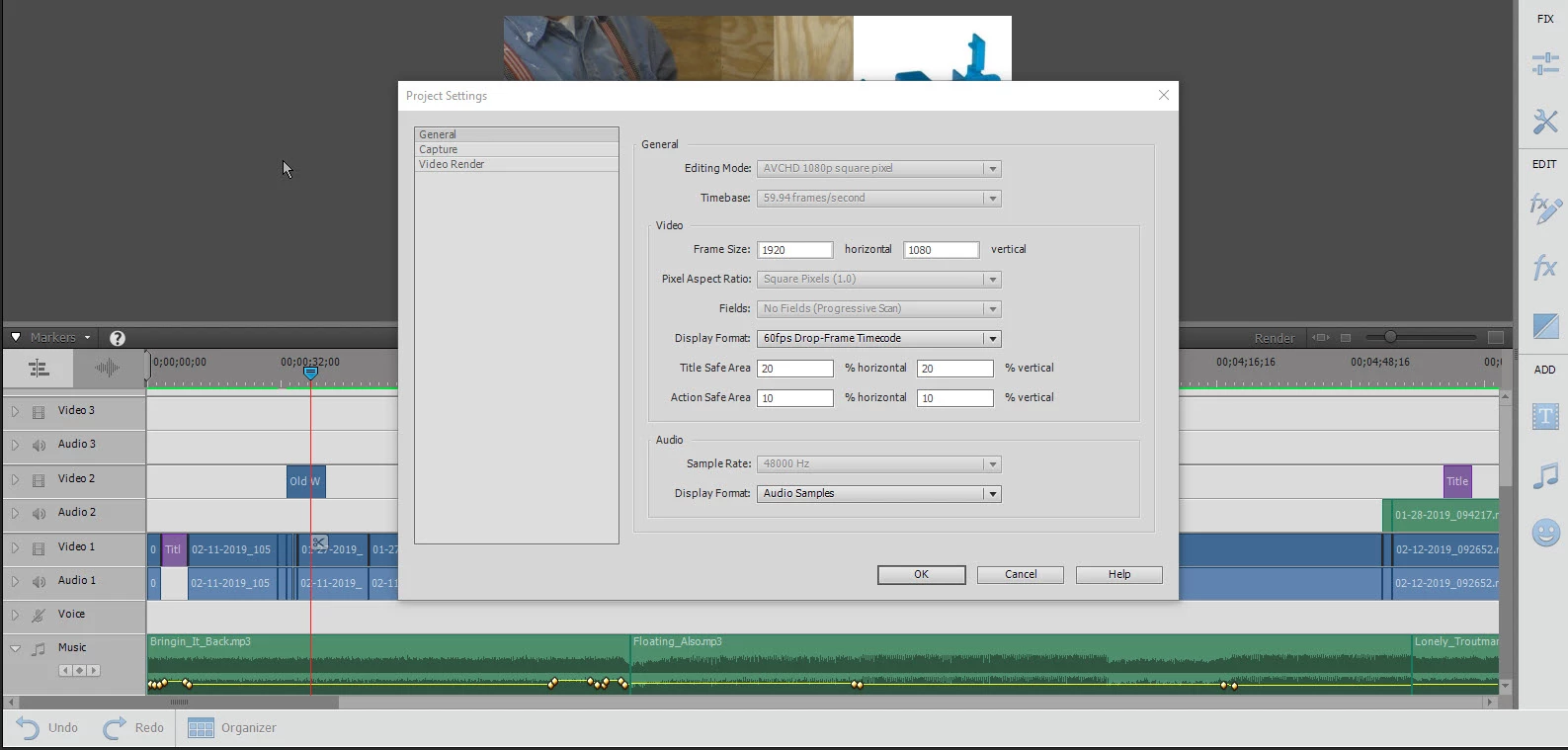
How do I determine what settings I should be using?
Latest video project, https://youtu.be/6ZyXcD8oGck
There is a setting on the camera that I have to go back and find for light in back of the object being filmed. I currently do manual white balance as if I let the camera do it the brightness of the video changes.
Thanks for your time and help.
Glenn
 AdChoices