

My projects are there but the only thing that comes up is a "media off line" screen
Hi, I was wondering if someone can help here. I have been uploading a number of video projects to do basic editing in (under the quick function). For a while it was fine in that I could work on them, save and then reopen to continue work at a later date. I published one of the projects (there are about 6 projects I was working on) to my hard drive and that seemed to go well. It seems to have transferred the footage (file size id 1.2gb) but now when I go back into any of the video projects all that comes up is the following:
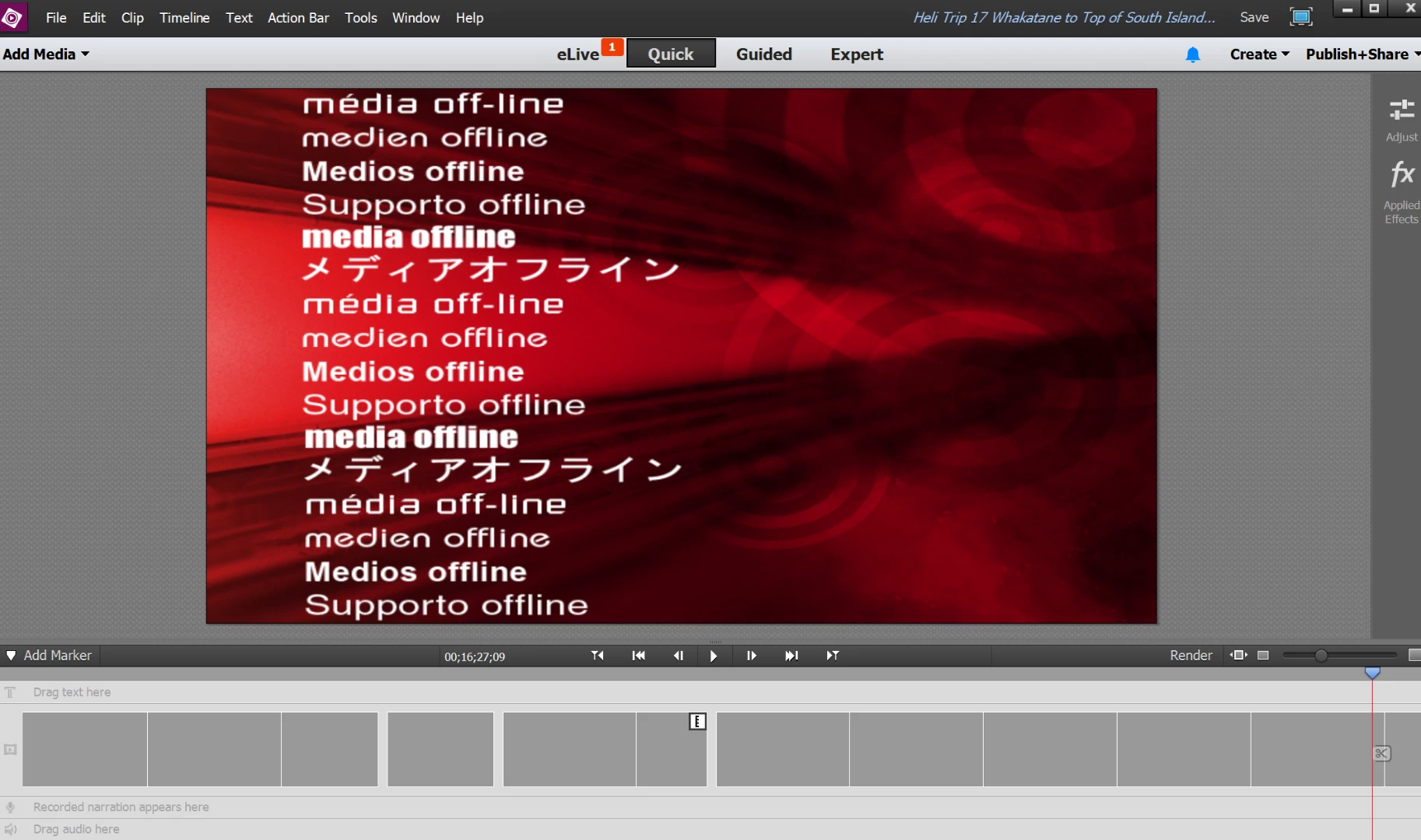
When I hit play on the above (and on the player when looking at it via my hard drive), the cursor and everything are moving as though the video is playing but the above is the only visual. This has happened to all the existing projects. It has also happened to the video saved to my hard drive.
I loaded in a new test project (smaller size) just to test and it seems to be working - the video plays/works fine in Elements and transferred to my hard drive fine where it is also able to be played.
I have noted that an update request is coming every time I log into Elements and I dutifully install it - the process seems to work fine including a notification at the end that it has been uploaded and will be applied on restart. It just keeps on coming up again every time I go in though. I had thought this might have something to do with the above issue but given I have been able to subsequently have things work ok on the more recent test project so it probably isn't.
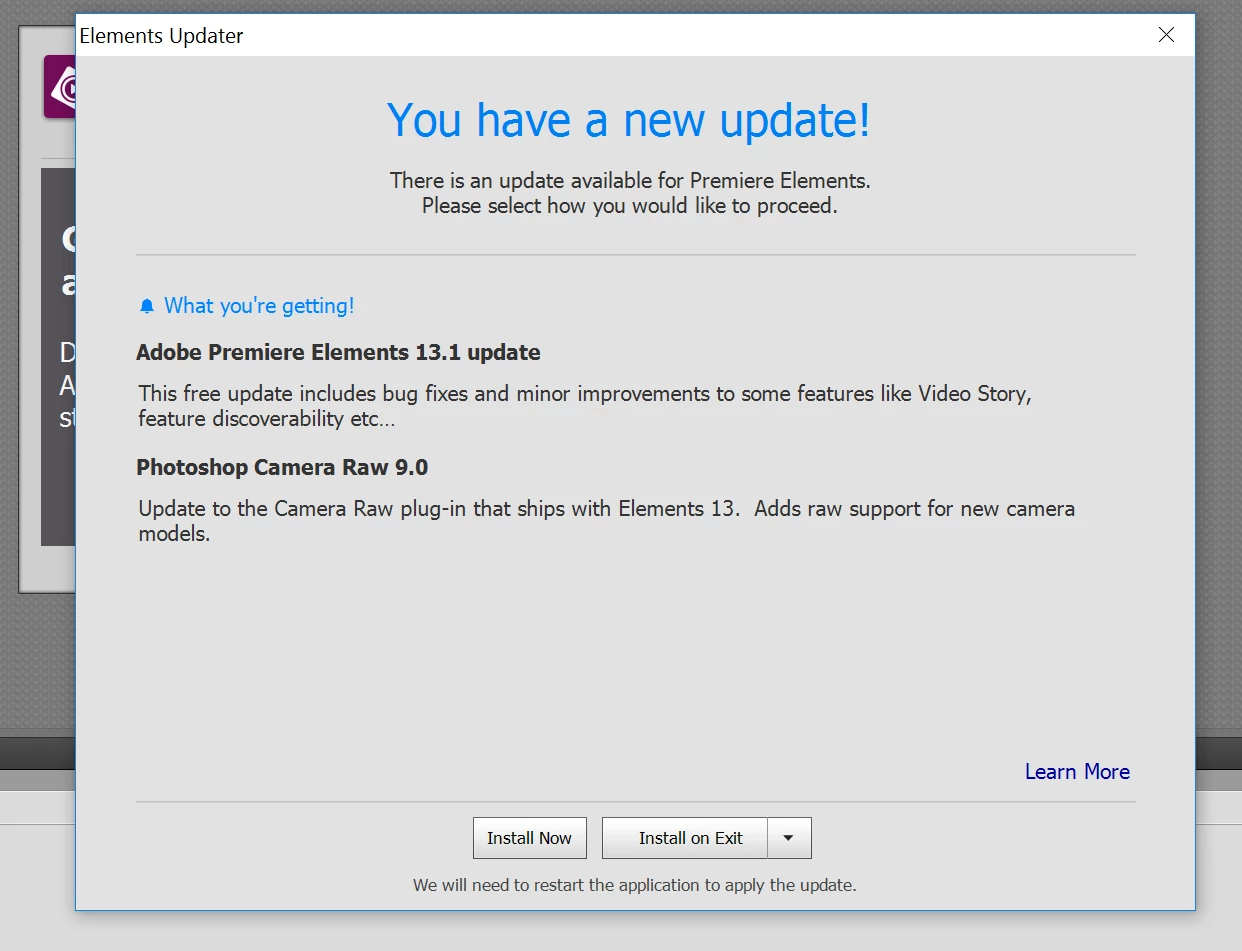
Has any experienced this before. I am not overly familiar with Elements and suspect that there is a relatively simple solution. Also just to confirm I am online when this occurred/is occurring.
Any help gratefully received.
 AdChoices