

Pan & zoom for portrait-oriented photos - not fit to frame
Hi I see a few other threads on this topic, but none of them seem to answer my particular question!
I'm making a video that includes still photos - they are of various sizes, orientations, and resolutions.
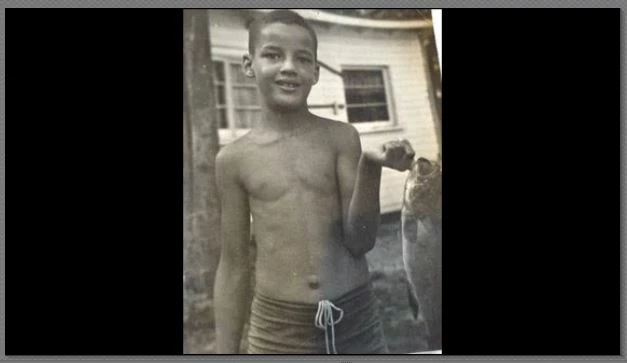
When I add them into the project, they are automatically resized to fit into the frame either vertically or horizontally, with black bars filling the remaining space (e.g. they aren't zoomed in to fill the whole frame). This is great, I love it.
But -
I want to give the photos a subtle "ken burns effect" by zooming in on one part of each photo.
However, when I use the pan and zoom tool, the photos are resized to fill the frame. There doesn't seem to be a way to set the starting frame of the zoom to the view I see on the preview - i.e. the whole photo fit onto the screen with the black bars.
I would really like to know if this is possible!
To clarify - I want this to be my "starting frame" for pan and zoom:
instead of this:
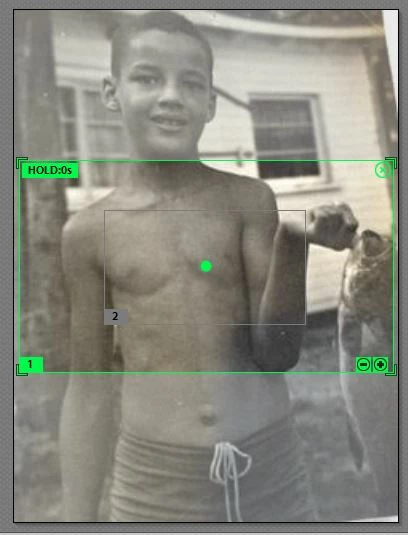
I have already put together the project with video, narration, soundtrack, etc. so something that doesn't involve starting over or is preferred 
 AdChoices