
Resizing Photos to Match my Video Project
Hello,
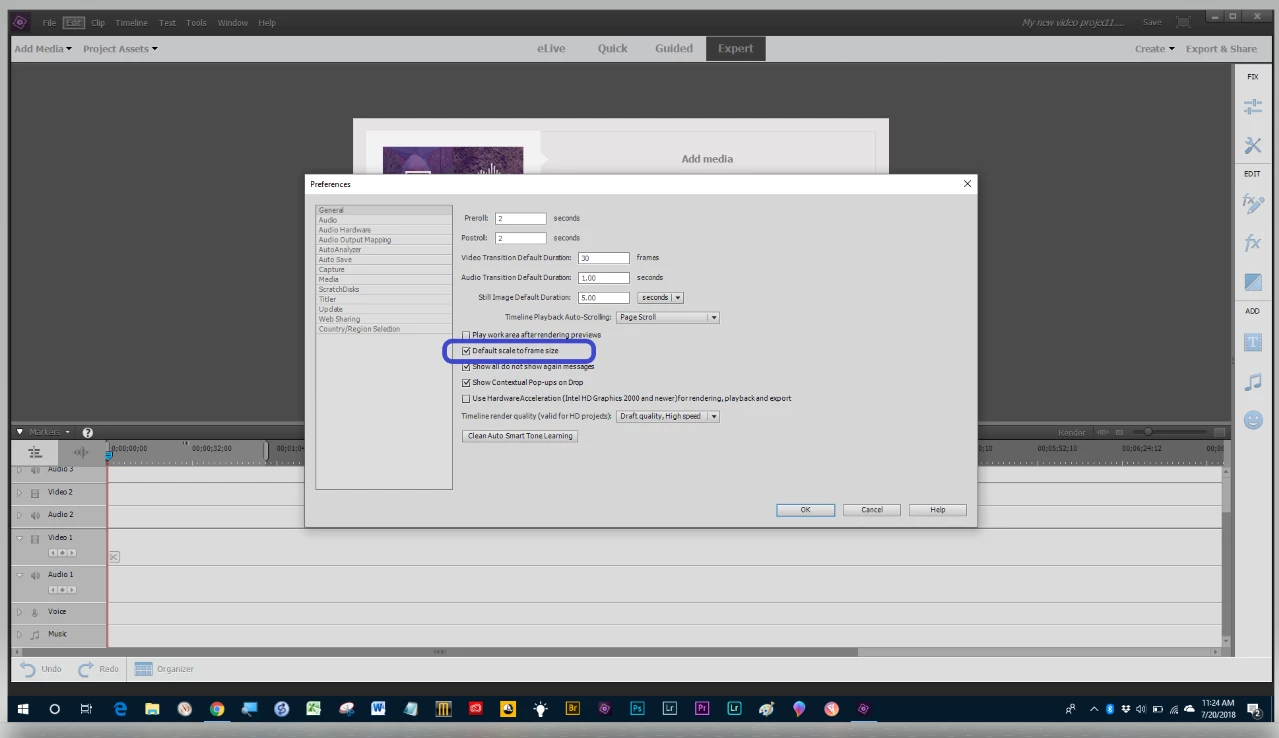
I've been making a video project for my daughter's wedding. I'm adding copies of various types of photos. I've used batch resizing to 1000 pixels width. The initial photos that I used all fit into the timeline nicely. Then, I decided to add some text to a couple of photos. I did this by editing the photos in Photoshop Elements 15 using the T button. I then resized the photos to 1000 pixels width and imported them to my timeline in Premiere Elements 15. They all came in too large to view in the timeline. I tried resizing them to 750 width, but they also came in too large. I then tried adding new photos that did not have any text added, and they are all coming in too large. The only thing I have done since I processed the initial photos is to install Quicktime on my computer. I'd like to have the new photos work on my timeline. Any suggestions?
Thanks,
J Mac
 AdChoices