

Trouble Publishing and exporting Premiere Elements 13 video
Hi - I have a two part question:
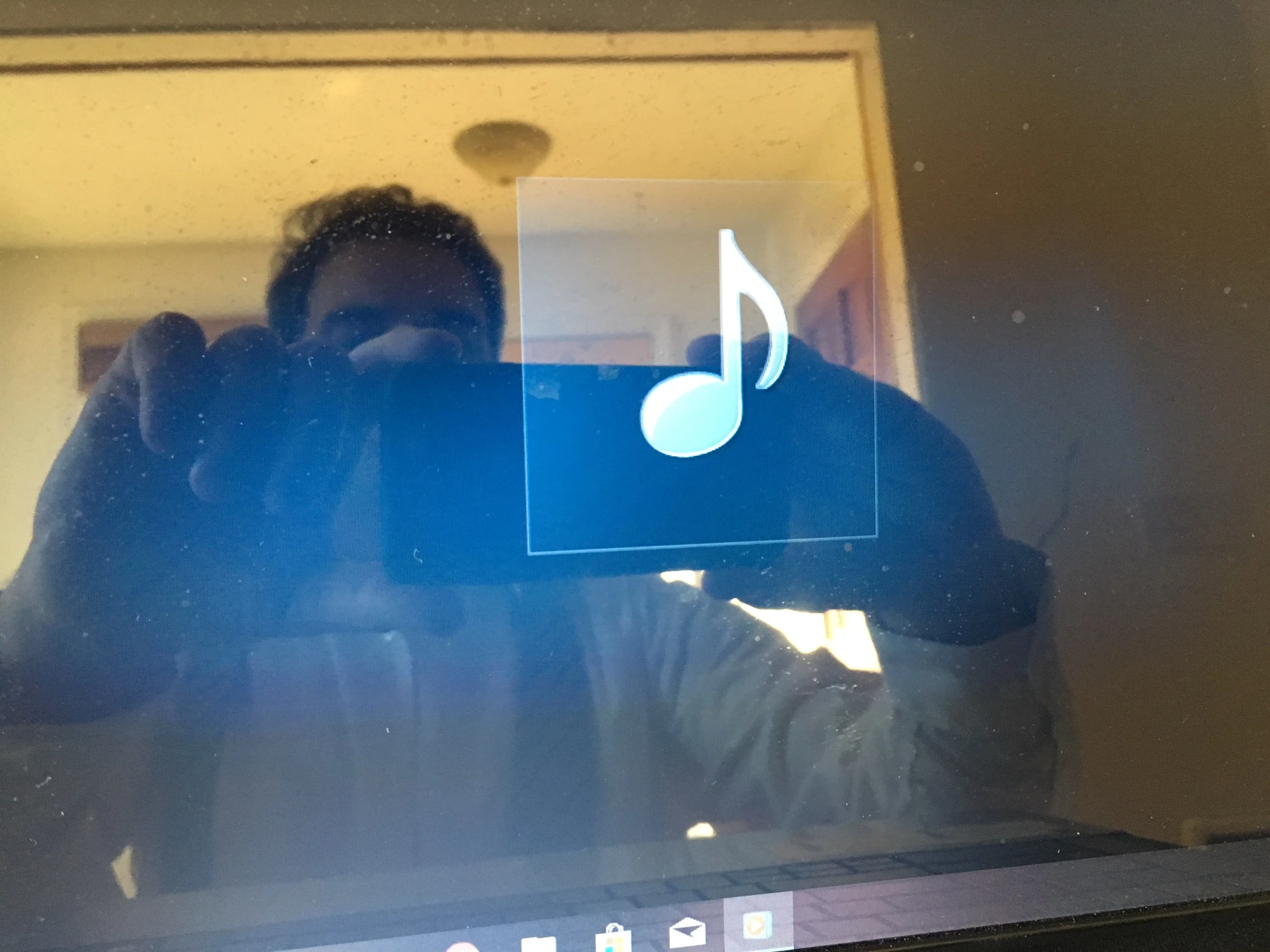
First, When I try to publish/share my video under the "playback on this computer or burning DVD" option, the rendered version will only play audio, but it won't play the video on my PC with Windows 10 through Windows Media Player. I have upgraded to 13.1. I uploaded the video to my Google Drive and the video does play. Ultimately, I need to upload the video as a job resume to Youtube and I fear I will have playback problems. What am I doing wrong?
Secondly, the video appears to be a low resolution. What setting do I use to make my video appear HD on Youtube? I'm not very tech savvy, so I went with the first choice "NTSC DVD Standard", which obviously is a mistake.
I've attached 2 pictures. The first is the drop down menu with my choices for export, and the 2nd shows what I see when I try to play back my finished video through Windows Media Player. Thank you very much for your help.
I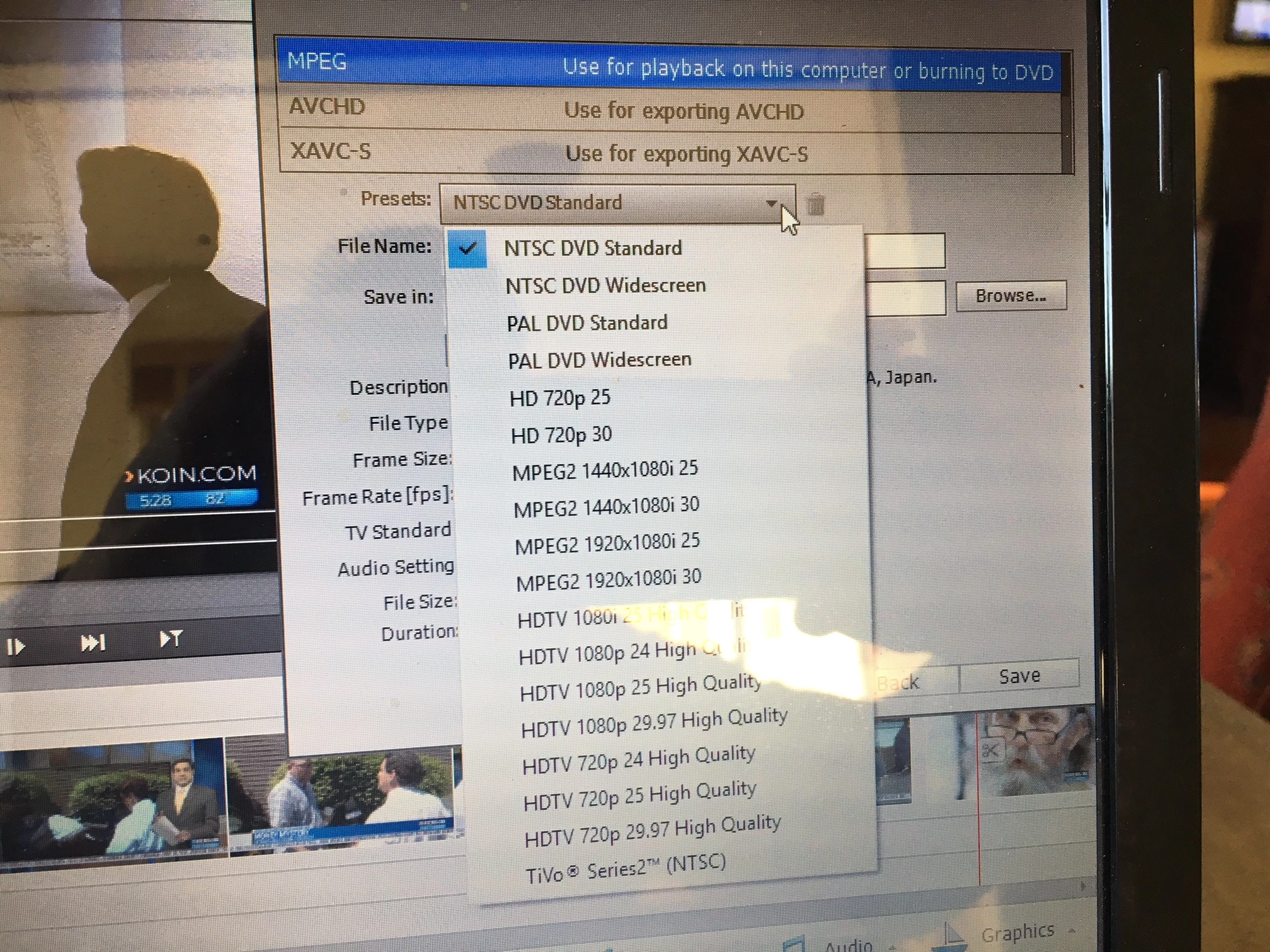
 AdChoices