
Question
Auto Analyzer - Can't stop faces auto detect
Hi all,
Just bought the latest Alements Premier software having had a 5 year old one on a old laptop and every time i go to use the pan and zoom tool, if it's a crowded picture it's making the clip 30 seconds long and adding half a dozen frames... it's driving me blooming mad!
I think i have worked out that it's called auto analyzer but having watched a tutorial to turn it off, my version does not have the AutoAnalyzer tab in preferences so i can't seem to stop it!
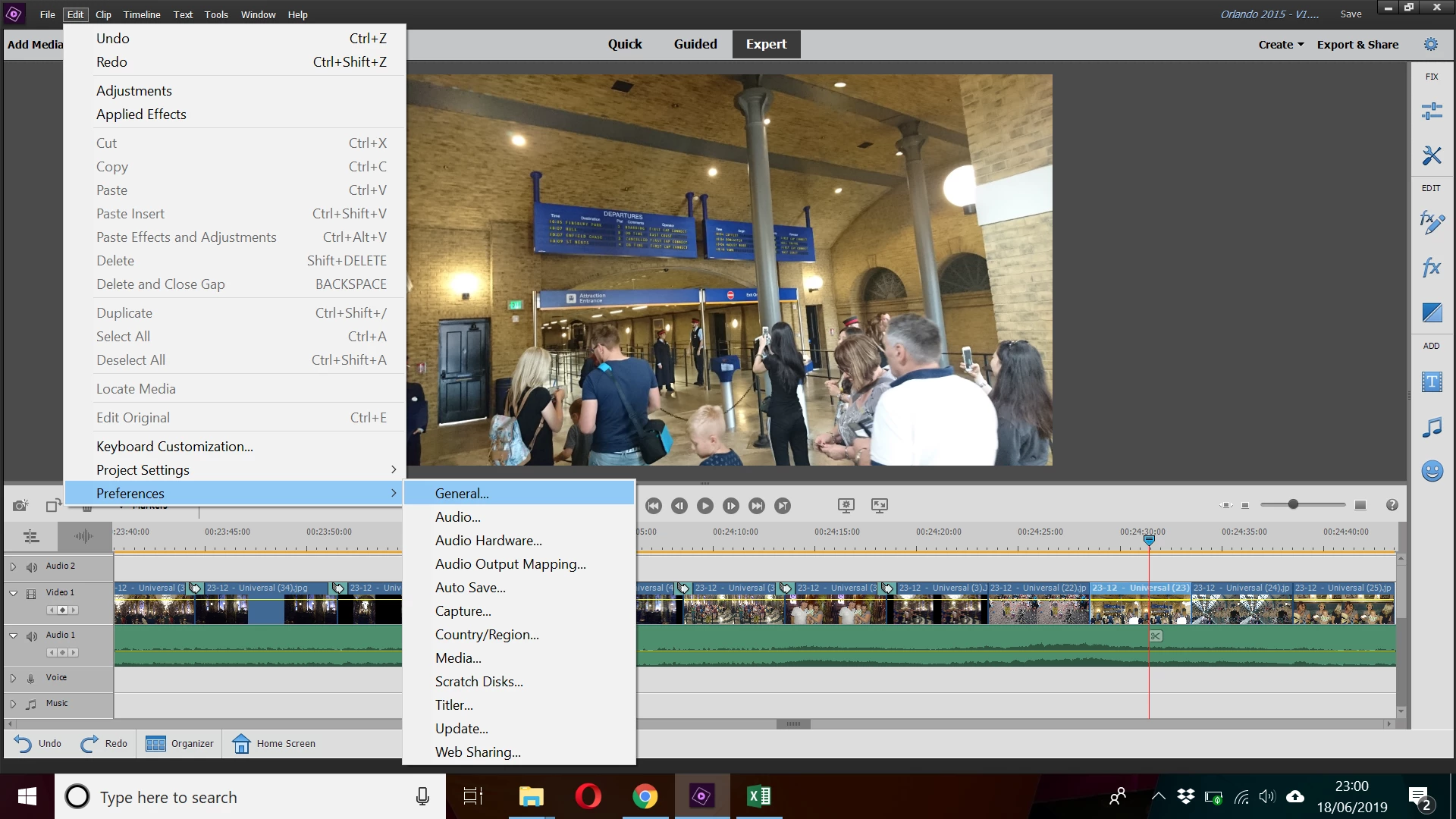
Any ideas? Cheers in advance to anyone who can help


 AdChoices