Inspiring
December 29, 2018
Answered

How do I get an exported freeze frame photo to not get distorted?

  • December 29, 2018
  • 1 reply
  • 3295 views

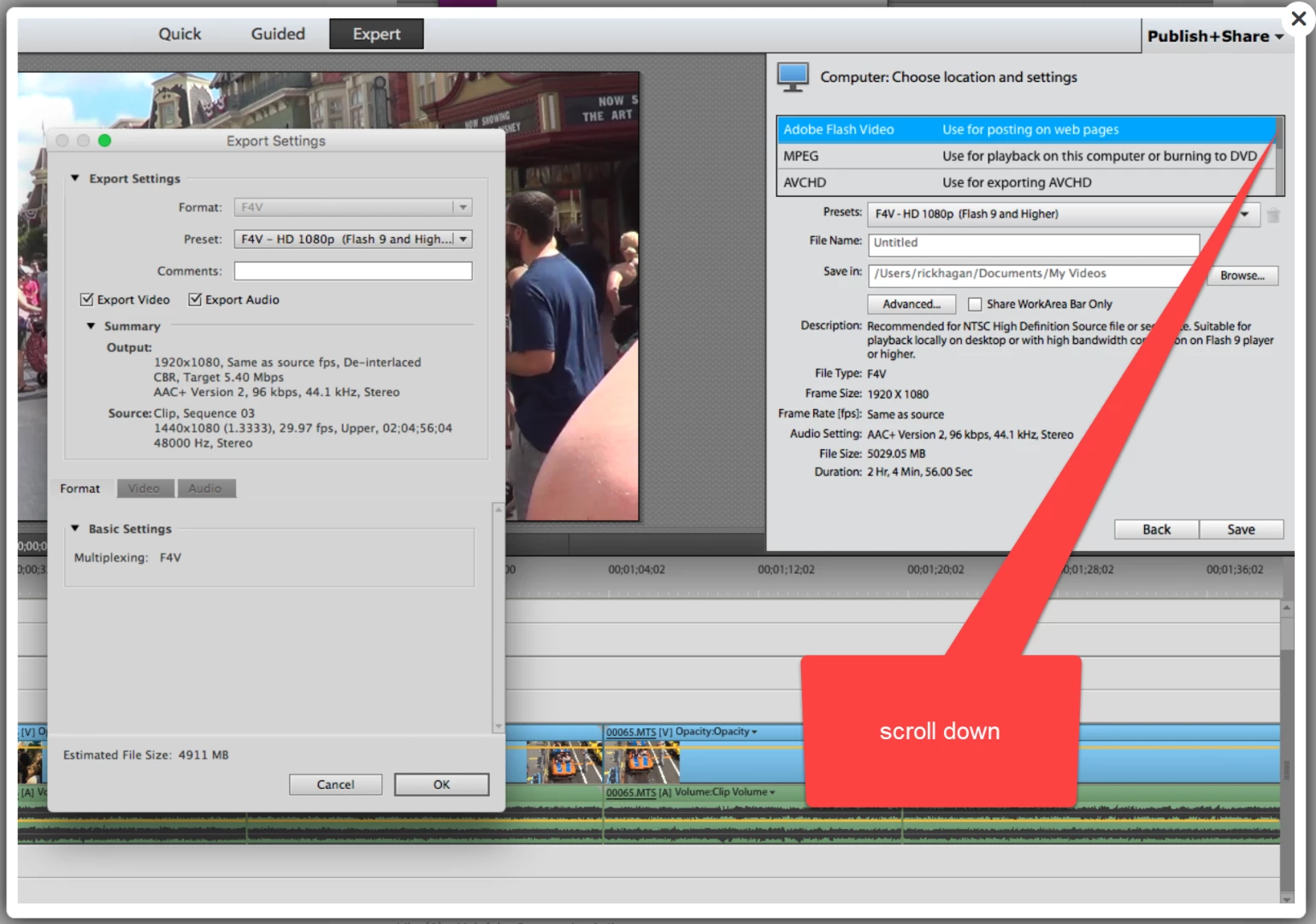
I use Premiere Elements 12.1 on an iMac running High Sierra 10.13.  When I use Freeze Frame and export a photo, it has a distorted look.  It seems as though the image is "squeezed" together.  It looks fine if I include it in my project, but exporting it for use in Photoshop Elements for example has a distorted look.  Any suggestions would be appreciated.  Thanks.

Rick
This topic has been closed for replies.
Correct answer Ann Bens

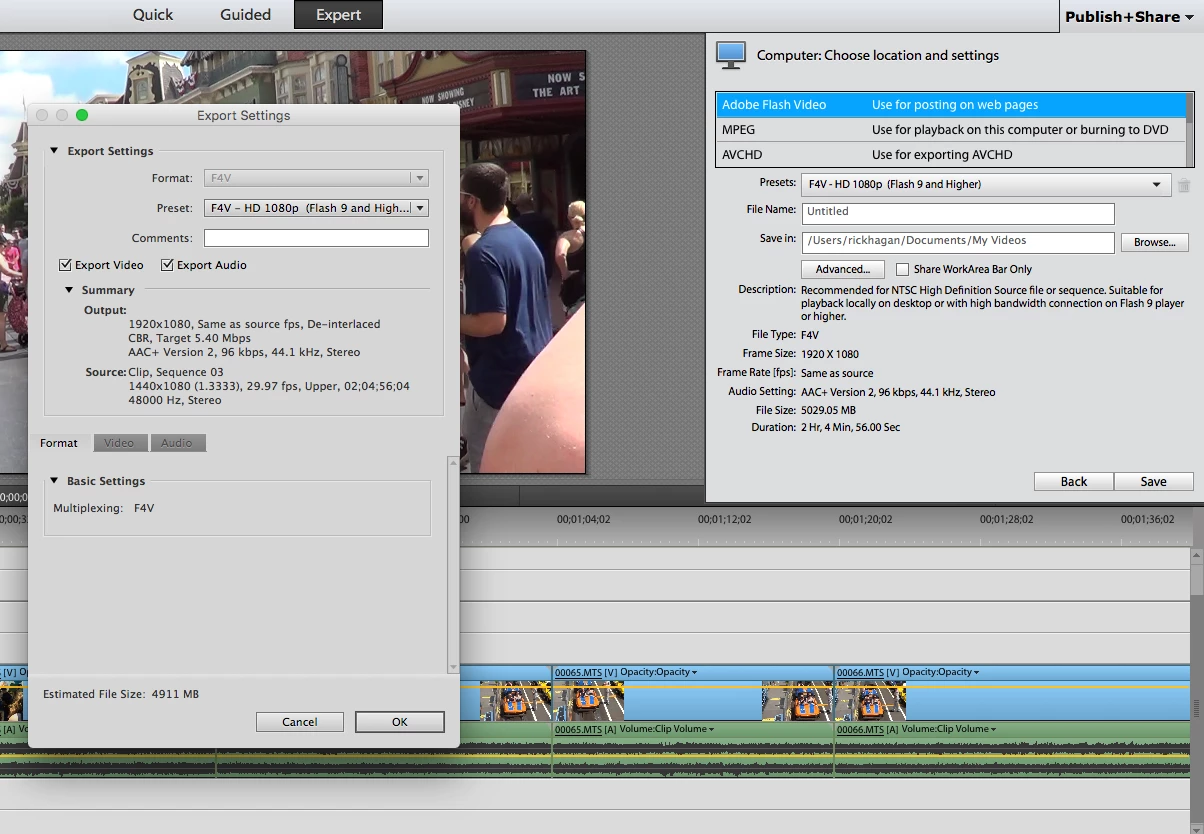
The box on the left is from clicking on the Advanced box.  Unless I'm missing something obvious, all I see are video options.


1 reply

Community Expert
December 29, 2018

Can you post an example of the distortion?  My experience with Freeze Frame is good.

If it a sort of "leaning" it can be a result of "rolling shutter" effect.  That's because video is shot with an "electronic shutter" and fast moving object will lean. 

Within Premiere Elements, there are a couple ways to capture stills.  Which method are you using and what is your goal with the output? 

There are lots of other ways to capture stills if the one in Premiere Elements isn't working for you.  The free and very good VLC video player has options to capture stills.

Inspiring
December 29, 2018

This first picture is from the freeze frame export...

The following photo was created by creating a short video in Elements, sending it to my iphone, positioning the video to the frame I wanted, and then doing a screen shot of that frame.  Not a real sharp image, a bit of a pain, but more true to size. 

I am uploading pictures to Picaboo website creating a photo album.  I did not have a camera picture I could use for this shot which I wanted.

Community Expert
December 30, 2018

I can see the frustration.  And, I can't see why it is doing what it's doing.

There are two ways to capture a frame. 

One is Freeze Frame from the Tools menu.   On version 12 it should give you the choice of making a jpeg and inserting it in the timeline or exporting it to a folder. 

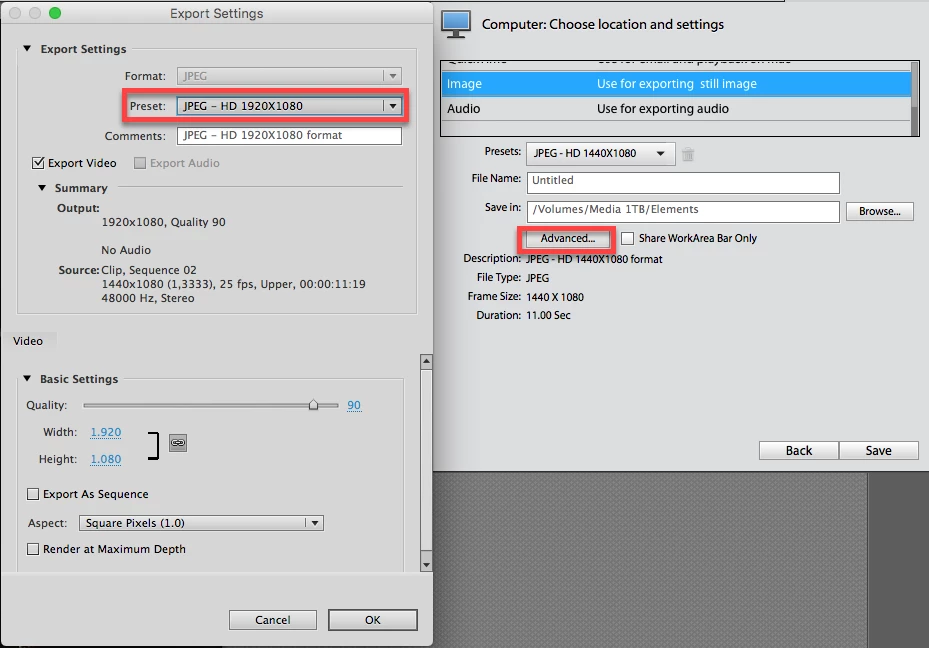
The other way is through Export and Share.  There should be an Image choice which is followed by other choices. 

Which are you using?