Hi @wtwoguy:
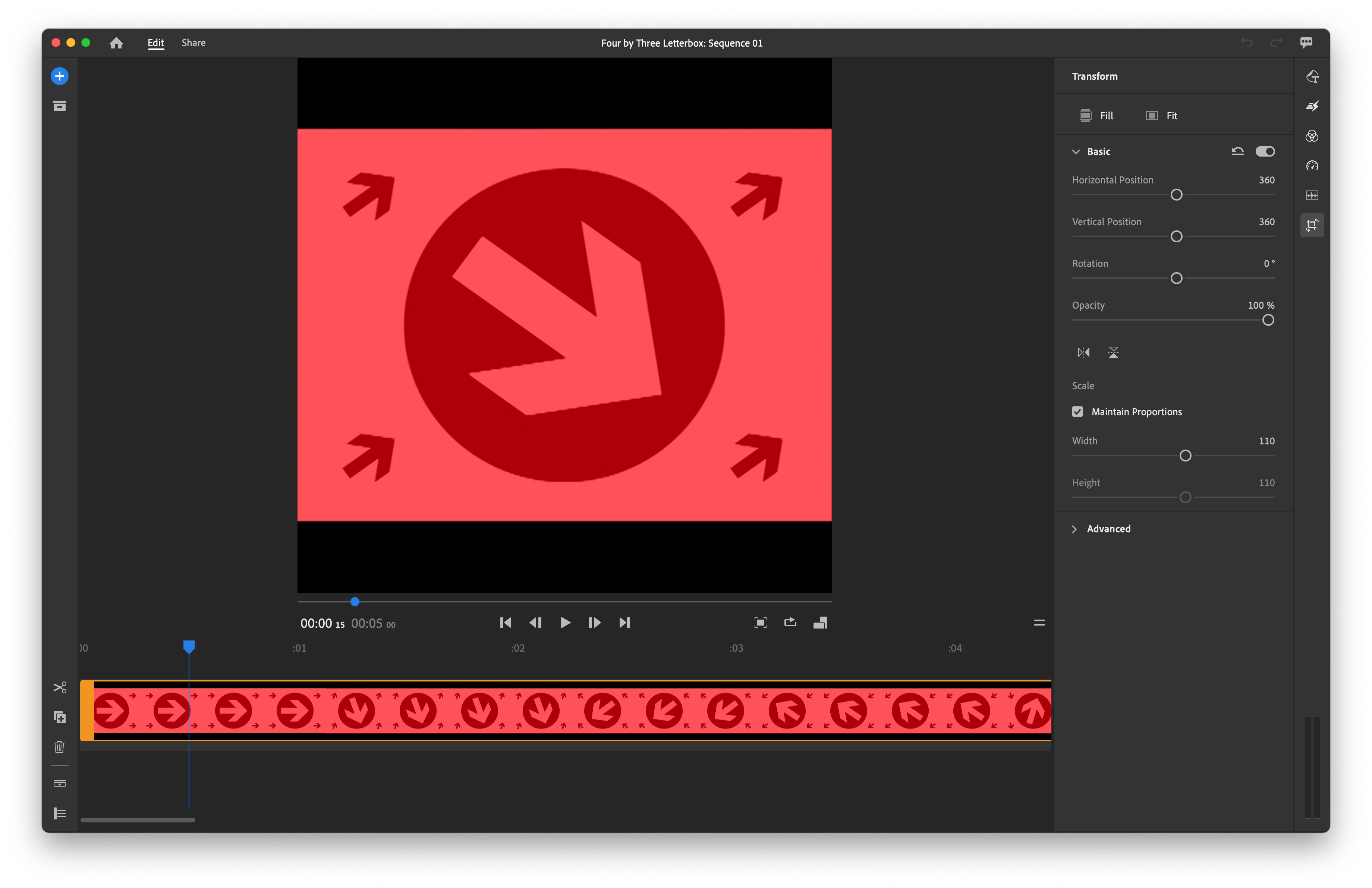
You may have noticed that if you import source footage with a 4:3 (1.33) aspect ratio that Adobe Rush uses a 1:1 (1.0) Timeline.
Unfortunately, only 16:9, 9:16, 4:5, and 1:1 are supported. In the Crop & Rotate options, we can use Transform > Fit to fit 4:3 into 1:1 with letterboxing (black bars at the top and bottom).
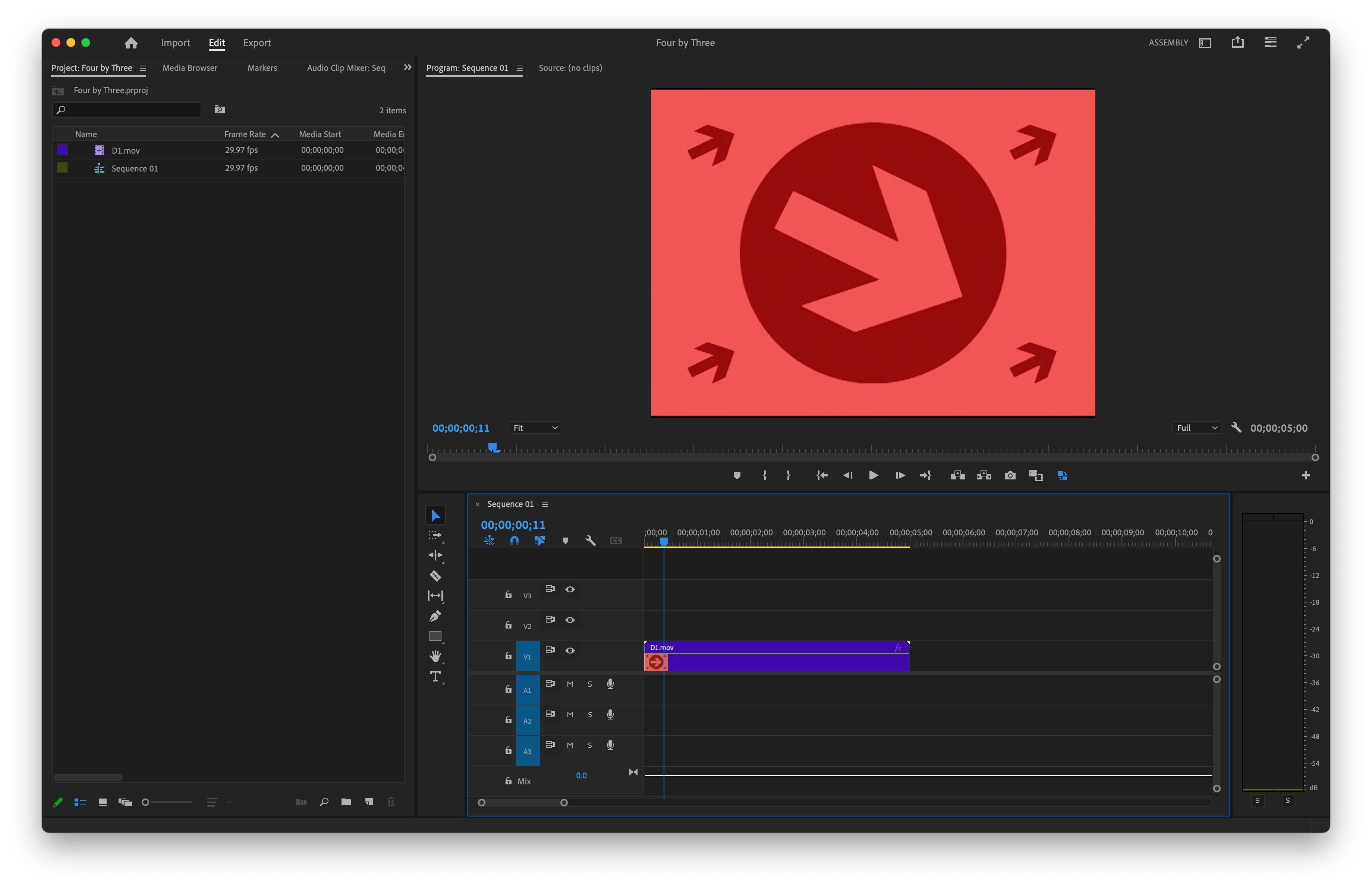
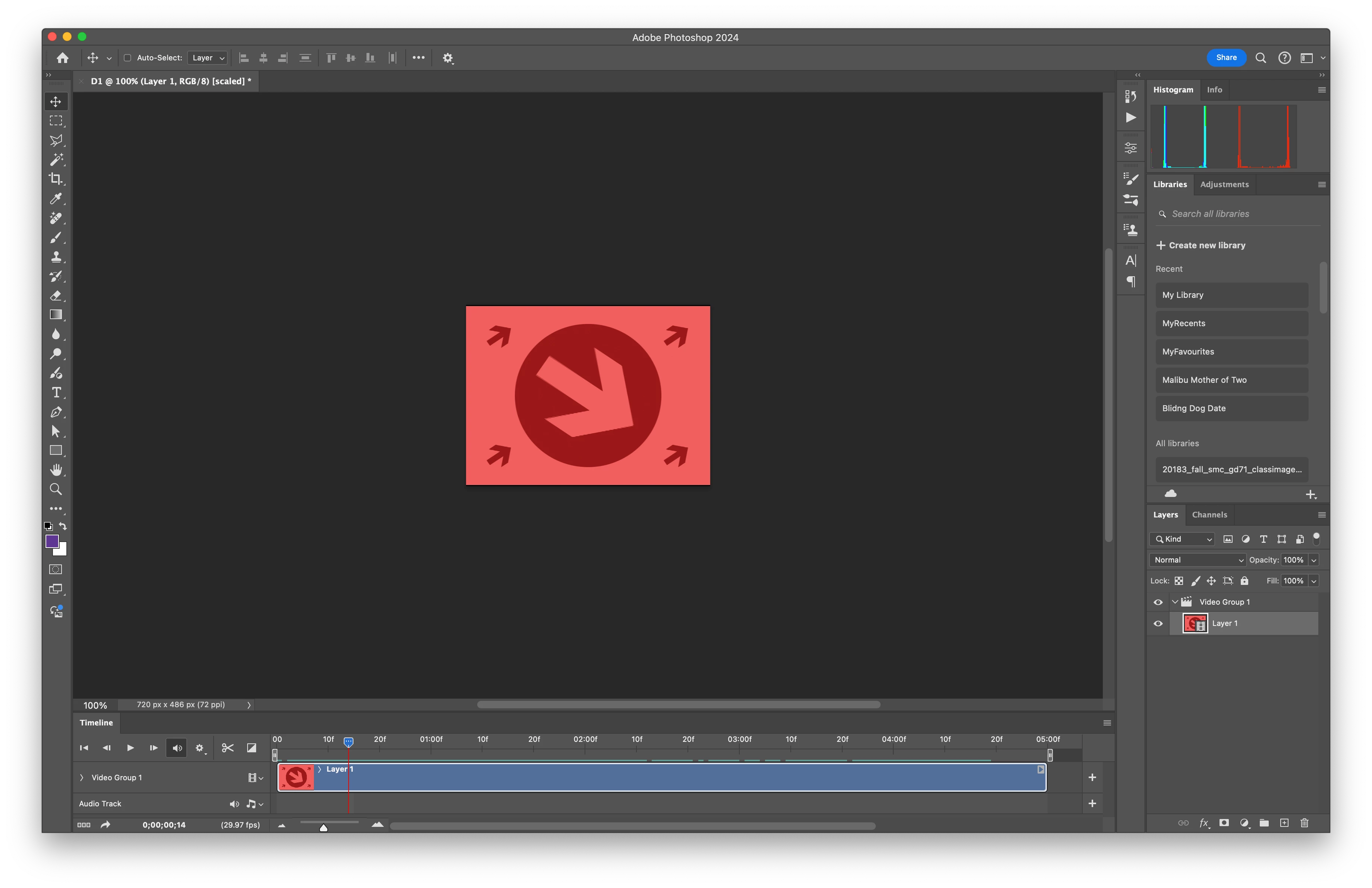
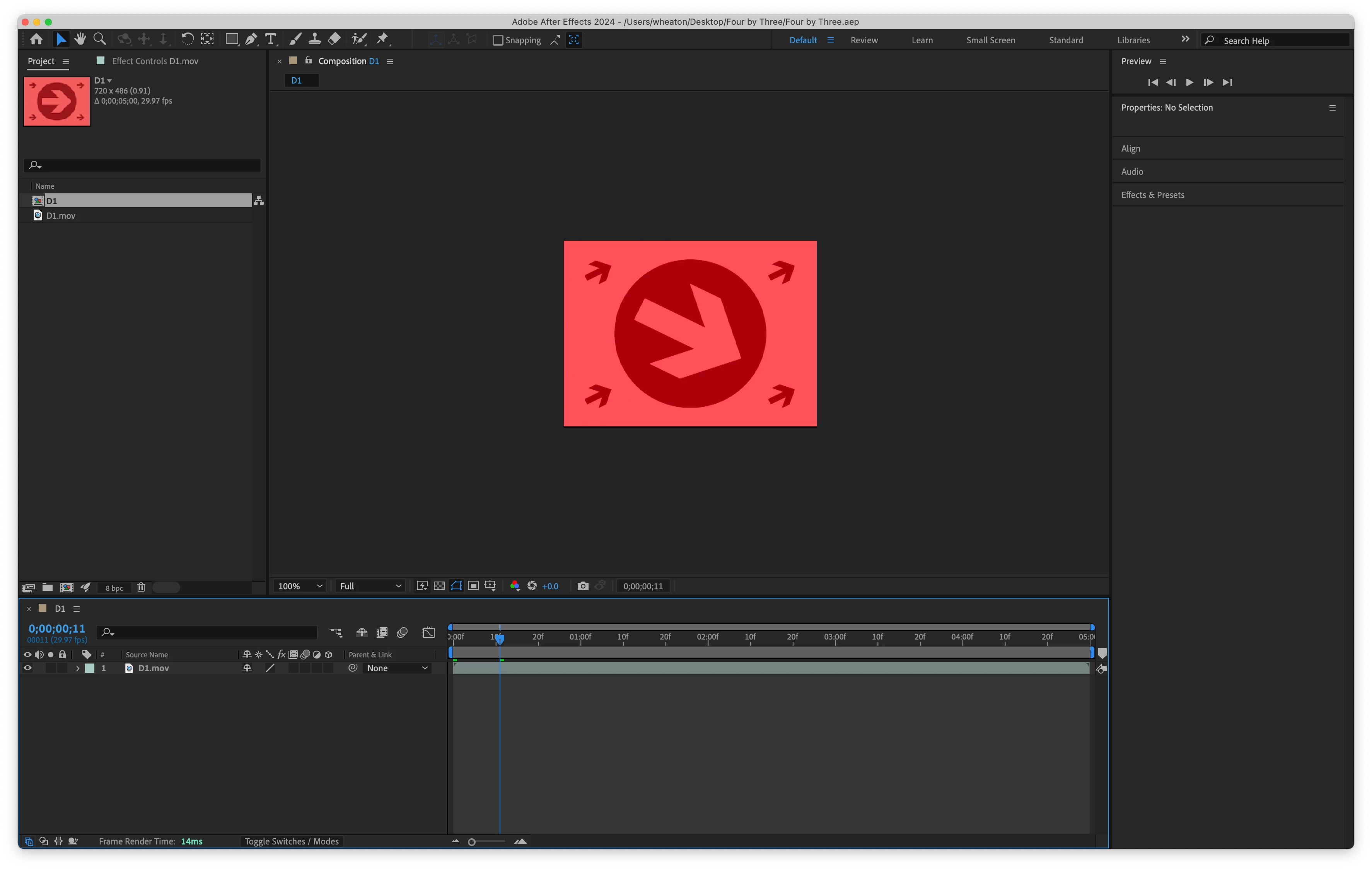
Premiere Pro supports a 4:3 Timeline as well as Photoshop and After Effects.
A technical note: When using 4:3 source, it's a best practice to crop for overscan. Your sample image shows a thin column of black in the picture along the right most edge that would not have been visible on a standard definition televsion set.



 AdChoices