
Participant
August 5, 2021
Question

Not able to upload videos

  • August 5, 2021
  • 1 reply
  • 541 views

I use a video editing app to put a filter on my videos, and I haven't had a problem with uploading them before. I got a new phone, so I'm not sure if that has anything to do with it, but I am now unable to upload any videos that I took. How do I get the videos onto my app?? Here is a picture of the notification I get when I attempt to put a video in my movie!
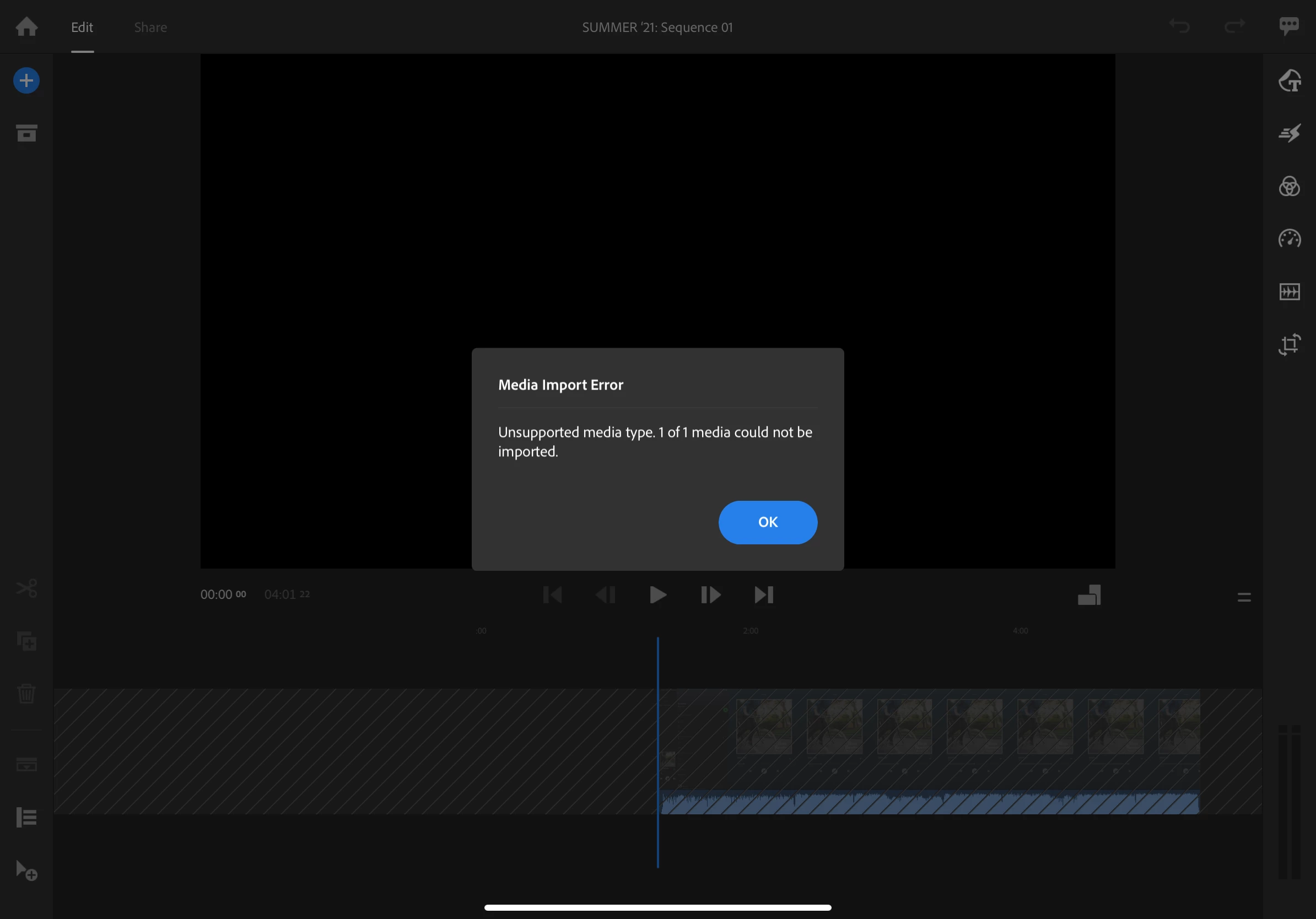
 

This topic has been closed for replies.

1 reply

petergaraway
Adobe Employee
Adobe Employee
August 5, 2021

Hi @defaultxum6qgs5sxth 


Sorry for the unhelpful dialog. Can you tell me what source the clip came from? Also, would you be willing to share the file with us so we can determine why it's failing to import? 


Thanks!


Peter 

Participant
August 6, 2021

Hello. 


I am uploading my videos directly from my iPad's camera roll. If you can figure out the problem from it, sure. There's only a screen recording of a song on the video now, because all my other videos fail to upload. I am sure how to share the file though.

petergaraway
Adobe Employee
Adobe Employee
August 6, 2021

So the clip that is failing to import is from a screen recording on your iPad? It would be very helpful to use the same clip that is failing for you. You can upload to Creative Cloud, Dropbox, Drive, or whatever you prefer. Feel free to DM me the info. 


Thanks!